Bookings
An online booking system that gets you paid
Let customers see your availability and book a time in seconds — and take payment upfront. Perfect for salons, studios, coaches, tutors, and experiences.
- Real-time availability
- Pay at booking
- Start free
Everything you need, built in
See it working
A booking page that does the admin for you
The same screens your customers and your team use every day — no mock-ups.
No back-and-forth
Customers pick a time that is really free.
Set the hours you work. Shopstar shows what is open, in your customer’s time zone, and takes the slot off the moment it is booked.
- Open hours, breaks, time off and holidays
- Start times on the interval you choose
- No double-bookings, ever
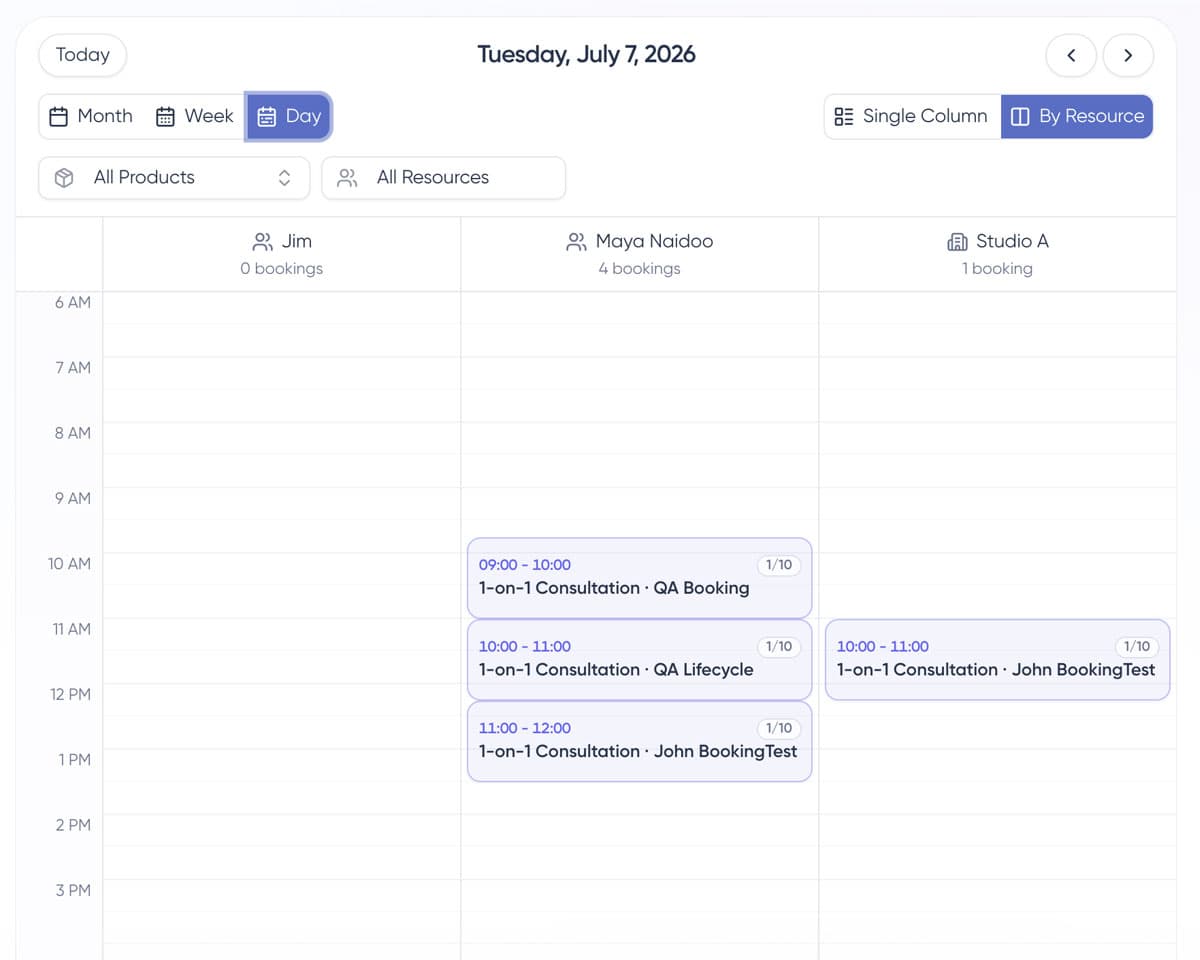
People, rooms, equipment
Never double-book your team or your space.
If a service needs a specific stylist, a room, or a piece of kit, only the times that genuinely work show up.
- Resources and resource groups
- Per-resource hours
- Auto-match to whoever is free
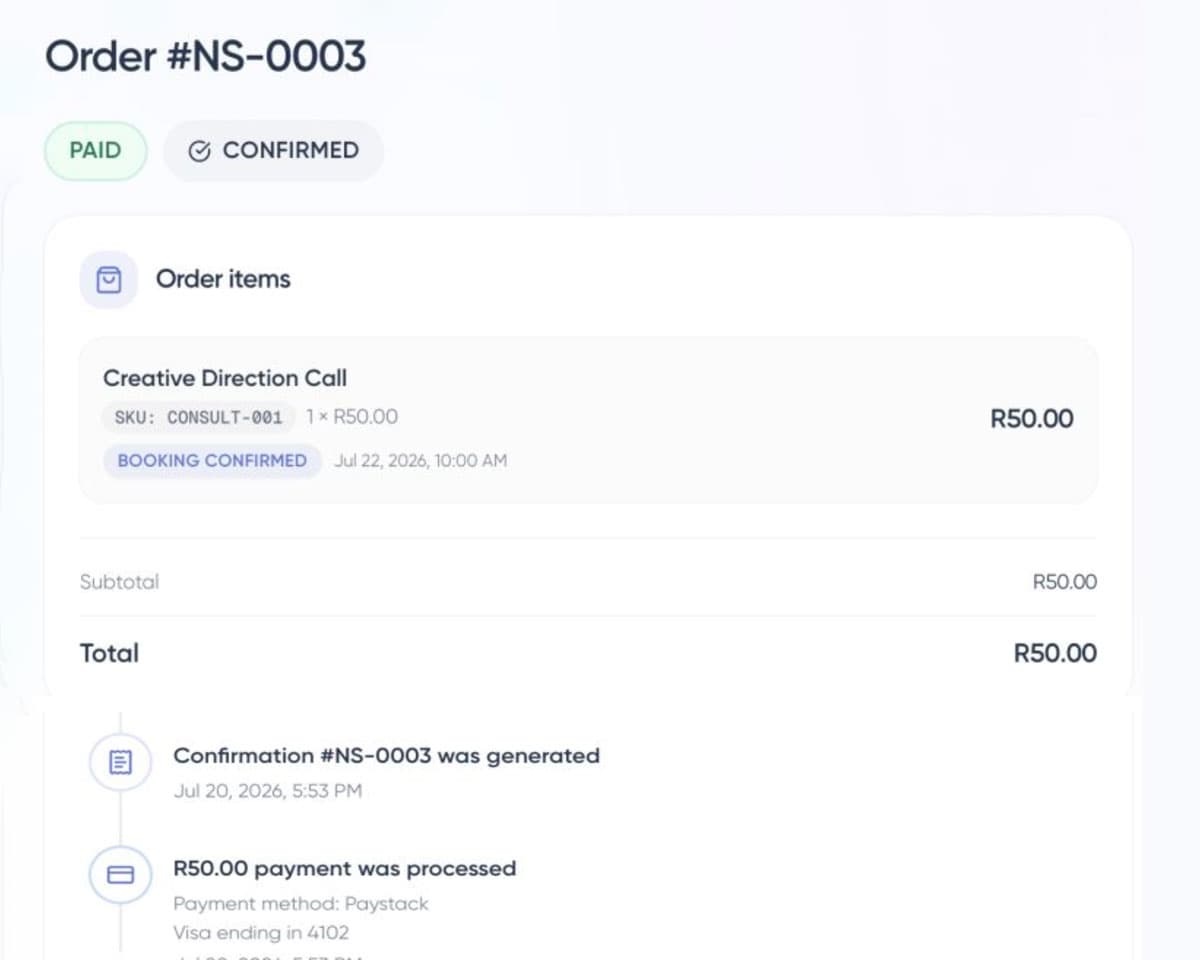
Paid before they arrive
Take the money at the moment they book.
Ask for a deposit or the full amount up front. People show up for bookings they have already paid for.
- Deposits or payment in full
- Reminder emails before the appointment
- Cancellation rules you set
Bookings, sorted
Everything you need to fill your calendar
Real-time availability
Customers see open slots and book instantly — no back-and-forth messages.
Capacity control
Set how many people can book each slot, for one-on-ones or group sessions.
Get paid upfront
Take payment at the time of booking to cut no-shows.
Add-ons and extras
Offer treatments and upgrades alongside any service, picked and paid at booking.
In your own calendar
Subscribe to your bookings from Apple Calendar, Outlook, or Google.
Your hours, your rules
Define durations, buffers, and the times you are available.
Team, rooms and kit
Attach staff, rooms, or equipment to a service so only workable times show.
They reschedule themselves
Customers move or cancel their own booking, within the rules you set.
One link for everything
Share a single booking link on your bio, site, or messages.
How it works
Start taking bookings in four steps
- 1
Create your page
Sign up free and start your Shopstar booking page.
- 2
Set your availability
Add services, durations, capacity, and the times you work.
- 3
Connect payments
Take payment upfront to reduce no-shows.
- 4
Share your link
Customers pick a time and pay in seconds.
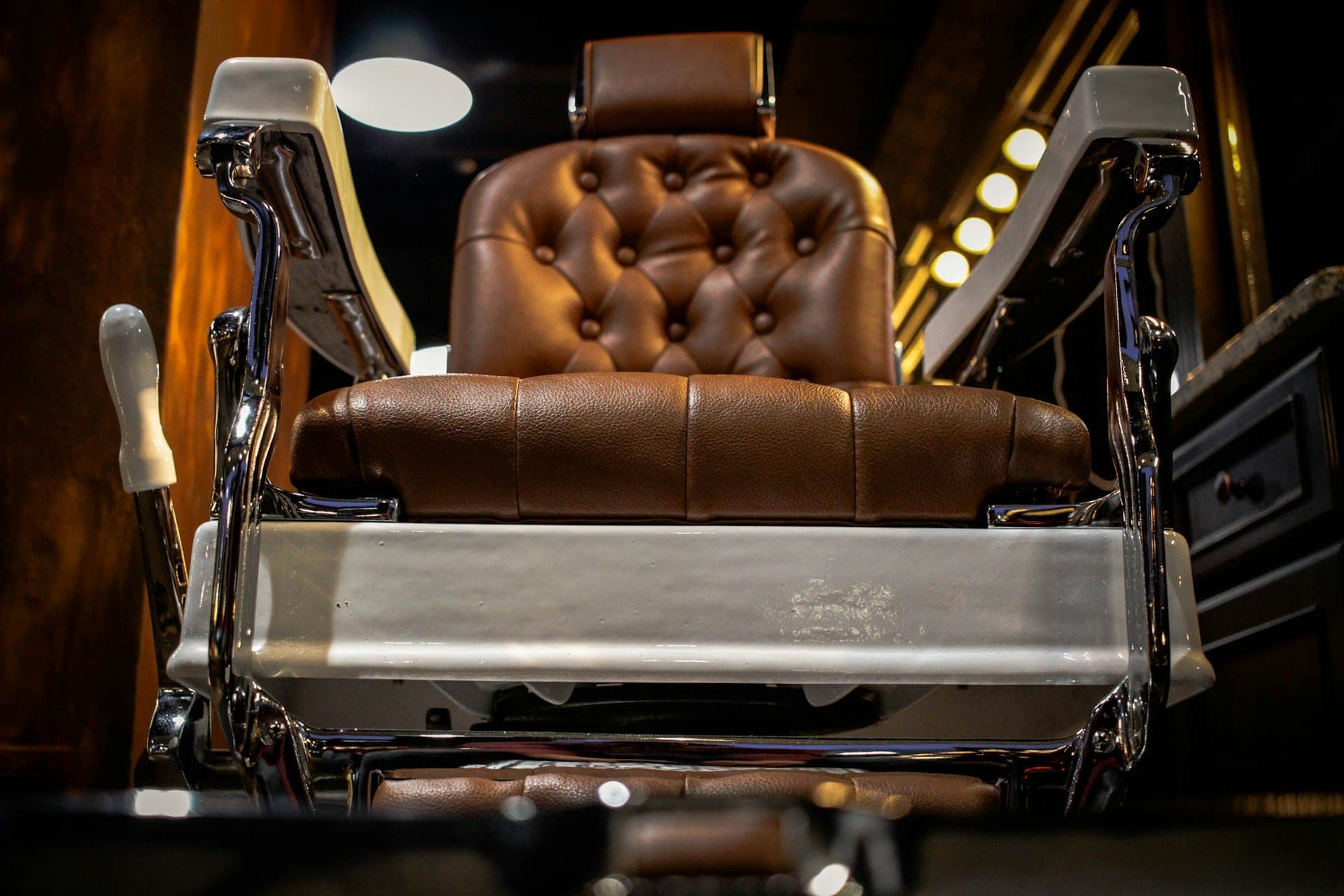
Your chair, your calendar.
Take bookings for the work you do best — deposits and reminders included.
FAQ
Taking bookings, answered
- Can I take payment when someone books?
- Yes. Take payment upfront at the time of booking, which dramatically reduces no-shows.
- Can I run group sessions?
- Yes. Set capacity per slot for group classes, workshops, or experiences.
- Can I see my bookings in my own calendar?
- Yes. Subscribe to your Shopstar booking feed from Apple Calendar, Outlook, Google Calendar, or any app that reads an .ics link, and new bookings appear automatically.
- Can customers add extras to a booking?
- Yes. Add-ons let you offer treatments, upgrades, or extras alongside any service. Customers tick what they want while booking, and it flows through to the order, the confirmation email, and your calendar.
- What does it cost?
- Start free and pay per booking, or subscribe for lower per-sale fees. See pricing for details.
Sell anything
One page for everything you sell
Get started
Start filling your calendar
Set your availability and share your booking link today. Start free.