
For plumbers, cleaners, photographers and tutors
Your skills.Your terms.
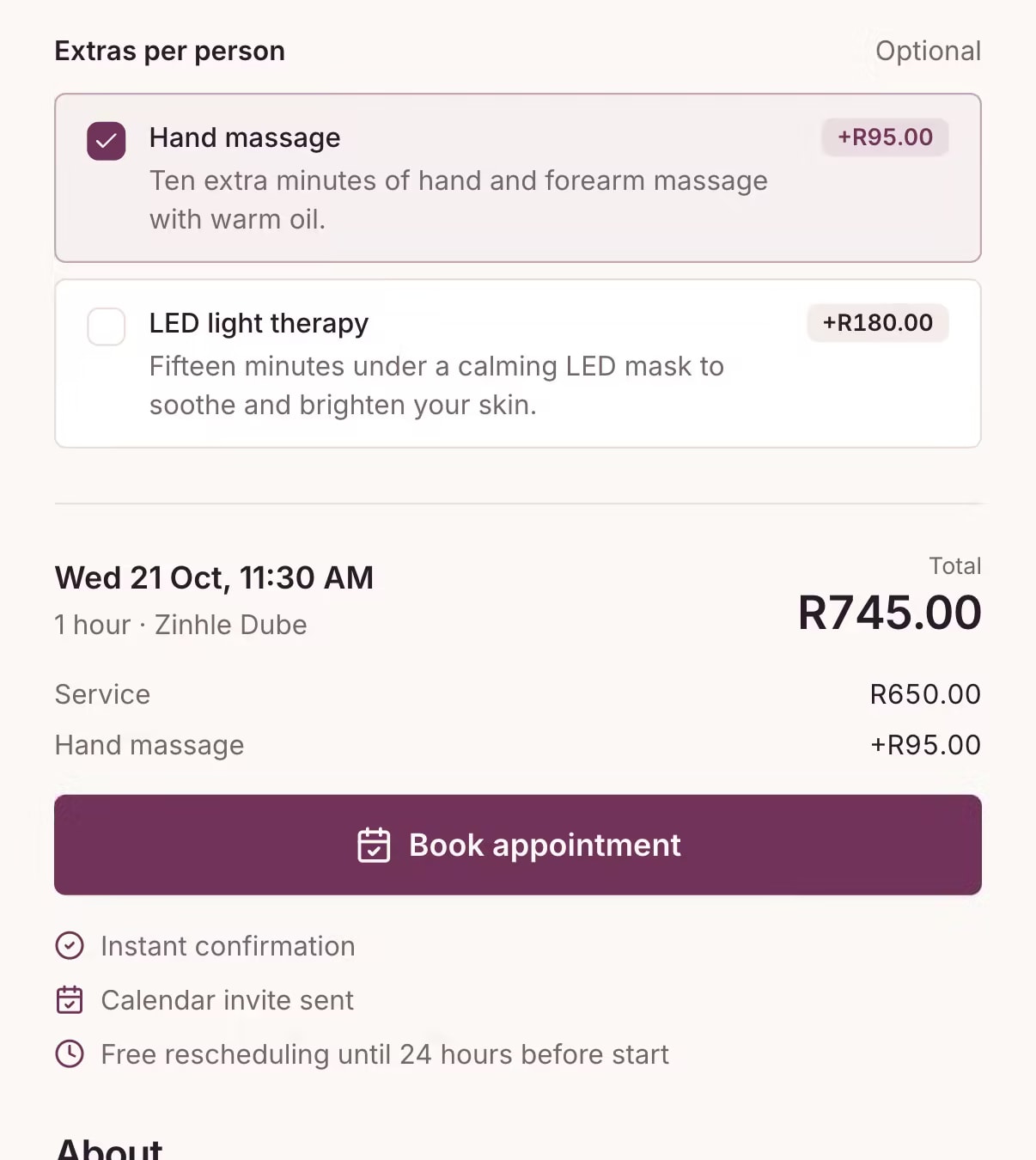
Clients pick a time and pay a deposit from your link. You turn up to jobs that are locked in, not maybes.
- Start free
- No website needed
- Works on any phone
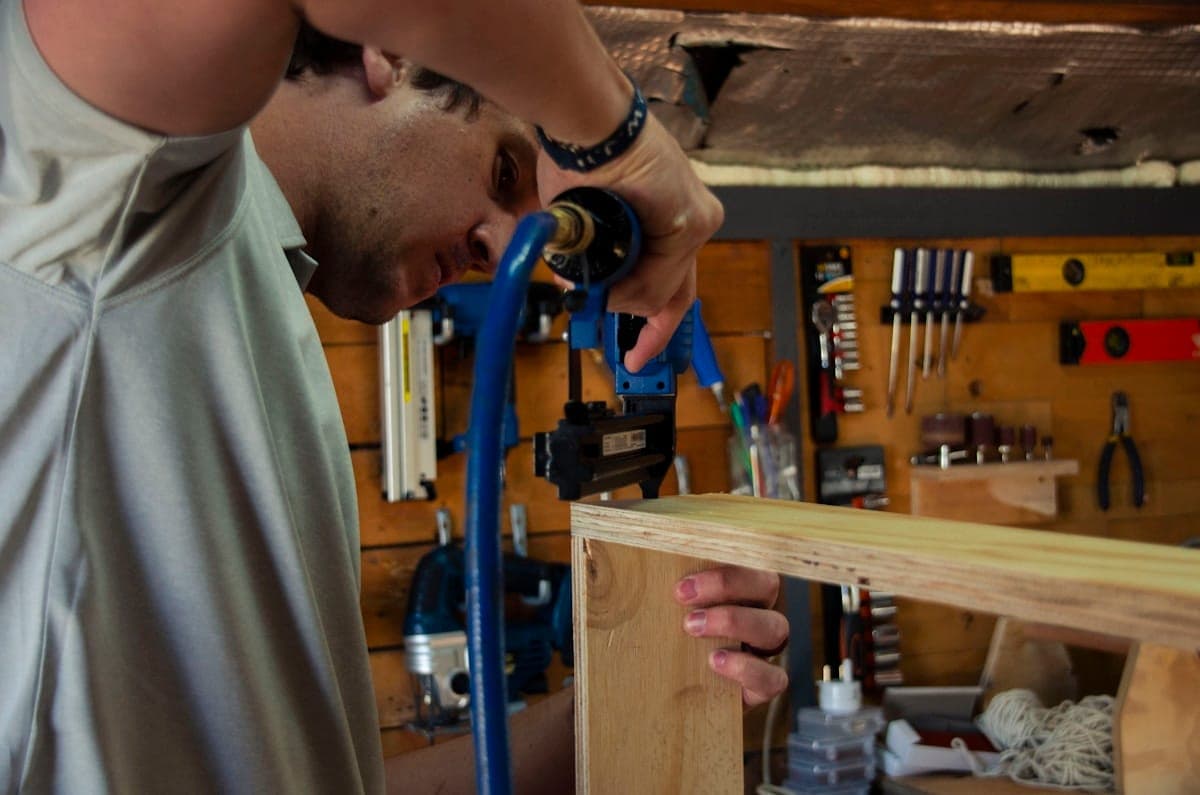
For people who do the work themselves
The call comes while you’re up a ladder.
The invoice sits unpaid for a month.
The client isn’t home when you get there.
Shopstar Go books it and takes the money. You do the work.
How a job gets booked
Booked and paid before you pick up your tools.
Follow one repair job from the link on your van to the review after it. You do the work. Shopstar Go books it and takes the money.
YouSet up shop
Look like the business you are.
Your page carries your name, your logo and your prices. Confirmations and reminders go out in your brand, so clients meet a pro before you arrive.
- Your logo and prices
- Emails with your logo
Your clientBooks a time
New jobs land while you’re on one.
Clients pick a time from your link while you’re on another job, and it lands in your calendar. Only the times you can really do show up.
- Your hours and days off
- No double bookings
Your clientTells you about the job
You arrive knowing the job.
Add a form to any service to ask for the address, what needs doing or a signed waiver. Answers are saved with the booking.
- Your questions, answered up front
- Signed waivers
Your clientPays a deposit
No more chasing invoices.
They pay a deposit or the full price when they book. Pay by card and the card is saved, so the rest takes one tap when the job is done.
- A deposit or the full price
- Card saved for the rest
YouTake a call
Booked by phone? Paid by link.
Create the booking from your dashboard, then email the client a link to pay, or mark it paid if they paid you in person.
- Payment links
- Mark it paid in cash
YouPlan the day
Room to get from one job to the next.
Set a buffer between jobs, so there’s time to pack up and get to the next one. Add the people who work with you, each with their own hours and login.
- Travel time between jobs
- Hours for each person
- A role for each login
Your clientReviews the job
Good words bring the next call.
Once the appointment is over, ask the client for a review. The next client reads it before they book.
- Reviews after the job
- One link for every job
Your skills. Your schedule.
Add your services, share your link and let clients book and pay before you arrive.
Your skills, your schedule.
Shopstar Go takes the booking and the payment, so you can get on with the job.
Everything included
Everything else you would expect
Get paid up front
Take a deposit or the full price when a client books, so you never chase an invoice.
Bookings built in
Clients choose a time and pay in one step, and the job appears in your calendar.
Cards and local payments
Accept the ways your clients already pay, with payouts to your bank.
Questions before the visit
Ask for the address, the details of the job or a signed waiver when they book.
Payment links
Booked a job over the phone? Email the client a link to pay.
Reviews after the job
Ask clients for a review once the appointment is over.
Look professional
A clean, branded page and emails, not a scrappy payment link.
Secure checkout
Every payment runs through a secure, trusted checkout.
Grow your client base
Share one link everywhere and turn enquiries into paying clients.
FAQ
Selling services, answered
- Can clients book a time as well as pay?
- Yes — pair your service with Shopstar bookings so clients pay and choose a time slot in one step.
- Can I take a deposit and collect the rest after the job?
- Yes, on both plans. Clients pay a deposit when they book and their card is saved for the rest. When the job is done, charge the card, send a payment link, or mark it paid in cash.
- Can clients tell me about the job when they book?
- Yes. Add a form to any service to ask for the address, what needs doing, or a signed waiver. Answers are saved with the booking, so you arrive prepared.
- Can I book a client in myself?
- Yes. Create the booking from your dashboard, then email the client a link to pay, or mark it paid if they paid you in person.
- Do I need a website?
- No. Your Shopstar page works as your service page; connect a custom domain when you are ready.
- How do I get paid?
- Clients pay securely by card or local payment method, and payouts land in your bank automatically.
- What does it cost?
- Start free and pay per sale, or subscribe for lower per-sale fees. See the pricing page for details.
Sell anything
One page for everything you sell
Get started
Turn your skills into booked, paid work
Add your services, share your link and let clients book and pay before you arrive.