How to Sell Digital Product Bundles That Convert: A South African Creator's Guide
Learn how an online store builder can help you bundle existing digital products, price them in rand, deliver instantly and grow revenue without creati
13 min read

On this page
How to grow revenue with product bundles using an online store builder
The fastest way to raise your revenue without making anything new is to group products that solve one problem into a single, clearly priced bundle. Pick items that belong together, price the bundle so the saving is obvious (but still protects your margin after fees), and deliver everything instantly from one checkout. Then track average order value and bundle uptake so you know it's working.
That's the whole play. The rest of this guide shows you how to do it as a South African creator, with real rand maths, a few legal checkpoints, and a simple way to measure the result. 🎁
Why bundles can outsell single products
You probably already own the asset that will grow your revenue. It's just sitting in your catalogue as separate items. A R150 template, a R180 template and a R120 questionnaire are three small decisions for a buyer. Put them together and it becomes one easy decision: 'here's the whole solution'.
There's a bit of psychology behind this, and I'll keep it plain. Bundles raise average order value, because each visitor who buys spends more in one go. They cut decision fatigue, since buyers don't have to work out which of your five products they need. And a clear saving gives people a reason to buy now instead of 'later'.
Picture a Joburg freelance designer selling an invoice template (R150), a proposal template (R180) and a brand questionnaire (R120). Separately, that's R450. As one R349 'Freelancer Starter Kit', the buyer saves R101 and gets a complete toolkit for their first client. The designer gets R349 instead of a R150 sale. Same files, more rand.
The research supports the structure, though it doesn't guarantee a result. Stremersch and Tellis, in their widely cited paper on strategic bundling (Marketing Science, 2002), separate pure bundling (items only sold together) from mixed bundling (items also available separately). Mixed bundling lets buyers pick up the package with very little friction while the single-item option stays open. I'd start there. I'd also treat your first bundle as an experiment, not a promise: compare bundle conversion, revenue per visitor and refund rates against your single-product offers.
How bundle pricing can increase revenue per order
On Shopstar's Start Free plan, you pay 6% all-in per sale (a 2.9% payment gateway fee plus a 3.1% Shopstar fee). On a R349 bundle, that's R20.94 in fees, leaving you R328.06. On a R150 single template, it's R9.00. You'd need to sell more than two of those to match the bundle's takings, and each extra sale needs another visitor, another decision and another checkout.
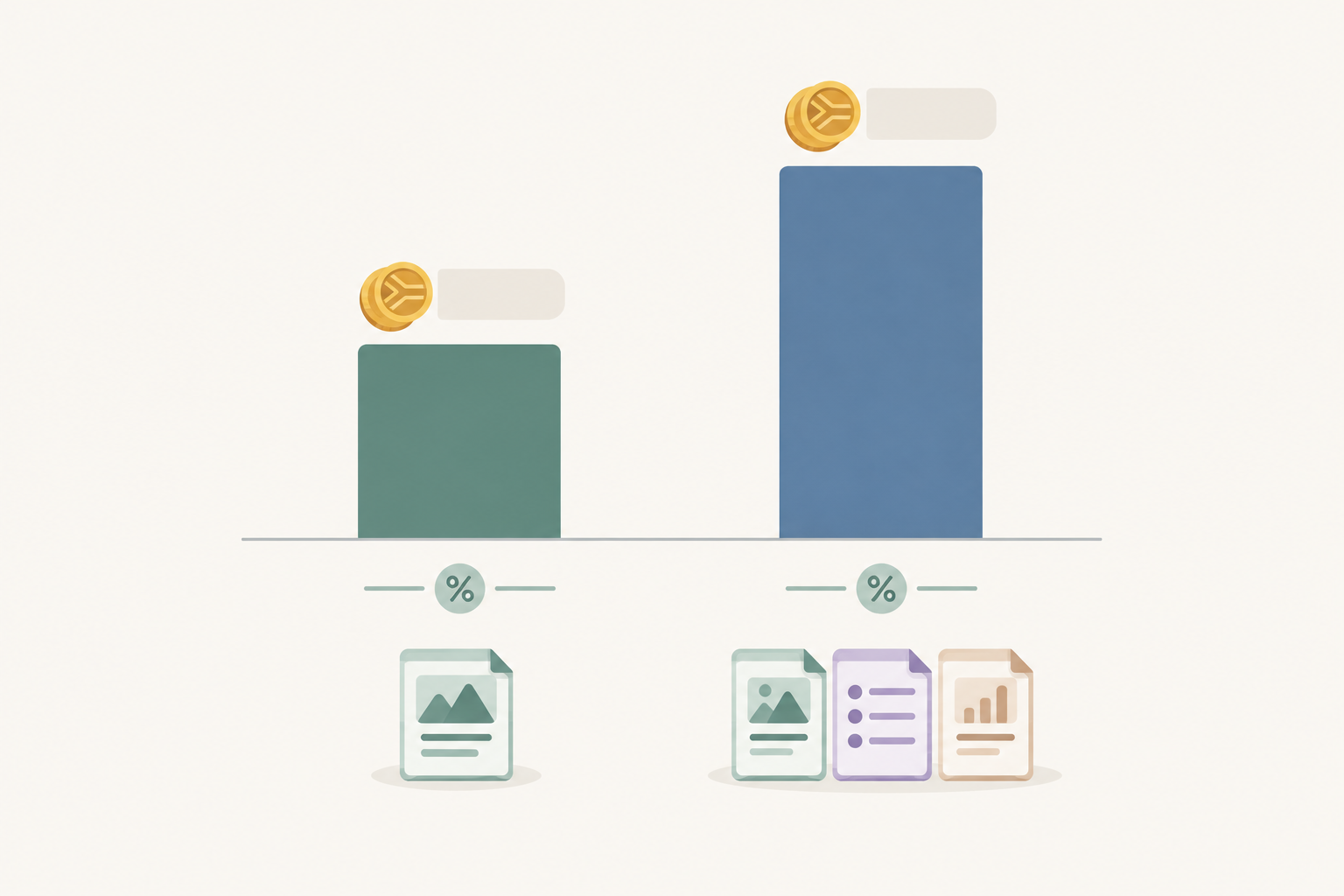
Bundles also help with the cost of attracting each customer. The same traffic from your link in bio or Instagram now brings in more rand per visitor. You've already done the hard work of getting someone to click, so make that click count.
It's low-risk too. A good online store builder lets you test a bundle by rearranging files you already have, with no new product to design, write or film. If the bundle flops, you've lost an afternoon. If it works, you've learned what your audience values, which helps before you invest in something new.
Choosing which products to bundle together
The question I hear most is 'How do I decide what to include?' My answer: bundle around one outcome, not a pile of files. A buyer should be able to finish the sentence 'This bundle helps me…' in a few words.
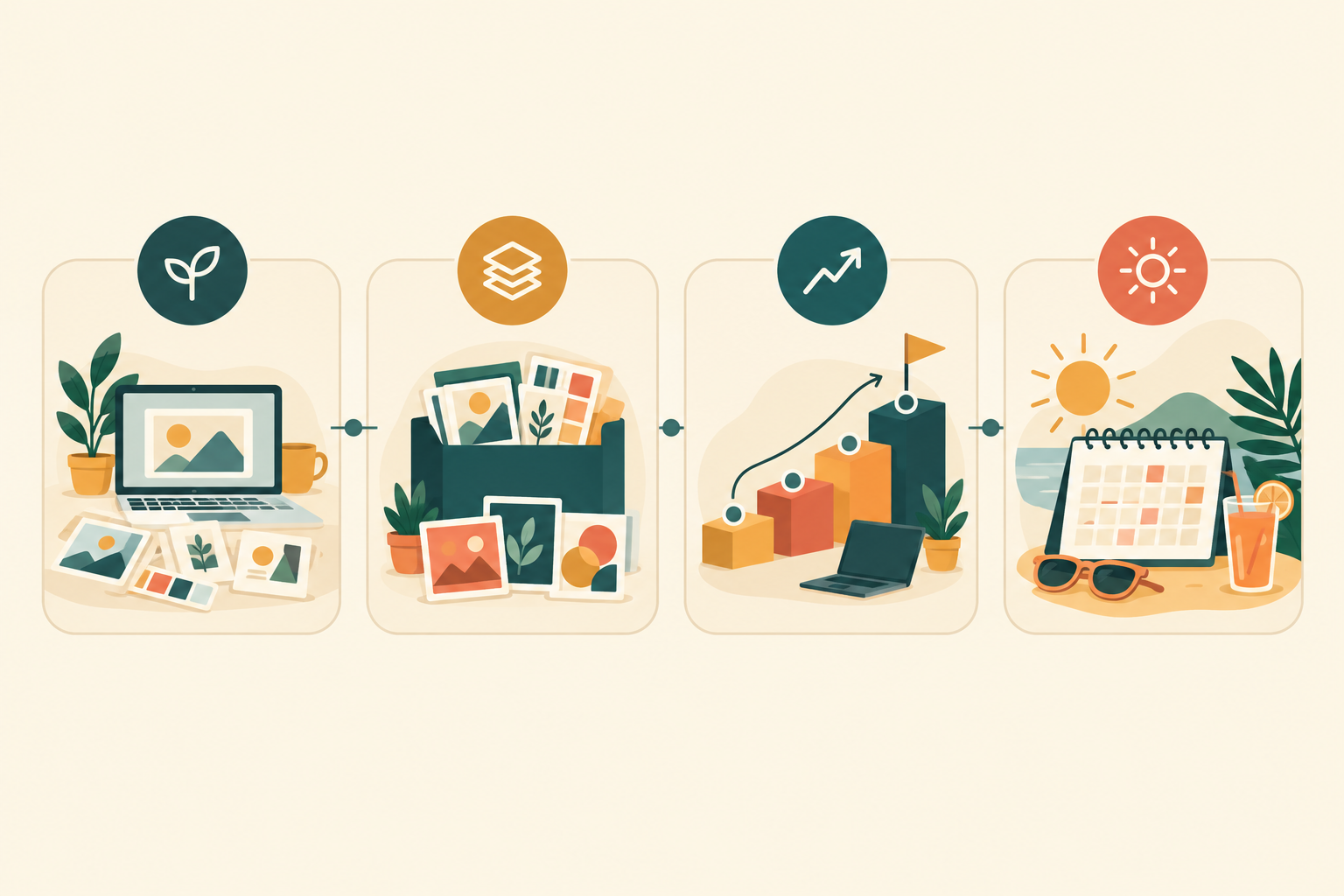
Here are four bundle types that work well for digital downloads:
- The Starter Kit. A beginner's ebook plus the templates they'll need on day one, like a budgeting guide with a monthly budget spreadsheet for first-jobbers.
- The Complete Collection. Everything in one category for your biggest fans, such as all your Canva wedding stationery templates in one download.
- The Upgrade Path. A core product plus a bonus that deepens it, like a lesson-planning template pack with a CAPS-aligned worksheet set for teachers.
- The Seasonal or Event Bundle. Tied to a moment in the South African calendar, whether that's tax season, back-to-school in January, Black Friday or the festive season.
How to choose products for a bundle using your sales data
Before you guess, look at what's already happening in your shop. Which two products are already bought by the same person? That's a ready-made pair. And which product gets lots of views but few sales? It could be a good anchor for a bundle, because people are interested but need a nudge.
Then run a quality check. Every item has to earn its place, because padding a bundle with filler lowers trust and raises refund requests. A good formula is one hero item that people would happily buy alone, plus one or two items that make it more complete.
And don't be shy about asking. A quick poll on Instagram stories or your WhatsApp channel ('Which of these would you want in one pack?') is free market research, and it tells you what to build before you've touched a single file.
Pricing a bundle so it feels like a deal
Should a bundle always be discounted? Honestly, no. A discount is the easiest lever, but a bundle can also win on convenience, curation or bonus content. What matters is that the buyer can see the value and you still earn a healthy margin after fees. Digital downloads are cheap to deliver, but they're not free to sell.
A bundle pricing example in rand
Say you sell an ebook for R150, a template pack for R250 and a checklist for R99. That's R499 separately. Price the bundle at R349 and the buyer saves R150, roughly 30%. Show it plainly: 'Worth R499, yours for R349'. Keep the maths accurate, and make sure those standalone prices are ones you really charge.
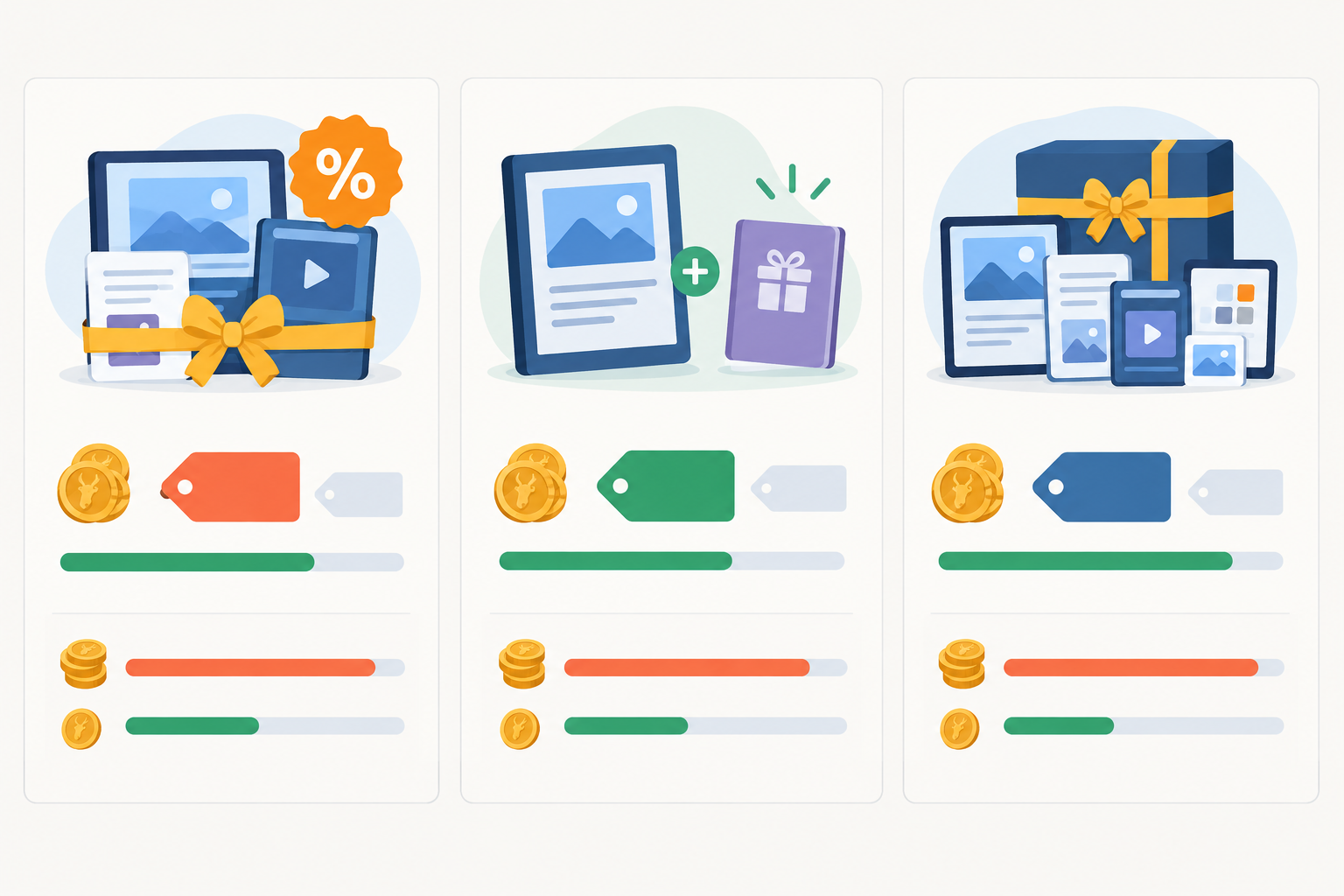
Three bundle pricing approaches compared
| Approach | How it works | Example | Best for |
|---|---|---|---|
| Percentage discount | Take 20–35% off the combined total | R499 of products at R349 (about 30% off) | Starter Kits and Complete Collections |
| Free item included | Buy two, get the third included | Ebook + template pack at R399, checklist thrown in | Nudging buyers toward a slightly bigger basket |
| Premium convenience bundle | No discount, but includes a bonus you don't sell separately | R499 for all three plus an exclusive 'Start here' video | Loyal audiences who value curation over savings |
Check online store builder fees before setting your price
Take that R349 bundle. On Start Free (6% all-in), you pay R20.94 in fees and keep R328.06. On the Lower Fees plan (2.9% per sale), you pay R10.12 and keep R338.88, minus the monthly fee.
That's R10.82 more per bundle on the Lower Fees plan. The real question is how many bundle sales a month it takes for that saving to cover the monthly fee. Grab the current monthly amount from Shopstar's pricing page and divide it by R10.82. As a purely hypothetical example, if the monthly fee were R200, you'd break even at about 19 bundle sales a month. If you're comfortably above your own break-even number, the Lower Fees plan is worth a look. If you're still testing, Start Free means no monthly fee while you find out what sells.
A few more pricing tips:
- Charm pricing is fine when used sensibly. R349 or R299 tends to feel friendlier than R350. Test one change at a time so you know what moved the needle.
- Set a margin floor. Decide the lowest bundle price you'd accept after fees, VAT (if you're registered) and any royalties, and don't go beneath it.
- Keep the maths honest. An exaggerated 'was' price can land you in trouble, which I'll come back to below.
A quick South African VAT note
VAT in South Africa is 15%. Registration is compulsory once your taxable turnover passes R1 million in any 12-month period, and you can register voluntarily from R50,000. If you're registered, make sure your displayed prices and invoices handle VAT correctly. Thresholds and rules can change, so check the current position with SARS or your accountant.
Setting up a digital bundle for instant delivery
This part is simpler than most creators expect. Here's the flow I'd follow in your Shopstar store.
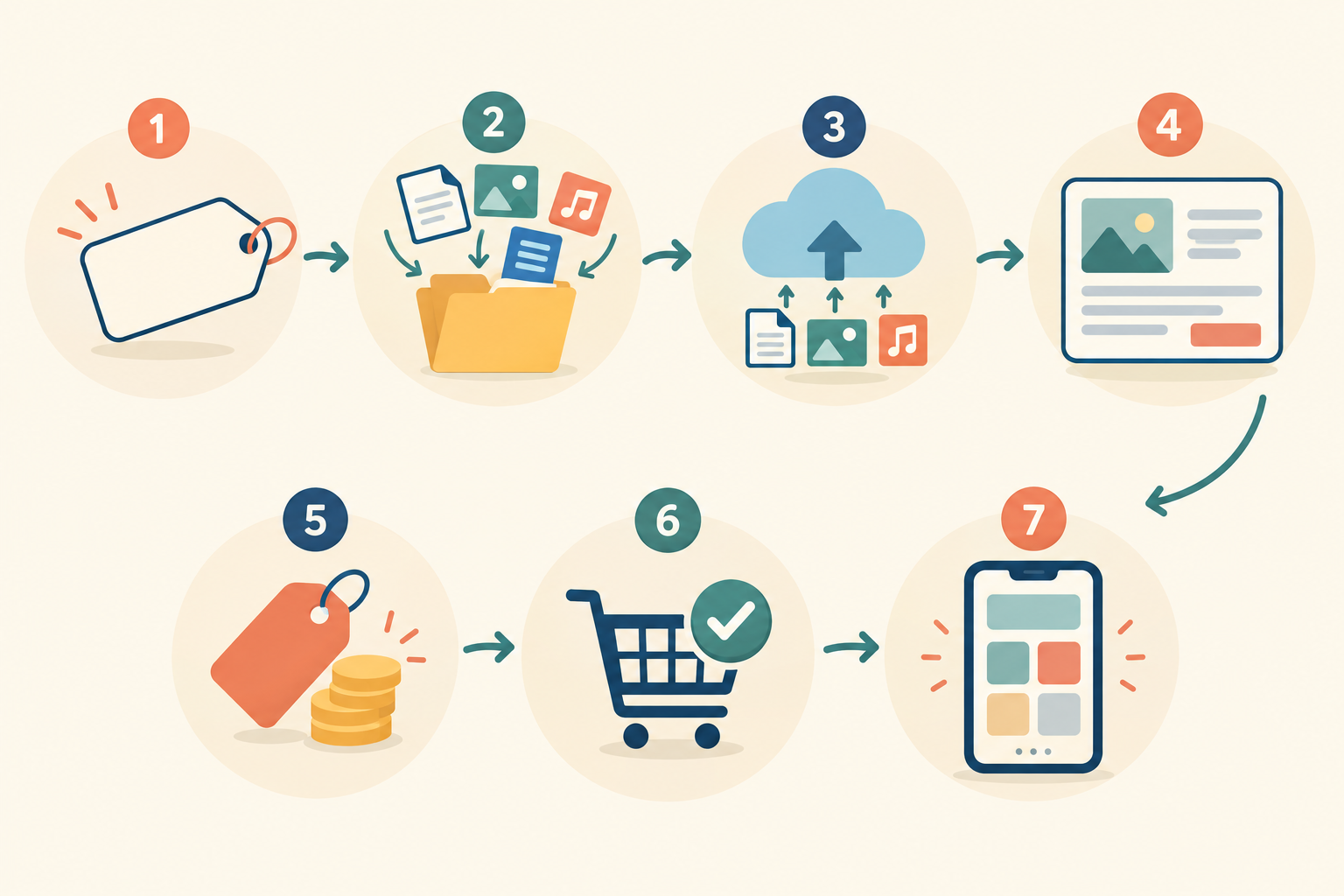
- Name it and promise something. Write the bundle name and a one-line promise, like 'The Freelancer Starter Kit: everything you need to send your first invoice with confidence'.
- Gather and tidy the files. Use consistent file names and add a short 'Start here' PDF explaining what's inside and how to open it. Choose formats that open on a phone. DataReportal's 2025 figures put South Africa at 50.8 million internet users, and plenty of your buyers will download on mobile.
- Create the digital download product. In your Shopstar store, set up the bundle as a digital download with all files attached, so the buyer gets everything after one payment. If you're sending lots of files, a clearly named ZIP is tidy, but add opening instructions for phone users.
- Write a description that sells. List every item and the problem it solves. Mention file types and any software needed, and add a mock-up image showing the bundle as a whole.
- Set the price. If you're showing a saving, show the individual prices honestly.
- Do a test purchase yourself. Check the checkout, the download link and the confirmation email on both mobile and desktop. This step catches most problems.
- Put it first on your link in bio page, so it's the first thing visitors see.
On the payment side, Shopstar Go handles card, Apple Pay and Scan to Pay, with automatic daily payouts to your South African bank account. No chasing invoices and no waiting around to be paid. Because it's one unified checkout, you can later sell a bundle alongside a booking, a membership or an event ticket on the same page if your business grows that way.
One reality check: Baymard Institute's benchmark puts average online cart abandonment at roughly 70%. It isn't specific to digital products or South Africa, but it's a reminder that a clean, short checkout and clear post-purchase instructions matter more than any clever tactic.
Offering limited-time bundles with honest urgency
Can you offer limited-time bundles? Yes, as long as the deadline is real. Good reasons for a time limit include a launch window, Black Friday, back-to-school, tax season or a new-year planning rush. People genuinely do buy planners and budget tools in January.
What I'd steer you away from is the fake countdown timer, the one that resets every time someone refreshes the page. It erodes trust, and South Africa's Consumer Protection Act (CPA) prohibits false, misleading or deceptive representations in marketing, including about prices and 'was/now' claims (see sections 29 and 41). So if you say the bundle goes back to R499 on Sunday, make sure it does.
If a hard deadline doesn't suit you, try a 'founding customer' price for the first 50 buyers, or a bonus item that's only included during launch week.
Plan the promotion properly: an email or WhatsApp broadcast to past buyers, a short story series, and an updated link in bio banner. State the end date and time clearly, and use the same one everywhere. Then put the end date in your calendar so you actually update the listing afterwards. Keep a note of the bundle contents, original price, offer price and dates, so you can show your claims were accurate.
Promoting your bundle at checkout and beyond
If I had 30 minutes, here's where I'd spend them.
First, make the bundle the hero by featuring it at the top of your Shopstar page, above individual products. Then try 'good, better, best': show a single product, a small bundle and a full collection, with the middle option being the one you most want people to choose. On individual product pages, add a line like 'Get this plus two more templates in the Starter Kit and save R150'.
Your past buyers are worth a message too. Send a 'complete your collection' offer to people who bought one item, with a fair upgrade price. Reorder your link in bio so the bundle comes first, with a short, specific label like 'Get all 3 templates (save 30%)'. A real customer quote or review beside the bundle does a lot of quiet work, so add one if you have it.
Last, point everything at one link. Your product page, social post and email should all lead to the same bundle URL, so the journey is clean and your numbers are easy to read.
A word on POPIA before you hit send on that email. Customer email addresses are personal information. Only email past buyers if they've agreed to hear from you (or you meet POPIA's direct-marketing requirements, see section 69), and always include an easy way to unsubscribe.
Measuring whether your product bundles are working
A bundle is only a good idea if the numbers say so. Here's what I'd track:
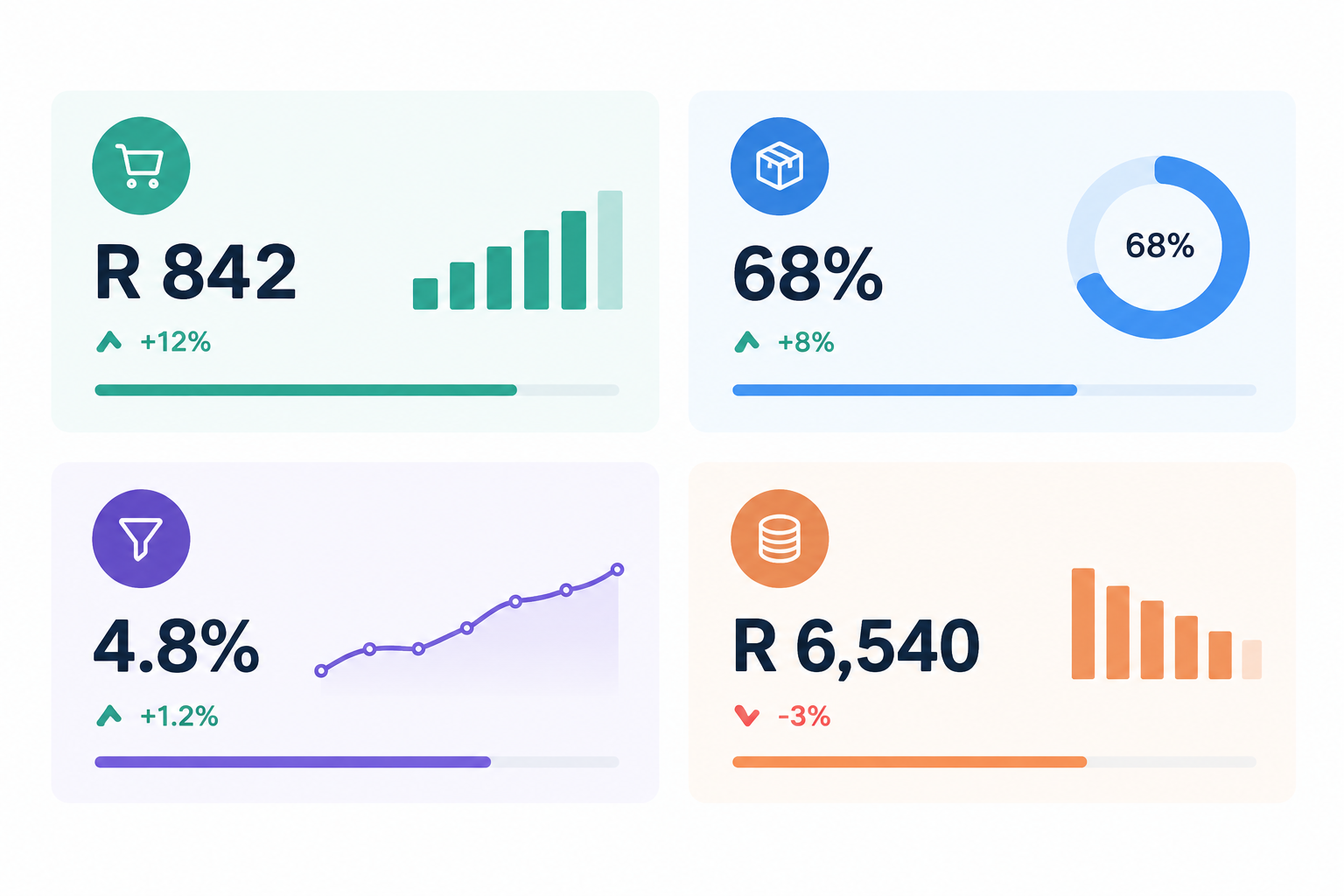
- Average order value (AOV): compare the month before and the month after launching the bundle.
- Bundle uptake rate: what percentage of orders include the bundle versus single items.
- Conversion rate on the product page: are more visitors actually buying?
- Net revenue after fees: work out what's left in rand after the 6% all-in fee (Start Free) or 2.9% (Lower Fees plan), not just gross sales.
- Refund and support requests: a spike can point to a confusing description or padded content.
- Cannibalisation: if single-product sales dropped, were they replaced by higher-value bundle sales? Usually that's a win, but check the totals.
Test one thing at a time (price, bundle name or hero image) and give each test enough time to collect real data. A week with three sales tells you very little.
My suggested routine is simple: 20 minutes a month, three numbers, one change. Look at AOV, bundle uptake and net revenue, then make one adjustment. Also keep your records tidy for SARS. Bundle sales are income like any other, so note the sales, fees and VAT (if you're registered) in your books.
A quick legal and admin check before you launch
This isn't legal or tax advice, just the checklist I'd run through. For your specific situation, speak to an accountant or attorney.
- CPA: describe what's in the bundle accurately, don't exaggerate savings, and be clear about what the buyer gets. Plain language helps (see section 22).
- ECTA: online sellers have disclosure duties, such as clear business details, the full price, payment arrangements and delivery or access terms (section 43). ECTA also provides a seven-day cancellation right for qualifying electronic transactions (section 44), and the CPA has a five-business-day cooling-off period for certain direct-marketing sales. How these apply to digital goods can depend on the circumstances, so don't assume a 'no refunds' notice overrides them. Check the current wording or get advice.
- POPIA: only collect the customer information you need, store it carefully and be open about how you use it. Check how your email tool and payment provider handle customer data too.
- SARS: record your income and, if registered, charge and account for 15% VAT correctly.
- Licences and ownership: make sure you own or have permission to use every font, image and asset in the bundle. Selling a file doesn't automatically transfer copyright, so state whether buyers can use it personally, commercially or in client work.
- Policies: add a short, plain-English refund and licence policy to the bundle page.
Frequently asked questions about selling product bundles
How do I decide what to include in a bundle?
Start with one outcome your customer wants, then include the products that get them there. Check your sales data for items people already buy together, add a hero product and one or two supporting items, and leave out anything that doesn't earn its place.
Should a bundle always be discounted?
No. A saving of around 20–35% is the most common approach, but a bundle can also work at full price if it offers convenience, curation or a bonus item you don't sell separately. Whatever you choose, work out your numbers after fees so you're still making a healthy margin.
Can I offer limited-time bundles?
Yes, and they can work well around moments like back-to-school, tax season or Black Friday. Keep the deadline genuine and the pricing honest, in line with the Consumer Protection Act, and don't run a 'last chance' offer that never ends.
How do I set up a bundle for instant delivery?
Create the bundle as a digital download product in your Shopstar store, attach all the files, and write a clear description of what's included. Run a test purchase to make sure the buyer gets their files straight after paying, and check that it works on a phone.
Do I need to be VAT-registered to sell bundles?
Only if your taxable turnover passes the SARS compulsory threshold (currently R1 million in a 12-month period). You can register voluntarily from R50,000. If you are registered, VAT is 15%, so make sure your pricing and invoices reflect that.
Your next step: create your first product bundle
You don't need a new product to earn more from the ones you've got. Pick one outcome, bundle the two or three products that deliver it, price it so the saving is clear and your margin survives the fees, and put it first on your page. Then check your numbers in a month. If you'd like a simple home for all of this, Shopstar lets you set up your digital downloads, a custom shopstar.page link and built-in payment processing without building a full website. Give your first bundle a go this week. 🚀