A Simple Guide to Selling Tickets for Markets & Pop-Ups in South Africa
Learn how an online store builder helps South African market and pop-up organisers sell entry and vendor tickets, manage stalls, collect details and h
12 min read
On this page
How to sell tickets for a market or pop-up with an online store builder
The simplest way to sell tickets for a market or pop-up is to use an online store builder to create one page. Give it separate ticket types for visitors and vendors, a fixed quantity for each, and a checkout that collects the vendor details you need. With a builder like Shopstar, that's an afternoon's work, not a web-design project. Buyers pay online, and the money is paid out to your South African bank account.
A quick disclosure: I'm part of the Shopstar team, so I use Shopstar for the examples below. Features, fees and payout timing can change and can depend on your plan and account set-up, so check Shopstar's current pricing and help pages before you commit. The legal notes are general information, not legal advice.
This guide covers pricing, limited stalls, waitlists, vendor information, refunds and promotion. Grab a coffee ☕
Why markets and pop-ups are selling tickets online
Picture the organiser of a Saturday craft market in Johannesburg or Cape Town on a Thursday night. Her phone is buzzing with WhatsApp messages: 'Is the corner stall still available?' 'Sent proof of payment, please check.' A spreadsheet sits open on her laptop and never quite matches the bank statement. Two vendors think they've been promised the same spot by the entrance.
Sound familiar? Neighbourhood markets, makers' pop-ups, supper clubs and workshop evenings increasingly charge for entry or stalls, not just the big conventional events. It's a growing corner of ecommerce in South Africa, and it's mostly run by one or two people on top of a day job or a small business.
The same pain points come up again and again:
- Chasing payments. EFT screenshots, 'I'll pay on the day' promises, and reconciling it all at midnight.
- Double-booked stalls. A manual list plus a busy week can mean two vendors and one gazebo-sized space.
- No-shows. Someone reserves a spot, never pays, and leaves an empty stall that could have gone to a person on your waiting list.
You don't need a developer or a full website to fix this. A single link-in-bio page, the kind you'd put in your Instagram profile, can hold your tickets, take payment and confirm bookings.
Setting visitor entry fees and vendor stall prices
Visitors and vendors are different customers buying different things, so give them separate ticket types with separate prices. Here's how they typically compare:
| Visitor entry | Vendor stall | |
|---|---|---|
| Who buys it | Shoppers, families, friends | Makers, food sellers, small businesses |
| What it covers | Entry on the day, sometimes a drink or goodie bag | A trading space, and sometimes a table, power or promotion |
| Typical price range | R30 to R80 | R300 to R1,200, depending on size, location and footfall |
| Useful extras | Early-bird price, ticket with a drink or tote bag | Corner stall, food vendor stall, electricity add-on |
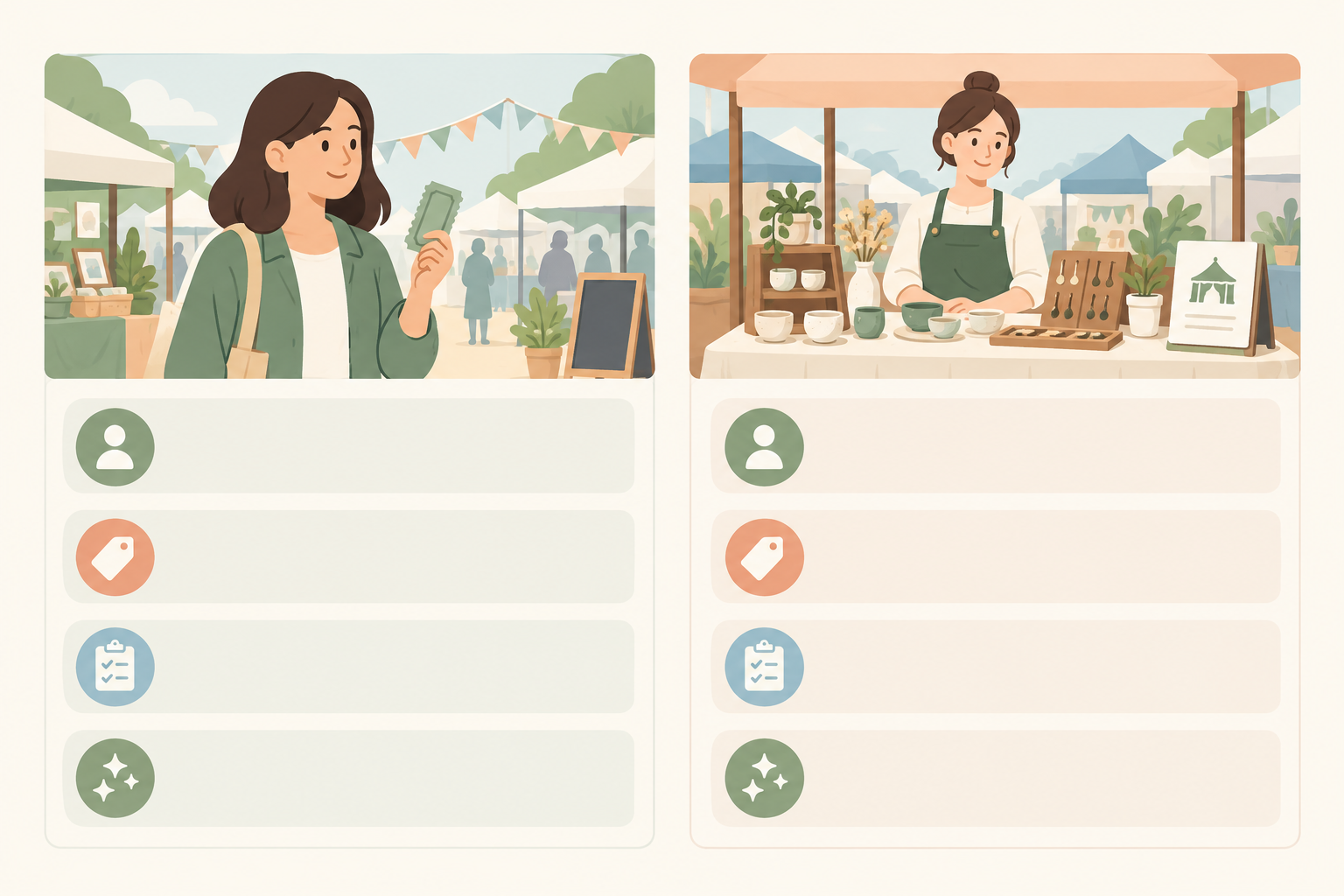
Treat those ranges as a starting point. Your venue, area and crowd will decide the real numbers.
How to price vendor stalls
Don't just copy the market down the road. Work out what vendor fees need to cover (venue hire, insurance, security, marketing, tables, power), divide by the number of paid stalls, add a sensible margin, and ask yourself whether vendors would happily pay it.
Here's an illustrative budget, with made-up numbers to show the method:
- 24 stalls at R500 each brings in R12,000.
- Venue hire R5,000, security R1,500, insurance R800, tables R1,200 and marketing R1,000 come to R9,500.
- Online payment fees at 6% on R12,000 are R720.
- That leaves about R1,780 before any entry income, so you'd break even at roughly 20 paid stalls.
Tiers help too. A standard stall, a corner position and a food vendor stall can carry different prices. Say clearly what's included (stall size, table, electricity, set-up times) so nobody gets a surprise on the day. And model attendance conservatively. Many organisers use vendor fees to cover fixed costs and treat entry revenue as the buffer.
Should you charge visitors an entry fee?
Sometimes the answer is no. A family-focused market might keep entry free to boost footfall and let vendor fees carry the budget. You could also offer free entry with paid extras like a workshop or tasting, early-bird pricing, or a ticket that includes a coffee or tote bag. Even free online tickets give you a rough headcount in advance.
Online store builder fees: a worked example
Let's use a R150 ticket, for a workshop or premium market evening. At the time of writing, Shopstar's published plans work like this (confirm on the current pricing page, as plans and fees can change):
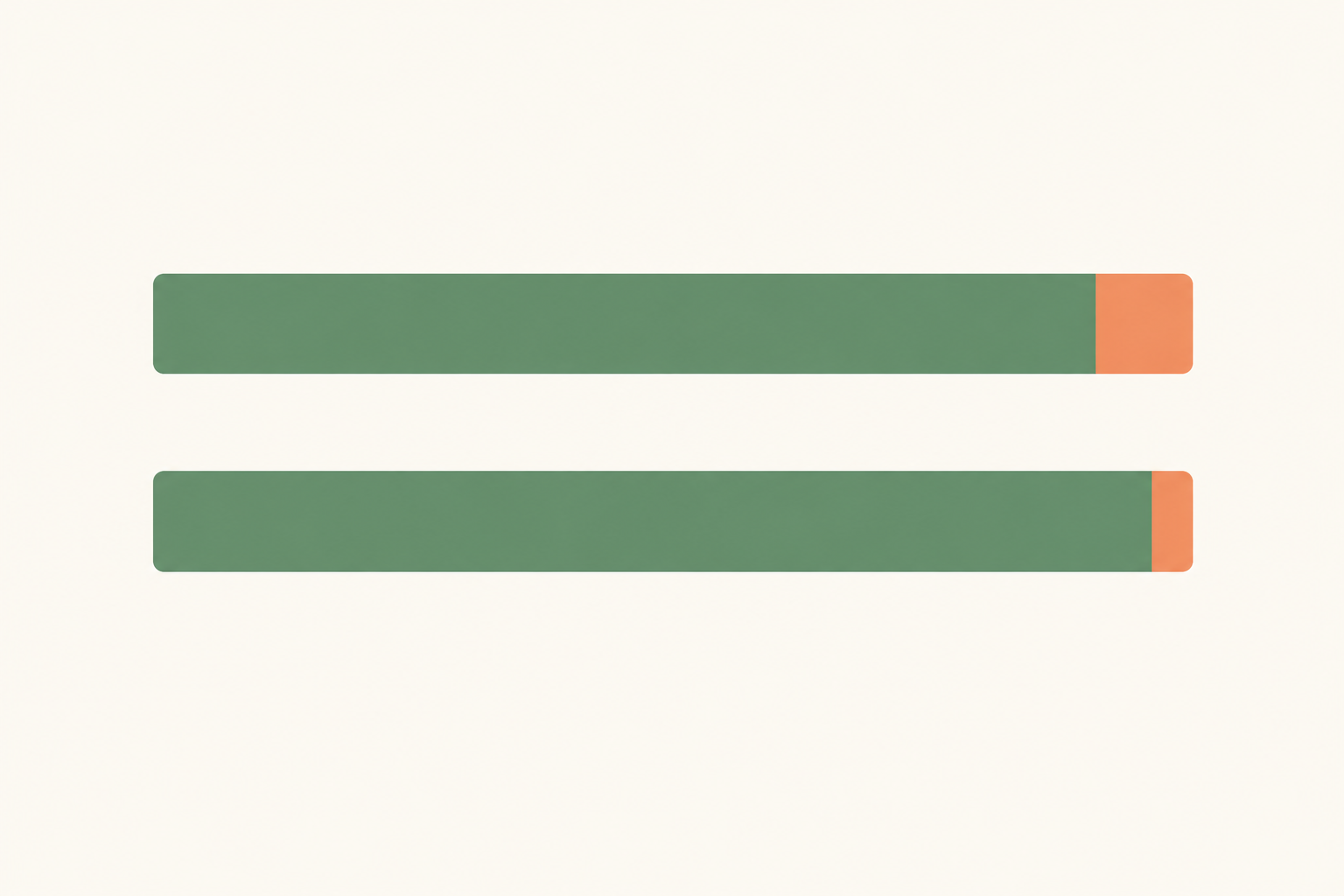
- Start Free plan: no monthly fee, and 6% all-in per sale (a 2.9% payment gateway fee plus a 3.1% Shopstar fee). On R150 that's R9, so you keep R141.
- Lower Fees plan: a monthly fee plus 2.9% per sale. That's R4.35 per ticket, so you keep R145.65 before the monthly fee.
The difference is R4.65 per ticket. At 200 tickets in a month, that's R930, so if the monthly fee is below that, Lower Fees wins. For a one-off pop-up, Start Free is usually simpler. Also check how fees are treated on refunded sales, because processing fees aren't always returned.
You can add fees to the ticket price or absorb them. Either way, show buyers the full amount before the final checkout step.
A quick word on VAT for market tickets
VAT in South Africa is 15%. Registration is compulsory once your taxable turnover exceeds R1 million in any 12-month period, and you can register voluntarily at lower levels. If you're registered, your ticket and stall prices need to account for VAT. Even if you're not, ticket and vendor income is still income for SARS purposes. Check sars.gov.za and chat to an accountant about your situation.
Can you sell entry and vendor tickets on one page?
Yes. An online store builder that supports multiple products or ticket types lets visitors and vendors pick what they need on the same page. Here's how I'd build it:
- Claim your link. Choose a custom shopstar.page URL or connect your own domain, then add it to your Instagram bio, WhatsApp status and posters.
- Create your event listing. Add the date, venue (say, a farm venue outside Stellenbosch or a rooftop in Maboneng), times, and a clear description of what to expect.
- Add separate ticket types. For example: General Entry, Early Bird, Vendor Stall and Food Vendor Stall, each with its own price and quantity.
- Switch on payments. Shopstar Go offers card, Apple Pay and Scan to Pay options, subject to your account set-up. Payouts go to your South African bank account. Check the current payout schedule, because timing can depend on your plan, bank processing and weekends or public holidays.
- Do a test purchase. Before you share the link, buy a ticket yourself and check that the confirmation email looks right.
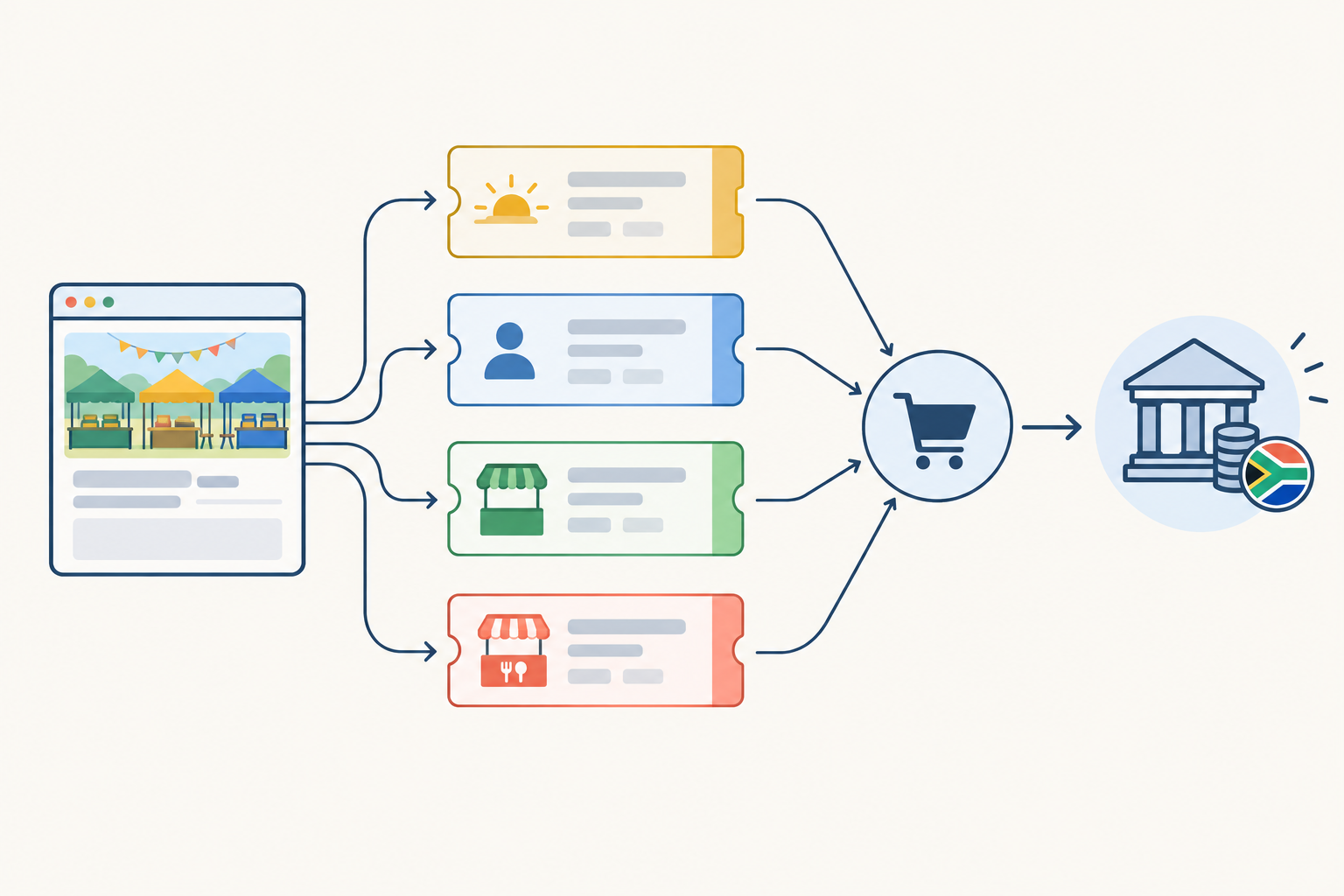
If you're not technical, don't panic. This is a lightweight page, not a full website project, and Shopstar provides onboarding support. If you also sell merchandise or digital downloads, like a vendor guide, they can sit on the same page.
Managing limited market stalls and waitlists
Capacity matters. Venues have limits, safety rules exist for a reason, and only so many stalls physically fit in the space.
If you set a quantity per ticket type, that type sells out, which sharply reduces the risk of double-booking. It only works if each ticket type maps accurately to real stalls and every booking goes through the same page. If you also take bookings by WhatsApp or EFT, reduce the online quantity yourself straight away. Section 47 of the Consumer Protection Act (CPA) deals with over-selling and over-booking, which is a good reason never to take more bookings than you can honour.
It also helps to hold a small reserve for sponsors, staff or operational needs. Subtract it from the number you offer publicly, and track it in your own list so it doesn't get sold twice.
How to handle a waitlist when stalls sell out
Don't assume your page has an automated waitlist. Plan a simple manual one instead:
- When a stall type sells out, change the listing to 'Join the waitlist' with a link to an enquiry form or your WhatsApp number.
- Record names, contact details and stall type in the order people come in.
- State clearly that joining the list doesn't guarantee a spot.
- When a vendor pulls out, offer the place to the first person on the list with a 24 to 48 hour window to pay.
- Only confirm the spot once payment is complete. If they don't pay in time, move to the next person.
Note when you made each offer and when it was accepted. It keeps things fair if anyone questions the order.
Release tickets and stalls in phases
Consider releasing tickets in batches, say 20 stalls now and 10 closer to the date. You get steady interest instead of one big rush, and room to adjust if the layout changes. For visitors, you can run morning and afternoon slots with separate quantities.
One POPIA note: waitlist details should only be used for the waitlist. Don't add people to a marketing list without asking.
What vendor information should you collect at checkout?
This is where a lot of organisers over-engineer. My rule is to ask only for what you genuinely need. Too many fields scare people away, and under the Protection of Personal Information Act (POPIA) you should only collect what's necessary for your purpose.
Here's a sensible shortlist:
- Business or trading name and the main contact person.
- Cell number and email, for last-minute updates on weather, load-shedding and set-up times.
- Product category, so you don't end up with ten candle makers side by side.
- Equipment needs: electricity, a table or gazebo, or their own set-up.
- Food vendors only: a certificate of acceptability (the municipal health approval for food premises) and any allergen information. Confirm requirements with your municipality or venue.
- Social media handle, so you can tag them in promotion.
- Insurance or permits, if you require them.
If your form supports it, show food-safety fields only to food vendors and power questions only to people who need electricity. Shorter forms get finished.
POPIA and vendor information
Tell vendors why you're collecting their details, use them only for the event, store them safely and don't share them without permission. A one-line note near the form does the job: 'We use your details to manage stall allocation and send event updates.' Never ask vendors to send card numbers through a general form. Payments belong in the checkout.
Send vendors an information pack after purchase
Right after purchase, send a short, friendly pack covering set-up time, parking, load-in route and house rules. It saves dozens of messages and makes you look organised. If you've got a vendor guide, you can offer it as a free digital download on the page.
Refunds, cancellations and terms for market tickets
Write a clear refund policy before you sell a single ticket and put it on your page. The point is to avoid awkward conversations later. What follows is general information based on South African consumer law. Have a legal professional check your own terms, and read the Acts themselves on the Department of Trade, Industry and Competition's website or at gov.za.
What to do if you cancel the event
Offer a full refund or a transfer to a new date, and say which up front. If you postpone, explain whether tickets stay valid and how buyers can get a refund if they can't make the new date. Publish the process and deadline on your page and in the confirmation email.
What happens if a buyer cancels?
Section 17 of the CPA generally lets a consumer cancel an advance booking or reservation, while allowing the supplier to charge a reasonable cancellation fee. What counts as reasonable depends on things like the notice given, whether you can resell the place, and the type of event. There are also special rules where a booking can't be honoured because of the death or hospitalisation of the person it was made for.
A practical example: someone who cancels 14 days out gets a refund minus a small, clearly disclosed admin charge, while a late cancellation may be non-refundable if you can't resell the spot. Whatever you choose, apply it consistently.
A blanket 'no refunds under any circumstances' line won't protect you. The CPA addresses unfair terms (section 48) and plain language (section 22), so spell out what actually happens in each situation.
Does ECTA's cooling-off period apply to event tickets?
The Electronic Communications and Transactions Act (ECTA) gives consumers a seven-day cooling-off right for certain online purchases, but it also lists exceptions, including some leisure services provided on a specific date or within a specific period. Whether it applies to your tickets depends on how you structure them, so don't assume either way. Ask a legal professional, and state your position in your terms.
Weather and vendor-specific refund terms
For outdoor markets and vendor bookings, your terms should also cover:
- Your weather policy: state the rain date, or whether you'll offer a partial refund or credit.
- Deposit versus full payment for vendors.
- A cut-off date for refunds.
- What happens if a vendor doesn't arrive.
I like a 'credit for next market' option. It keeps goodwill and keeps the money in your event. Show your terms before payment, and keep a copy of what each buyer saw.
Promoting your market ticket page before the event
A ticket page only works if people find it. Here's a simple plan:
- Put your link in your bio on Instagram, TikTok and Facebook, and pin a post explaining what the page is for.
- Start with vendors. Share a vendor-focused post first to fill stalls, then a visitor-focused one to drive entry sales.
- Use a QR code on posters, flyers and at your last market, so people can book the next one on the spot.
- Run a 'meet the vendors' series. It builds excitement and gets vendors sharing your page.
- Tap into local groups, like suburb Facebook groups and community WhatsApp groups.
- Use early-bird pricing and countdown posts for gentle urgency, without pressure tactics.
- Send a reminder 48 hours before with parking, timings and what to bring.
- After the event, thank everyone, share photos and open sales for the next date.
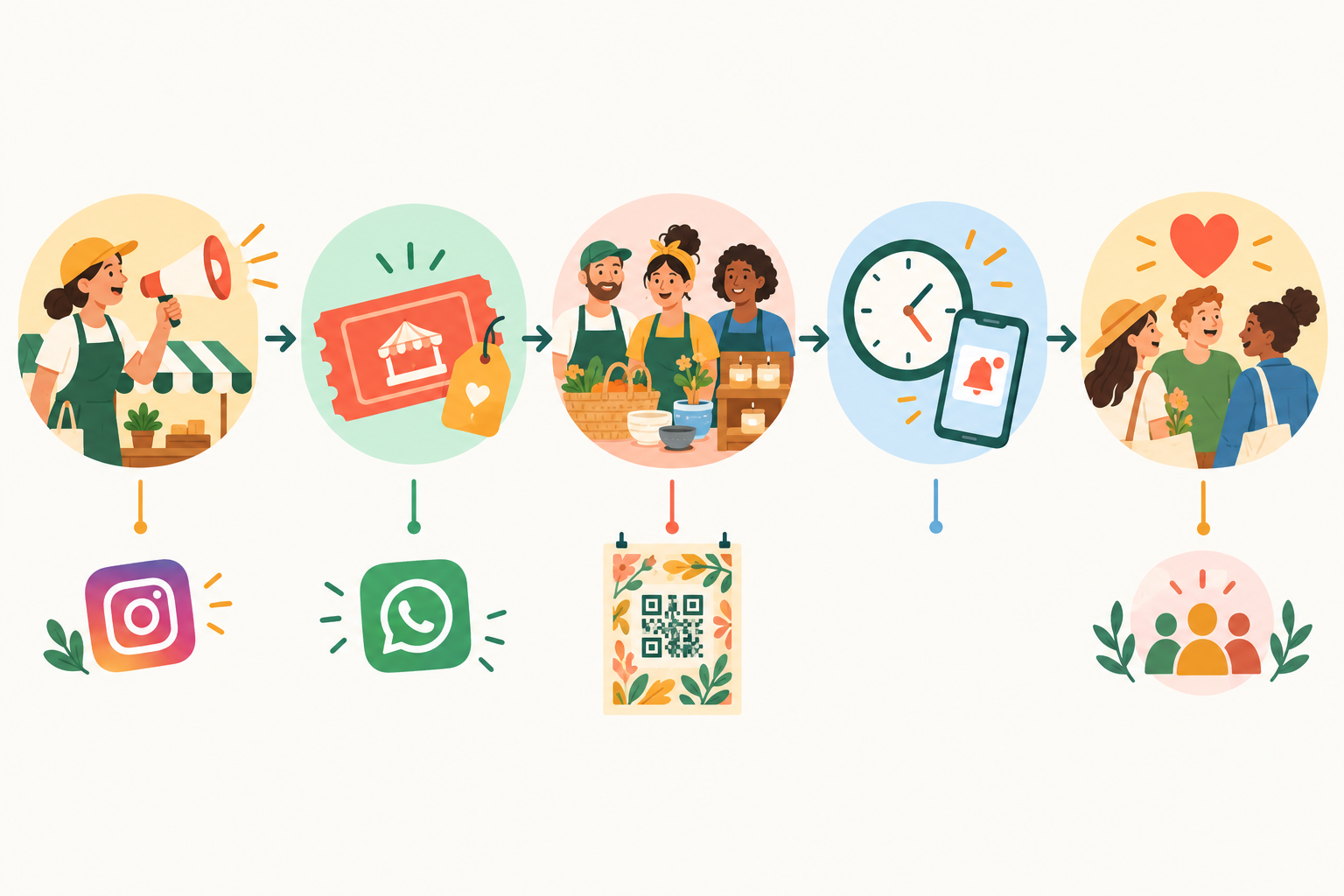
Ask vendors to tag your page too. Their customers become your future ticket buyers.
Keeping simple records for SARS
A platform keeps your orders in one place, but it doesn't replace bookkeeping. After each event:
- Export your orders and compare them with your payout totals and bank deposits. A payout can combine several sales and subtract fees or refunds, so don't treat it as the day's revenue.
- Keep a separate record for each market: ticket income, refunds, fees and any cash sales.
- Note expenses (venue hire, insurance, marketing) against the same event.
- Keep supporting records for five years, which is the general retention period under the Tax Administration Act. Confirm details with SARS or your accountant.
My advice? Start small. One event, one page, one ticket type. Get the first sale in, see how it feels, and build from there 🙂
Frequently asked questions about selling market tickets online
Can I sell both entry and vendor tickets on one page?
Yes. List general entry, early bird and vendor stalls as separate ticket types, each with its own price and quantity, and check that your store builder supports this on your plan.
How do I handle a waitlist if spots sell out?
Point interested vendors to an enquiry form or WhatsApp number and record names in order. When someone cancels, offer the spot to the next person with a 24 to 48 hour window to pay.
What information should I collect from vendors?
Trading name, contact person, cell number, email, what they'll sell and any equipment needs. Food vendors should add their certificate of acceptability. Under POPIA, only ask for what you need and say how you'll use it.
Can I offer refunds if the event is cancelled?
Yes, and you should. Offer a full refund or a transfer to a new date and say so in your terms before people buy. The CPA gives consumers rights around bookings, so have your policy checked if you're unsure.
Do I need to charge VAT on tickets and stall fees?
Only if you're registered for VAT, which is compulsory above R1 million in taxable turnover over 12 months. VAT in South Africa is 15%. Unregistered organisers still declare the income to SARS, so ask your accountant.
Do I need a full website to sell tickets?
No. An online store builder lets you set up a single page with tickets and checkout, on a shopstar.page address or your own domain.