How a Local Studio Grew Sales With One Simple Page
See how a South African studio used an online store builder to simplify bookings, grow sales and save time—with practical lessons for local ecommerce.
12 min read

On this page
How a South African Studio Can Use an Online Store Builder for Bookings and Sales
For many local studios, one simple page can handle bookings, products and payments without a full website. Below is an illustrative South African scenario of a studio moving from WhatsApp and EFT admin to a single online store page. It covers the setup, the fees in rand and what to measure, so you can build your own before-and-after story.
First, an honest note about this studio scenario
The studio here is fictional. It's a composite built from patterns I see among South African pottery, yoga, hair, fitness and wellness studios. So there are no verified sales figures, no owner quote and no proven results in this article. I'd rather say that upfront than invent numbers and put them in a real owner's mouth.
What I can give you is a realistic picture of the problems, a clear setup, fee calculations you can check yourself and a measurement plan. Anything described below as an outcome is something to aim for and track. This studio didn't achieve it.
The studio's struggle before going online 😩
Picture a neighbourhood pottery and wellness studio in a place like Cape Town's Woodstock or Joburg's Melville. Two instructors and an assistant run weekly wheel-throwing classes and Saturday workshops. There's also a small shelf of handmade mugs, candles and take-home clay kits.
The daily grind will feel familiar:
- A customer DMs on Instagram asking if Thursday has space. Someone replies hours later.
- The chat moves to WhatsApp, where three people ask the same question in different threads.
- Payment arrives by EFT, often with a screenshot of proof of payment that someone has to check against the bank app.
- Two people end up in one slot, or somebody doesn't pitch up at all.
Owners rarely add up the hidden cost. It's the 9pm admin session after teaching all day. It's the customer who was ready to book on Sunday afternoon, got no reply until Monday, and booked elsewhere. None of it is dramatic, but it quietly eats time and goodwill.
So why not just build a website? For a small studio that can feel out of reach. Custom builds can run into the thousands of rand, small changes may mean calling a developer, and projects can take weeks. Meanwhile, classes still need filling.
Why mobile-first matters for South Africa ecommerce
A few numbers help explain why a mobile-first page makes sense. World Wide Worx has estimated South African online retail at roughly R71 billion in 2023, up about 29% on the year before. That's still a minority of total retail (around 6%), but it's growing. Stats SA's Census 2022 found that 78.6% of households with internet access used mobile phones to get online. You can check the original figures at Stats SA and in World Wide Worx's published research.
Local habits count too. Many South African customers are used to paying by EFT and are wary of unfamiliar checkouts, so a clear price, a payment method they recognise and an instant confirmation go a long way. Mobile data isn't cheap either, which makes a light, fast page a kindness to your customers.
Why choose a simple online sales page over a full website?
In this scenario, the owner's thinking is simple: start taking bookings this week, not after a six-week build. An online store builder lets them list classes and products straight away and change prices or times themselves.
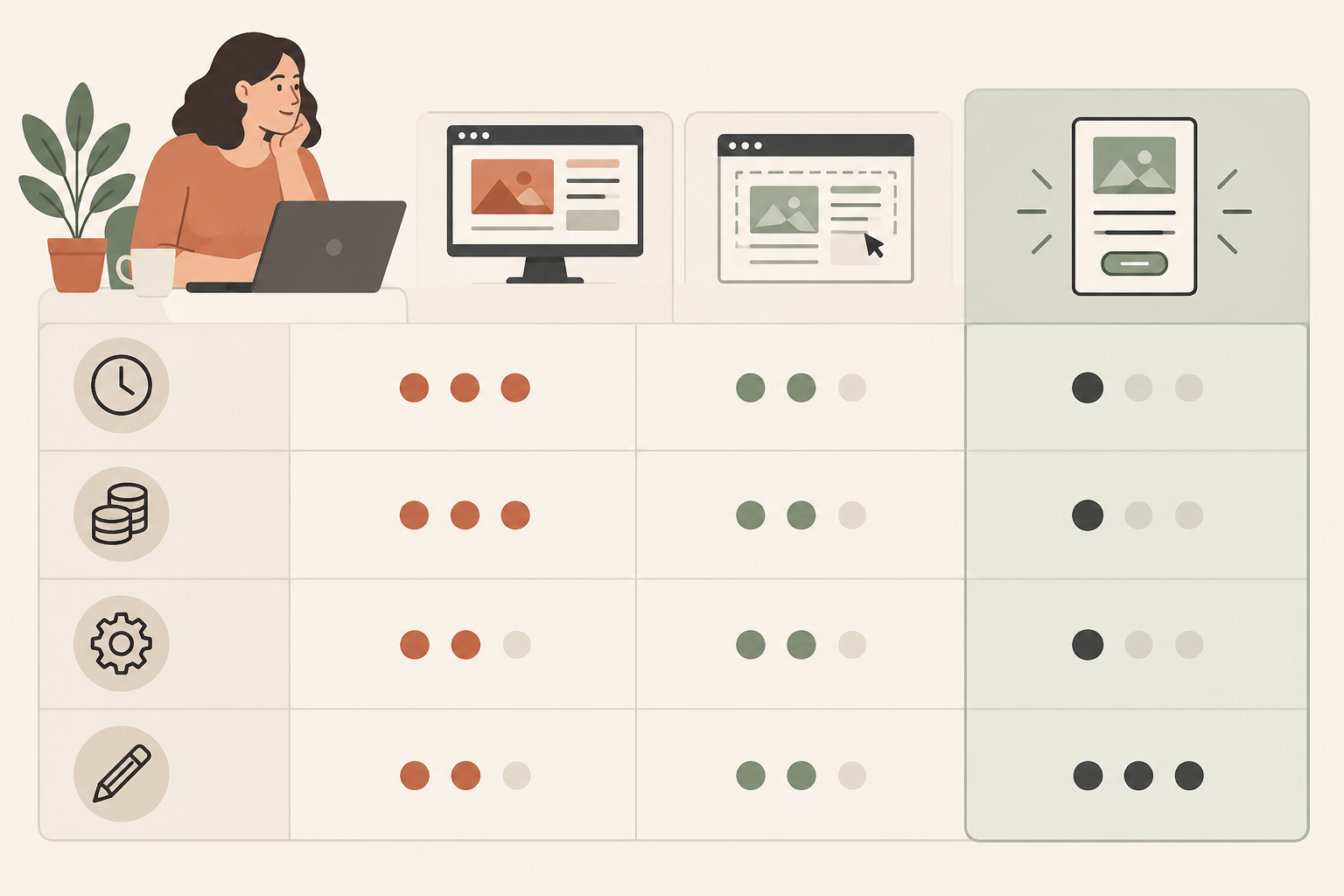
Here's how the three routes compare. These comparisons are indicative, not quotes, so get current quotes and check pricing yourself.
| Custom website build | DIY website | Simple sales page (link in bio) | |
|---|---|---|---|
| Setup time | Often weeks to months | Often days to weeks | Often hours to a few days |
| Upfront cost | Often thousands of rand or more | Lower, but themes, apps and your time add up | No monthly fee on a free plan, but you pay per-sale fees and spend time setting up |
| Ongoing upkeep | Developer call-outs, hosting, updates | Plugins, hosting, security updates | Mostly handled by the platform |
| Easy for a non-technical owner to edit? | Often not | Sometimes, with a learning curve | Designed for it, though features are limited to what the platform offers |
Can a simple page really replace a full website?
It can, if your goal is to get people to book, buy and pay. A full site only matters if you need lots of content pages or complex custom features. Most local studios need to show what they offer, what it costs, when it happens and how to pay. That fits on one well-organised page.
The trade-off is flexibility. A platform page won't do everything a custom site can, so check that the features you need (capacity limits, tickets, vouchers) are supported before you commit.
In this scenario, the studio uses Shopstar, an online store builder made for non-technical owners, and starts on the Start Free plan. There's no monthly commitment while they test demand. You can use a shopstar.page address or connect your own domain.
There's one more reason to keep checkout simple. The Baymard Institute puts the average documented cart abandonment rate at about 70%, with unexpected costs and complicated checkouts among the main reasons (Baymard's research). It's an international benchmark, not a South African one, but it's a good argument for one clear page and one checkout.
How to set up bookings and product sales with an online store builder
Here's the setup in six steps. A first offer could be live in an afternoon, but treat that as a rough estimate. Photos and descriptions are what eat the hours.
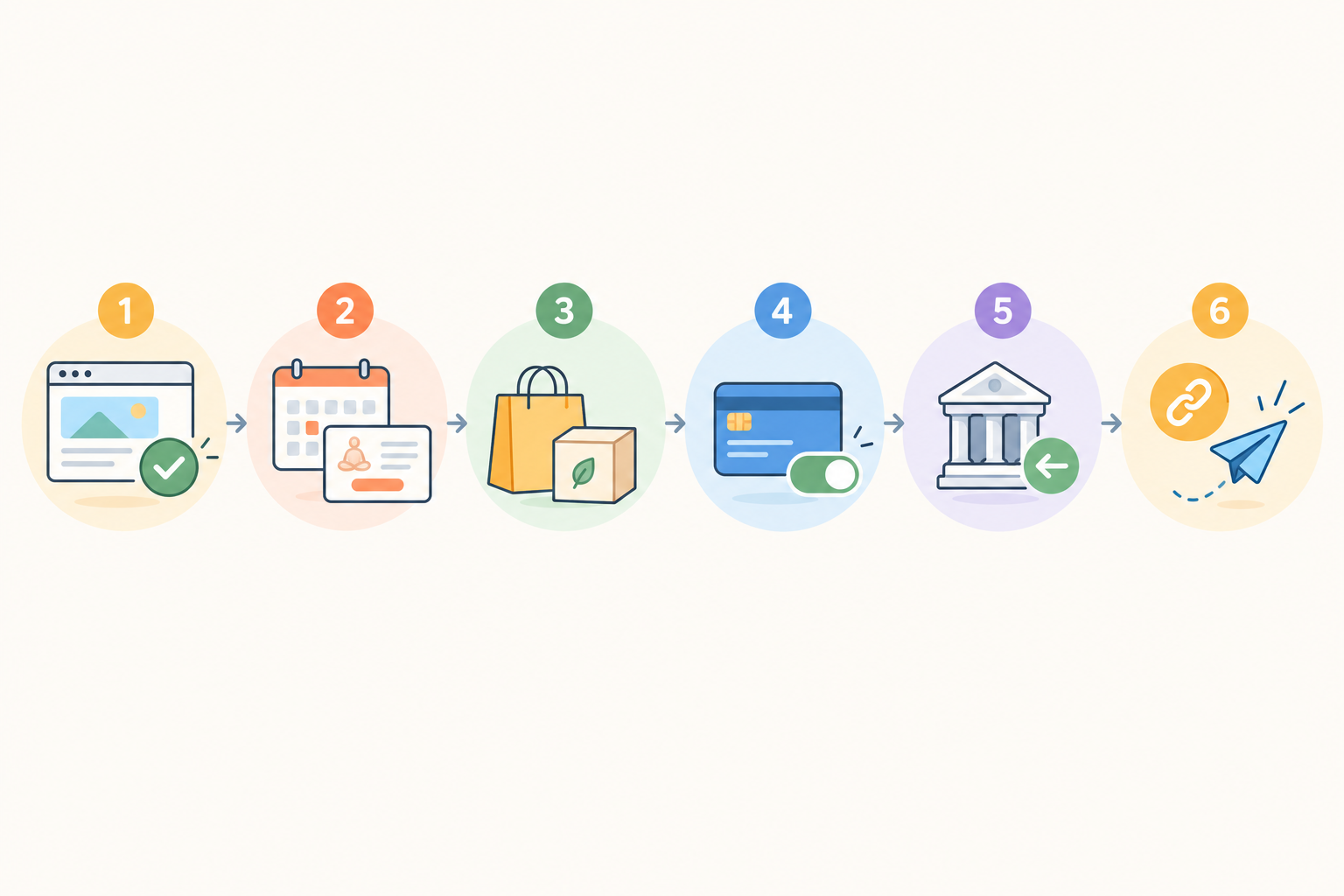
- Claim your page. Pick your shopstar.page URL, upload your logo, choose your colours and write a two-line intro with your location and trading hours.
- Add your services as bookable items. List classes, one-on-one sessions and workshops with set times, capacity and prices in rand. A capacity limit is how you prevent overbooking, so check how it behaves in a test booking.
- Add products. Take-home clay kits, gift vouchers and merchandise all work, and so do digital downloads like a care guide. Digital items mean no stock to count and no courier to arrange.
- Think about tickets and memberships. A launch night or Saturday workshop suits event ticketing, and regulars might like a monthly membership for discounted or unlimited classes.
- Switch on payments. According to Shopstar's current information, Shopstar Go accepts card, Apple Pay and Scan to Pay, with automatic daily payouts to your South African bank account. Confirm the current payment methods and payout timing in Shopstar's documentation before you promise anything to customers, then do a test purchase on your own phone.
- Put the link everywhere. That means your Instagram bio, WhatsApp Business profile and Google Business Profile, plus a QR code on the studio door and counter.
What can be fiddly when setting up online bookings?
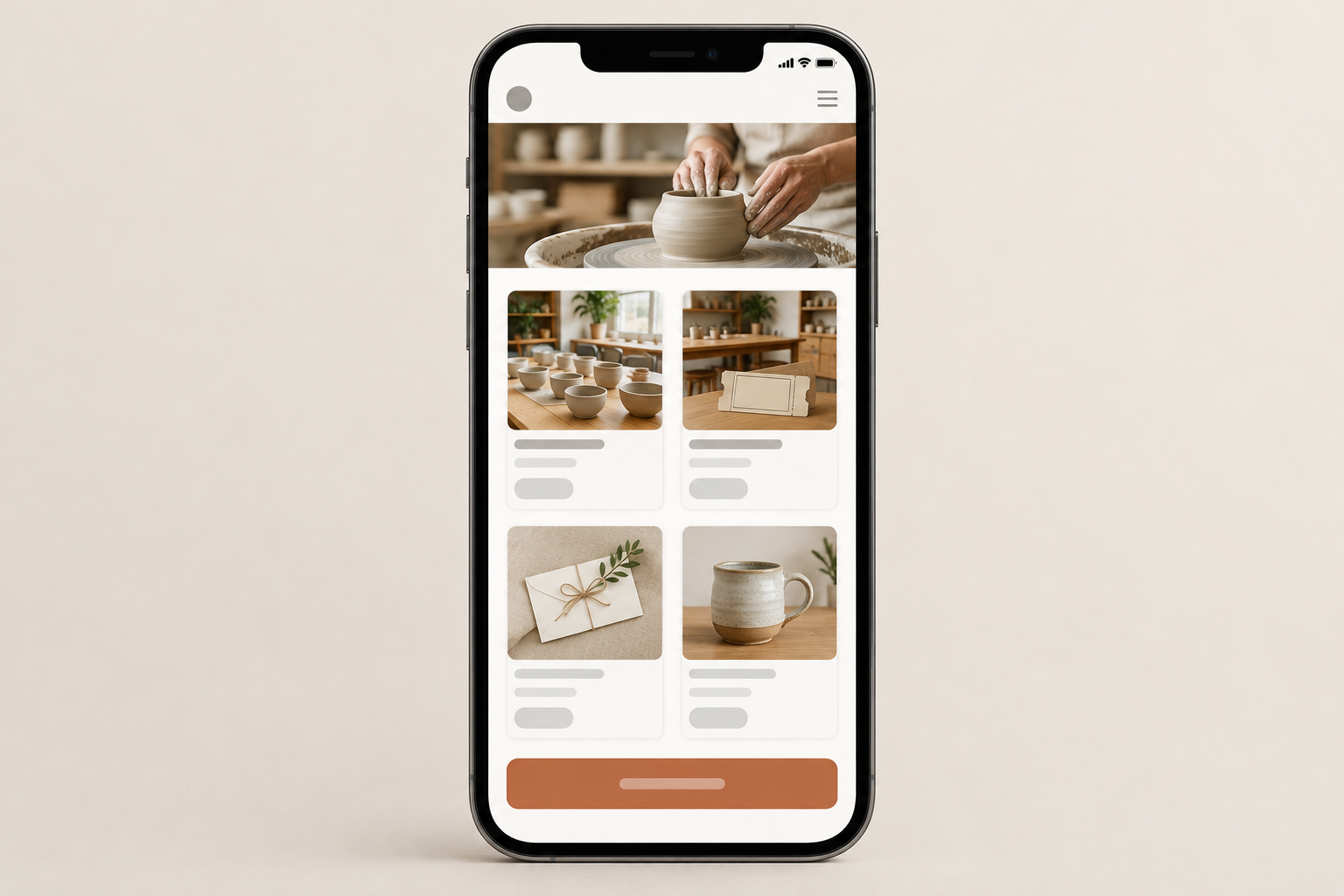
In my experience, clear class descriptions and cancellation terms take longer than the technical bits. Good photos matter too, though natural light and a phone are plenty. Before sharing the link, test the whole journey on a phone: book a class, buy a product and check that the confirmation arrives.
A quick compliance note for South African online sellers
This isn't legal advice, and what applies to you depends on your business and how you sell. Treat these as good-practice basics to check with a professional.
- The Consumer Protection Act (CPA) sets rules on transparent pricing, marketing and fair terms. Show prices clearly and make cancellation and refund terms visible before checkout. Your specific refund and cancellation obligations depend on the type of transaction. The National Consumer Commission publishes guidance.
- The Electronic Communications and Transactions Act (ECTA) governs electronic transactions, including the information you should give online customers. Send clear electronic confirmations and keep transaction records.
- POPIA applies if you handle customers' personal information, which means doing so lawfully. Collect only what you need, keep it secure and get permission before using it for direct marketing. See the Information Regulator.
- VAT in South Africa is 15% and applies if you're VAT registered. Check SARS guidance or ask your accountant.
If you're unsure, a short chat with a legal or tax professional is money well spent.
Online store builder fees: what the costs look like in rand
Shopstar's fees are simple to calculate, but please confirm the current figures on the Shopstar pricing page before you decide. The figures below were supplied by Shopstar at the time of writing and may change.
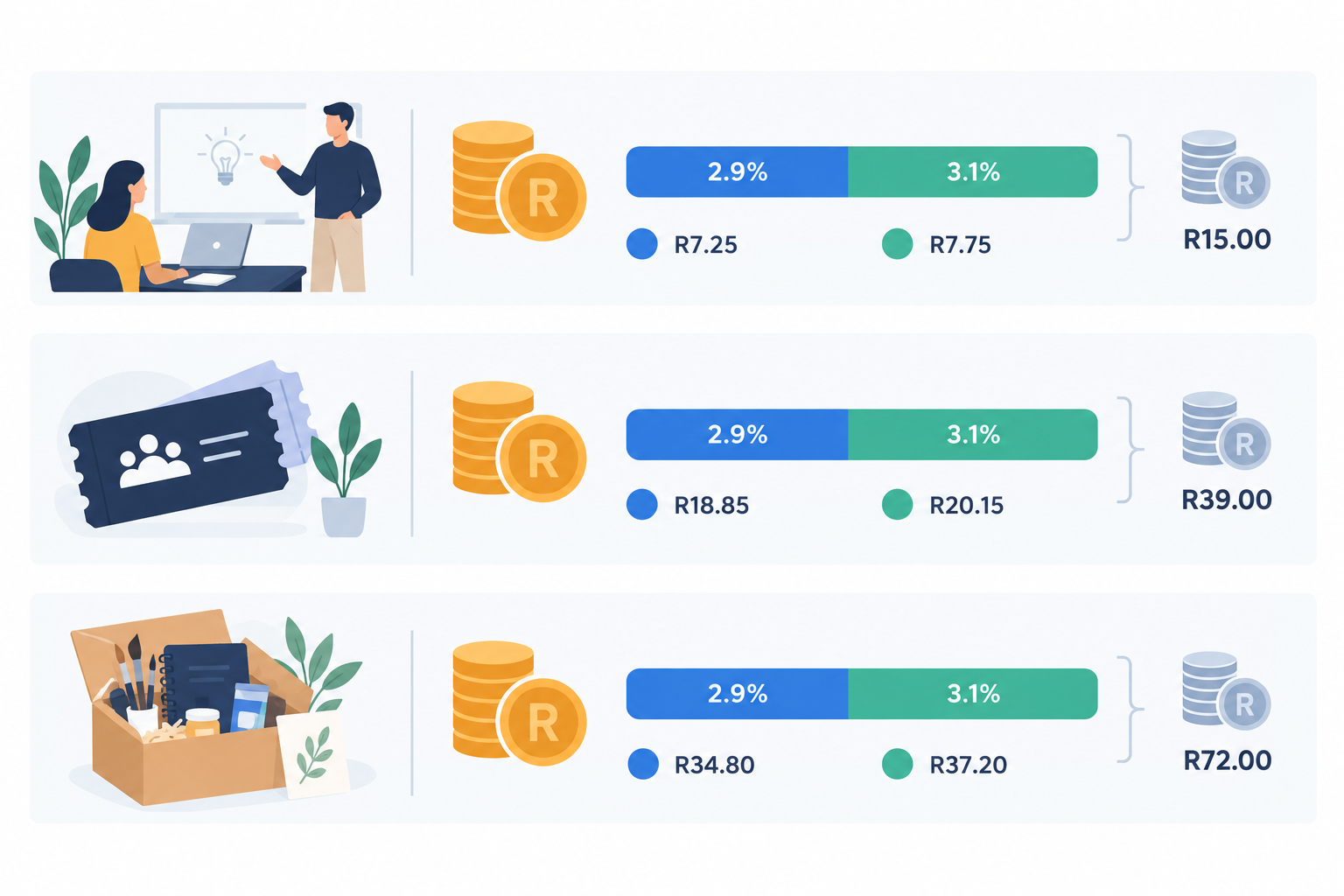
- Start Free has no monthly fee. You pay 6% all-in per sale, made up of a 2.9% payment gateway fee and a 3.1% Shopstar fee.
- Lower Fees has a monthly fee plus 2.9% per sale.
Here's what Start Free costs on typical studio sales:
| Sale | Price | Total fees (6%) | Gateway (2.9%) | Shopstar fee (3.1%) | After listed fees |
|---|---|---|---|---|---|
| Single class | R250 | R15 | R7.25 | R7.75 | R235 |
| Workshop ticket | R650 | R39 | R18.85 | R20.15 | R611 |
| Take-home kit | R1,200 | R72 | R34.80 | R37.20 | R1,128 |
That last column is not profit. It only deducts the listed platform and payment fees, and it leaves out your stock, rent, instructor costs and any tax.
When does the Lower Fees plan make more sense?
The two plans differ by 3.1 percentage points per sale, so the break-even is the monthly fee divided by 0.031. I can't confirm the current Lower Fees price as of today, so get it from the Shopstar pricing page and plug it in.
To show the sum, take a hypothetical monthly fee of R300. R300 ÷ 0.031 comes to roughly R9,677 in monthly sales, and above that the lower-fee plan would cost less overall. If your actual fee is different, the break-even moves with it. Many owners start on the free plan and revisit the numbers once monthly sales settle.
Do online store fees attract VAT?
Whether VAT applies to the fees you pay, and whether your own prices include VAT, depends on your registration status and how the fees are invoiced. Ask your accountant, and check SARS guidance.
Compare online payments with the old way
A fee per sale is visible, so it feels like a cost. Chasing EFTs, double bookings and no-shows is invisible, so it feels free. It isn't. As a simple illustration, if one no-show a week costs you a R250 seat, that's roughly R1,000 a month. Taking payment upfront may make customers think twice before skipping a class, but I wouldn't promise it eliminates no-shows. Track your own numbers and find out.
Results: what to measure after launching your online store
There are no verified results to report here, so this section is a measurement plan instead. If you launch a page like this, track the numbers below before and after, using comparable periods (for example, the four weeks before launch against weeks 5 to 8 after):
- Bookings or orders per month
- Average order value in rand
- Share of customers paying online versus by EFT or cash
- Weekly admin hours, including replying to DMs, sending banking details and reconciling payments
- No-shows and double bookings per month
- Days from launch to your first online order
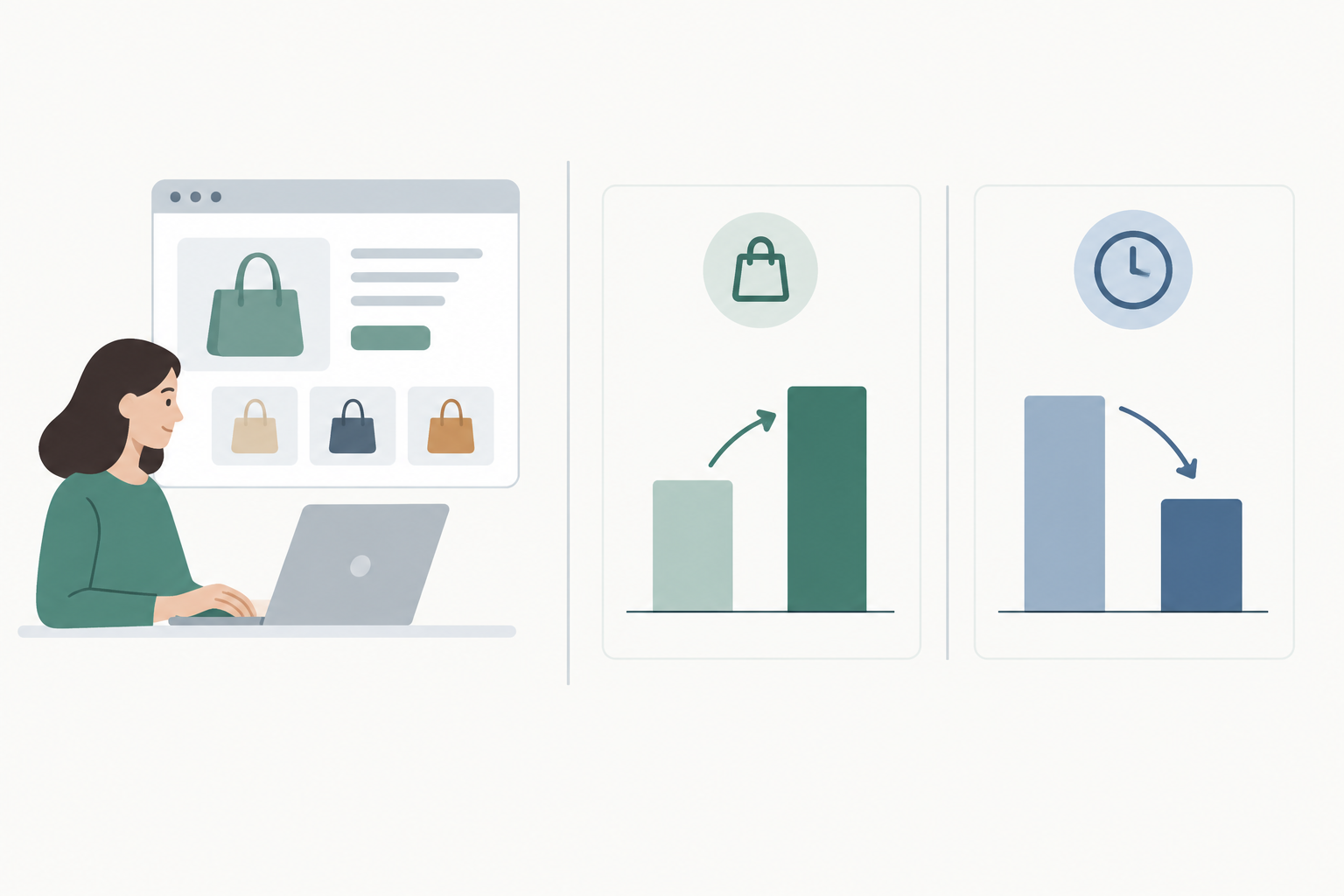
The chart below is a blank template for you to fill in with your own figures. It isn't data from a real studio.
A suggested 30, 60 and 90 day plan
This is a plan to try, not a record of what happened.
- In the first 30 days, get your best-selling class and two or three products live. Share the link in your bio and WhatsApp status, and put a QR code on the counter.
- From day 30 to 60, add workshop tickets and gift vouchers. Ask regulars to book through the page, and walk the less techy ones through it the first time.
- From day 60 to 90, review what sold. Think about a membership or digital download, and tidy up descriptions and times.
What products and services are worth testing first?
Recurring classes, workshop tickets and gift vouchers are simple to understand and quick to buy, so I'd test those first. Slower retail items may work better bundled with a class, like a class plus a take-home kit. Let your own numbers tell you what works.
What may take longer than expected
Be patient with the first fortnight. Customers used to DMing will keep DMing, so expect to politely send them to the link a few times. And if nobody sees your link, nobody buys. The page doesn't replace promoting your studio.
Lessons other local shops can apply
- Lead with your single best-selling offer and put it first on the page.
- Make the next step obvious: one link, one button, one checkout.
- Consider taking payment upfront for classes and events.
- Mix services and products, so a booking can lead to a product sale.
- Share the link where customers already talk to you, like Instagram, WhatsApp, Google Business Profile and in-studio QR codes.
- Write simple cancellation and refund terms with the CPA in mind, and show them at checkout.
- Review your numbers monthly and adjust prices, times and offers.
One more tip. Most customers will arrive on a phone, so keep descriptions short and photos light. Google reported in 2016 that over half of mobile visits are abandoned if a page takes longer than three seconds to load. It's an older finding, so treat it as a rule of thumb.
Is an online store builder suitable for a physical studio?
It can be. Your physical space stays at the heart of the business, and the page handles bookings, payments and sales so you can get on with teaching.
A simple page is usually enough when most customers find you through social media or word of mouth, and you mainly need them to book or buy. A bigger website may be worth adding later if you want extensive content or run several locations.
My suggestion: start on the free plan, set up one offer this week and share it with ten regulars. Note your numbers, then decide. If you get stuck, Shopstar offers hands-on onboarding support.
FAQ: online store builders and South Africa ecommerce
Can a simple page really replace a full website?
For many local studios, yes. If your main goal is to get people to book a class, buy a product or pay for an event, one well-organised page with a single checkout can do the job. You can use a shopstar.page address or connect your own domain. If you later need lots of content pages, you can add a website on top.
How long did it take to see results?
I can't give you a verified timeline, because the studio in this article is an illustrative scenario. In reality it depends on your existing audience, how often you share the link and how your offers are priced. Track the time to your first online order and compare it with the metrics above.
What products or services worked best online?
Recurring classes, workshop tickets, gift vouchers, memberships and take-home kits are easy to understand and buy in one go, so they're good starting points to test. Digital downloads, like guides or recorded sessions, add variety without stock to manage.
How much does it cost to sell through Shopstar?
On the Start Free plan there's no monthly fee, and you pay 6% all-in per sale (2.9% payment gateway fee plus 3.1% Shopstar fee). A R500 booking costs R30 in fees. The Lower Fees plan has a monthly fee and 2.9% per sale. Check the Shopstar pricing page for current figures.
How and when do I get paid?
According to Shopstar's current information, payments run through Shopstar Go, which accepts card, Apple Pay and Scan to Pay, with automatic daily payouts to your South African bank account. Confirm the latest details in Shopstar's documentation, since payment methods and timing can change.
Do I need to worry about POPIA, the CPA and ECTA?
You should check. How these laws apply depends on your business and how you sell. In practice, good habits include handling customer information responsibly (POPIA), showing clear prices and fair cancellation and refund terms (CPA), and sending electronic confirmations and keeping records (ECTA). For VAT questions, see SARS guidance. If you're unsure about your obligations, speak to a legal or tax professional.