Launch Your Shopstar.page in Under an Hour: A Checklist
Launch your South Africa ecommerce store in about an hour with an ecommerce platform. Get your products, payments and page ready to share.
12 min read
On this page
Launch an Online Store in About an Hour with an Ecommerce Platform
Yes, you can launch a Shopstar.page store in about an hour, as long as you gather the basics first. You'll need a product or service, a photo, a price in rand and your South African bank details. Prep takes roughly 10 minutes. The five setup steps then take about 45 to 55 minutes: claim your URL, add your first item, connect payments, tidy up your look, then share your link. Verification checks or a taken URL can add time, so treat this as a realistic target, not a guarantee. 🙌
Shopstar is a South African ecommerce platform and link in bio store builder. Below is the full checklist, with time budgets, local examples and the spots where first-time sellers most often get stuck. You can edit everything after you go live, and our support team is there if you need a hand.
Can You Really Launch an Online Store in About an Hour?
For a first version, yes. Forget the perfect page. Aim for one that is live and can take an order.
Here's what 'launched' means in this guide:
- A working page with your own shopstar.page address
- One sellable item, clearly described and priced in rand
- Payments connected, so money can reach your bank account
- A link you can share with real people
A single product or service fits comfortably in an hour. A catalogue of 50 items doesn't, and that's fine. Add the rest once you're live.
There's no website to code or design from scratch. You're filling in a simple page, with no themes or plugins to wrestle with. If you're thinking 'I'm just not techy,' Shopstar is built for non-technical merchants, and we offer hands-on onboarding help if you'd like a person beside you.
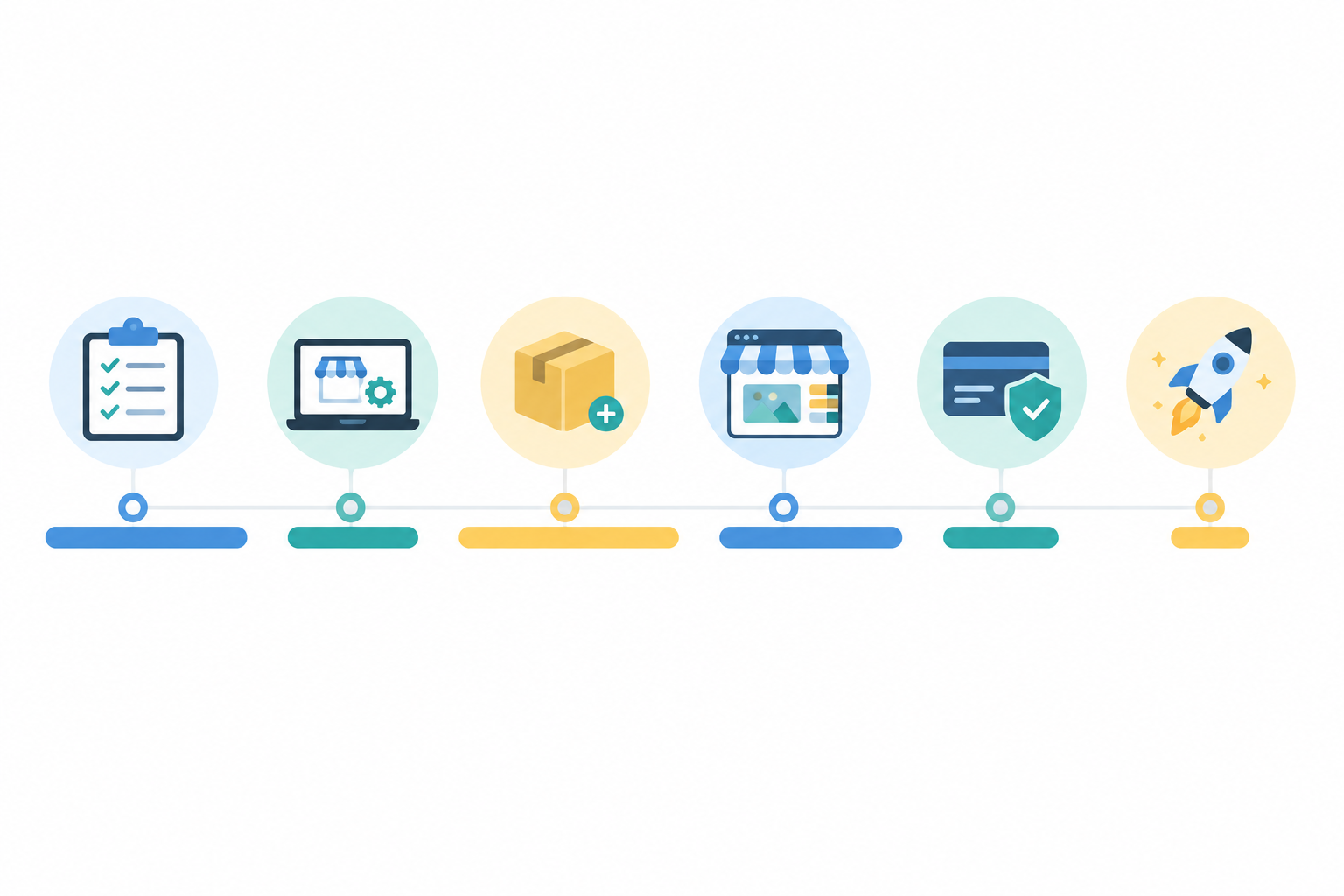
Here's the time budget I'd plan around:
| Stage | What you do | Time |
|---|---|---|
| Prep | Gather your details (see below) | about 10 minutes |
| Step 1 | Claim your custom URL | about 5 minutes |
| Step 2 | Add your first product or service | about 15 minutes |
| Step 3 | Connect payments to your bank | about 10 to 15 minutes |
| Step 4 | Customise your page look | about 10 minutes |
| Step 5 | Share your link and go live | about 5 to 10 minutes |
The five steps add up to roughly 45 to 55 minutes. Add the prep and you're at about an hour overall, sometimes a little more if verification takes a while.
What Do You Need Before Starting? The 10-Minute Prep Checklist
Most 'it took me all weekend' stories come from hunting for things mid-setup. A few minutes of prep saves a lot of stop-start frustration.
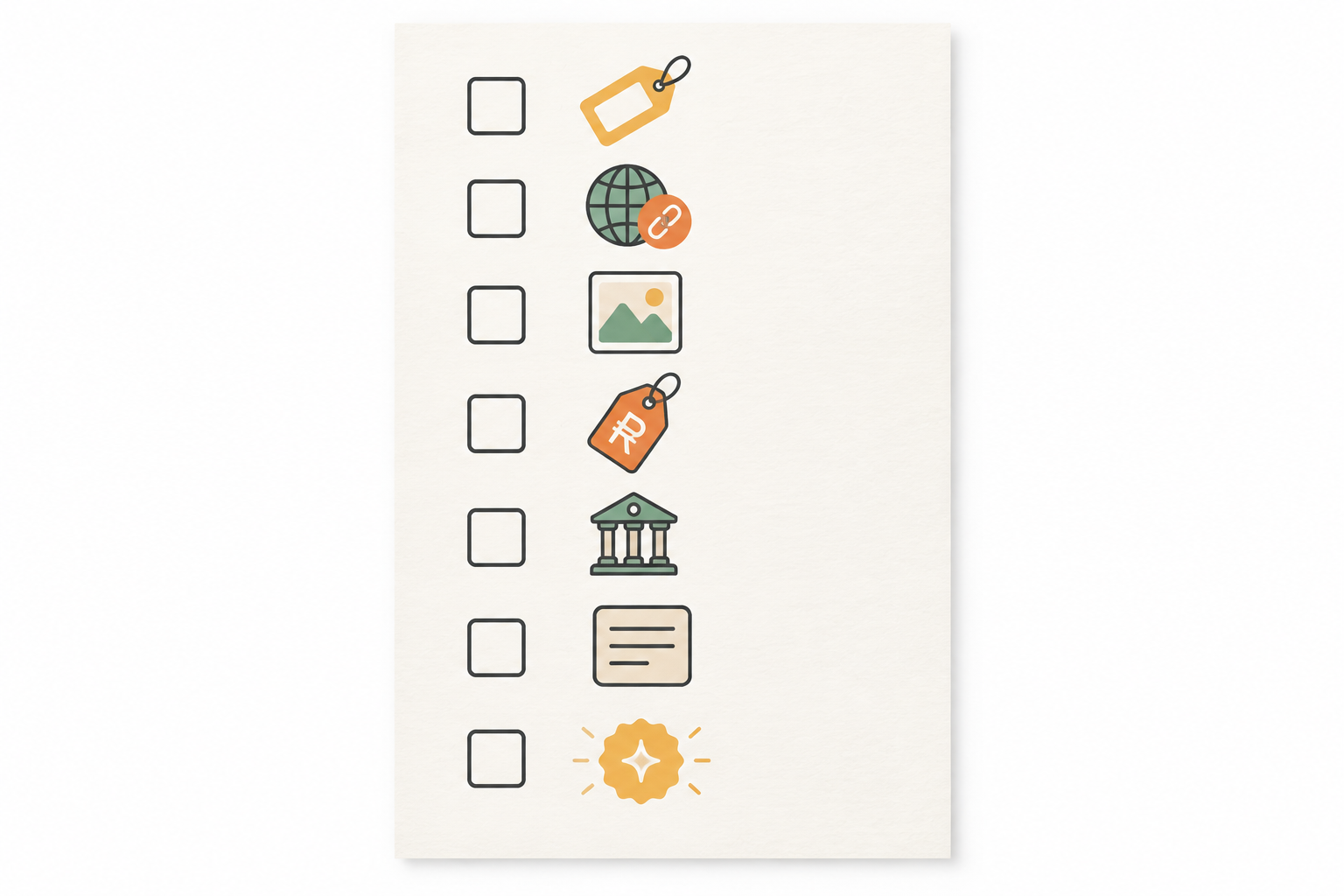
Gather these first:
- A business name and 2 or 3 URL ideas. Your first choice might be taken.
- One product or service to start with, plus a short description of what the customer actually gets.
- A price in rand. Also note whether you're VAT registered. VAT in South Africa is 15%. SARS currently requires registration once your taxable turnover passes R1 million in a 12-month period, and lets you register voluntarily at lower levels. Thresholds can change, so confirm the current rules on the SARS website or with a registered accountant.
- One or two decent photos taken on your phone in natural light against a clean background. A window and a plain table beat a fancy camera.
- Your South African bank account details, plus your ID or business details for verification.
- A logo or brand colour, if you have one. If you don't, skip it. You're allowed.
Then, depending on what you sell:
- Services: your available days and times, and how long each appointment takes.
- Digital downloads: the finished file, ready to upload.
- Events: the date, venue, ticket price and capacity.
Tip: put everything in one folder on your phone. You'll thank yourself when you're halfway through Step 3.
Step 1: Claim Your Custom Page URL (about 5 minutes)
This is the quickest win of the whole process, and it makes everything feel real.
- Create your Shopstar account. Sign up and follow the prompts.
- Choose your custom shopstar.page address. This is the link customers will tap, type and share.
- Check availability. If your first pick is taken, try a backup.
- Confirm and move on. Don't agonise over it.
How to Pick a URL That Works
The best addresses are short, easy to say out loud and easy to spell. If you can, match your Instagram or TikTok handle.
Picture a Cape Town baker selling koeksisters and milk tarts. She'll be saying her link in voice notes, at a Saturday market stall in Woodstock and in WhatsApp groups. If it's easy to say once and type correctly, she wins. If she has to say 'it's the name, then a dash, then the number 2,' she loses customers.
Steer clear of these:
- Hyphens, which people forget
- Numbers, which cause the 'is that a digit or a word?' question
- Long names that customers mistype
If you later want a more branded address, you can connect your own domain. You don't need to decide that today.
Step 2: Add Your First Product or Service to Your Ecommerce Platform (about 15 minutes)
Here's my one big rule: start with one item only. Momentum beats perfection.
What to Include in Your First Product Listing
For your first item, fill in:
- Title: be specific. 'Hand-poured soy candle, vanilla and oud' tells a shopper far more than 'Candle.'
- Photo: a clear, well-lit shot of the actual item.
- Description: what it is, who it's for, what's included, and how delivery or collection works.
- Price: the full price a customer will pay, in rand.
- Stock or availability: how many you have, or when you can take bookings.
- Options: size, colour or scent, if relevant.
One Checkout for Different Products and Services
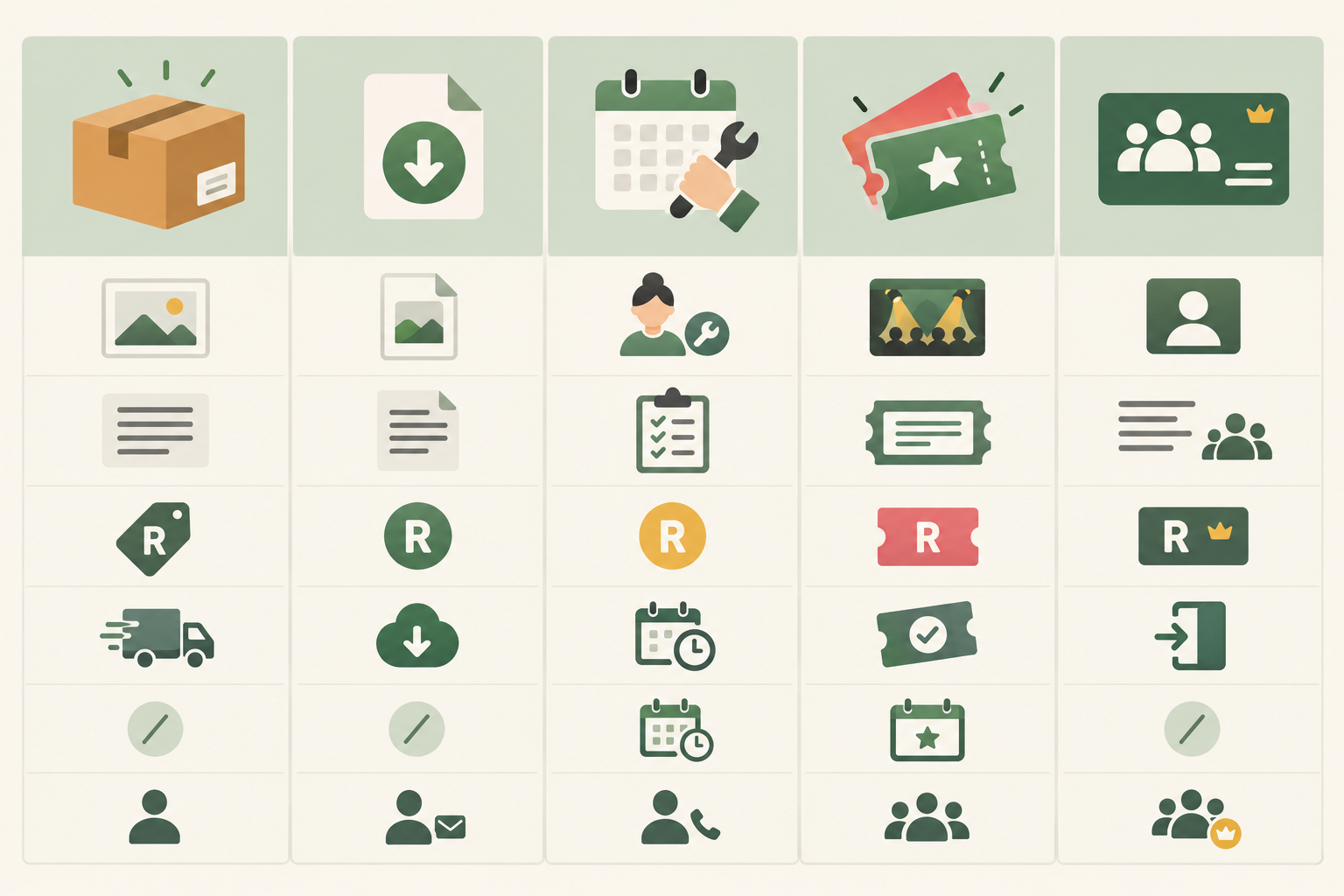
The same checkout handles very different things, so you don't need a separate booking tool, ticketing tool and shop. Here's what a first listing might look like:
- Physical product: a Joburg candle maker lists a R180 candle.
- Service booking: a Durban personal trainer lists a R350 session with time slots, so clients book without the back-and-forth messages.
- Digital download: a Pretoria illustrator lists a R95 printable art file that customers download after paying.
- Event ticket: a Stellenbosch wine tasting sells R250 tickets with a set capacity.
- Membership or subscription: a creator offers ongoing access for a monthly fee.
How to Write a Clear Product or Service Description
Keep it scannable. Answer the questions a customer would ask you in a DM:
- What exactly is it?
- Who is it for?
- What's included (materials, size, duration)?
- How does delivery, collection or booking work, and how long does it take?
For a service, spell out the scope, how long it lasts, what the client walks away with, and how they book. If writing isn't your thing, Shopstar's AI-powered tools can help you draft or tidy a description. Read it over afterwards and make sure it sounds like you.
What South African Online Sellers Should Tell Customers
This is more than good manners. The Consumer Protection Act (CPA) and the Electronic Communications and Transactions Act (ECTA) both expect online sellers to be upfront about price, what's being sold, and delivery or returns terms. If you're VAT registered, your displayed prices also need to be clear about VAT.
Treat this as a starting point, not a full compliance checklist. The National Consumer Commission publishes guidance, and a lawyer or accountant can confirm what applies to your business.
It helps sales too. Baymard Institute's cart abandonment research is a US-based study, not a South African one, but it consistently finds that unexpected extra costs, such as shipping, are a leading reason people abandon a purchase. State your delivery costs and timing upfront so nobody gets a nasty surprise.
Step 3: Connect Payments to Your South African Bank Account (about 10 to 15 minutes)
This step makes people nervous, but it's mostly typing in details you already know.
- Open your payment settings in your Shopstar dashboard. Available payment methods can depend on your plan.
- Enter your South African bank details. Use an account you can access, with an account-holder name that matches the ID or business details you supply.
- Complete any verification prompts. Have your ID or business documents handy. This is the step most likely to add time.
- Choose your plan (more on that below).
- Test your checkout. Preview your page and walk through checkout as a customer first. Before placing a real low-value order, ask our support team whether a test mode is available and whether fees or a refund would apply. Don't assume a test order is free.
What Shopstar Go Gives You
Payments are built in with Shopstar Go. Customers can pay by card, Apple Pay or Scan to Pay without leaving your page, subject to your plan and account setup. The checkout is hosted for you, so you aren't collecting or storing card numbers yourself. That's safer for you and your customers.
Payouts go to your South African bank account automatically each day, once your account is verified. Exact timing can depend on your bank and verification status.
Shopstar Pricing and Payment Fees
Let's talk fees plainly. Shopstar has two plans:
- Start Free: no monthly fee. You pay 6% all-in per sale, made up of a 2.9% payment gateway fee and a 3.1% Shopstar fee.
- Lower Fees: a monthly fee, plus 2.9% per sale.
Here's a worked example on a R500 sale:
- Start Free: R30 in fees (R14.50 gateway fee plus R15.50 Shopstar fee), so you keep R470.
- Lower Fees: R14.50 in fees, plus the monthly fee for that plan.
These figures reflect the plans as I write this. Fees and features can change, so check the current plan details inside your dashboard before you choose.
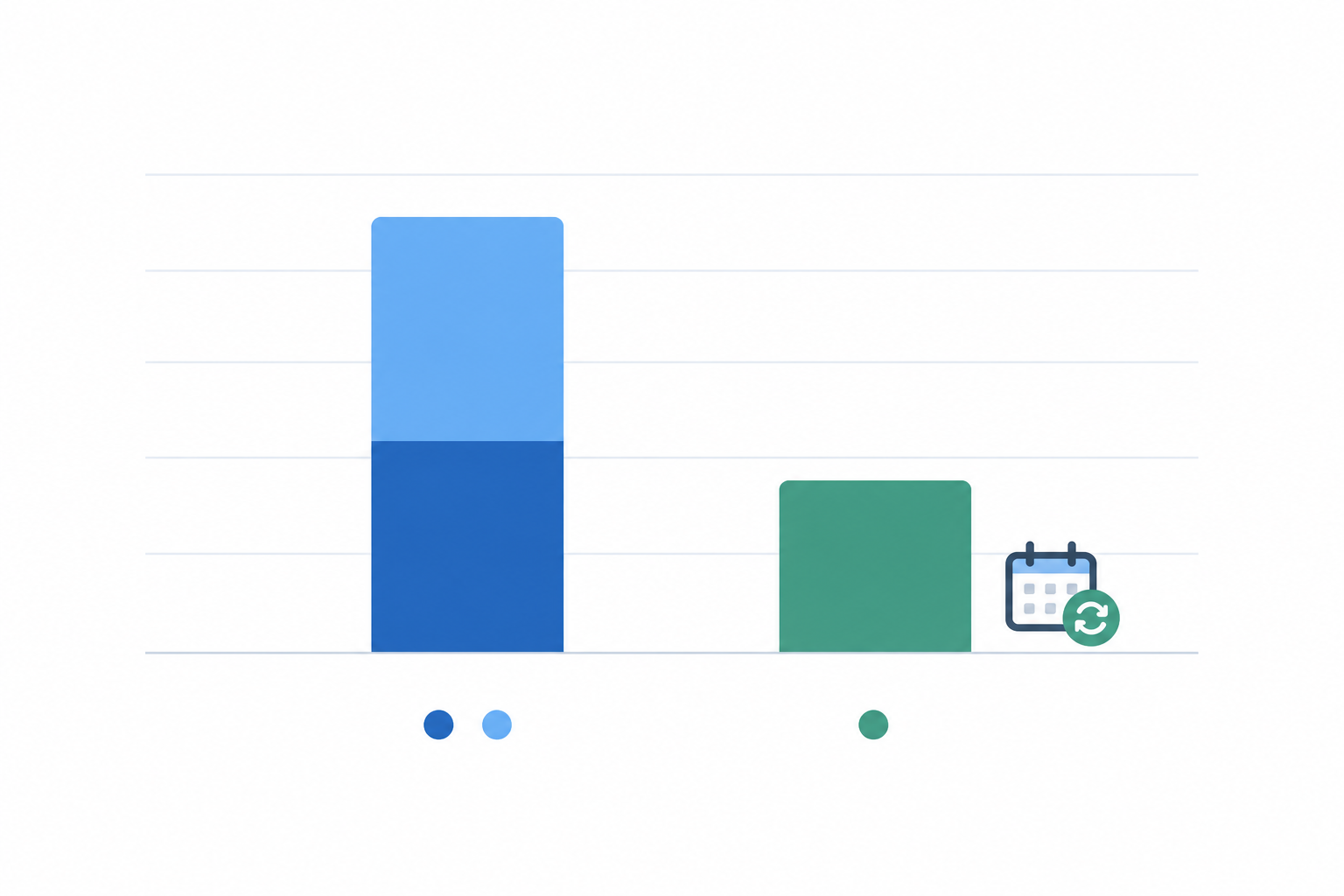
My honest advice: start free while you're testing. Once your monthly sales are steady, run the numbers again. At some point the per-sale saving on Lower Fees outweighs the monthly fee, and that's when switching makes sense.
Two Important Admin Notes for South African Sellers
- SARS: income from your page is taxable income. Keep your payout history and sales reports tidy from day one, so tax time isn't a scramble.
- POPIA: the customer details you collect, like names, emails and addresses, fall under the Protection of Personal Information Act. Only ask for what you need, and keep it safe. The Information Regulator has guidance for small businesses.
Step 4: Customise Your Store Page (about 10 minutes)
Now the fun bit. Set a timer, because it's very easy to lose an hour fiddling with colours. 😅
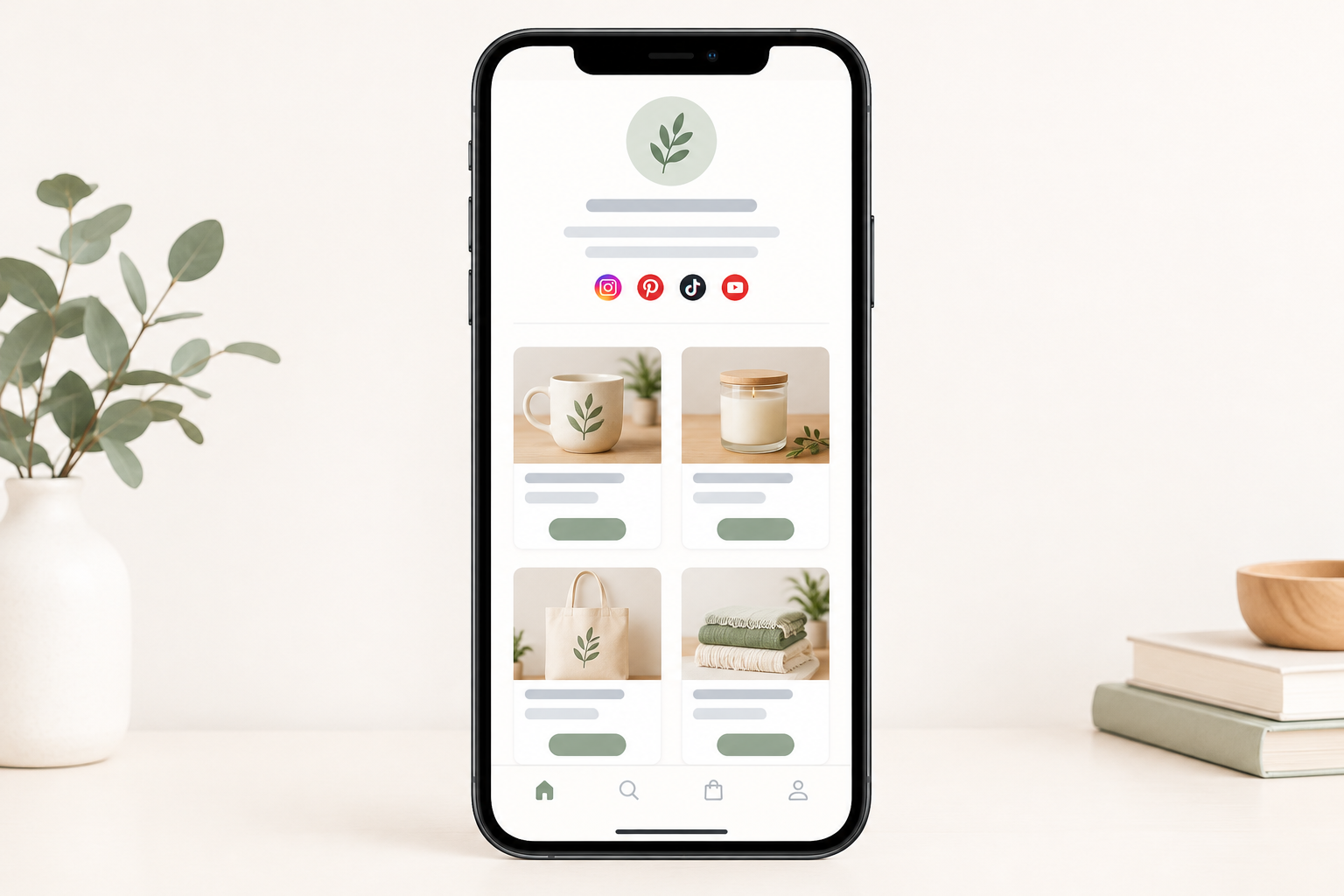
- Add your logo, profile image and a short bio. One line that explains what you do is enough: 'Hand-poured candles from Joburg, delivered nationwide.'
- Pick colours and a layout that fit your brand. Fewer elements make a clearer page.
- Put your best-seller or most important offer at the top.
- Add your social links so the page works as a proper link in bio.
- Preview on your phone. Most people will tap your link from Instagram, TikTok or WhatsApp, so check how it looks and feels there first.
Tip: don't spend more than 10 minutes here. You can polish after launch, once you see how real customers use the page.
Step 5: Share Your Online Store Link and Go Live (about 5 to 10 minutes)
You've built it. Now let people find it.
- Do a test run. View your page as a customer and walk through checkout. Does it feel smooth? Is anything confusing?
- Update your bios. Put your shopstar.page link in your Instagram, TikTok and WhatsApp Business profiles.
- Tell people. Post it on your WhatsApp Status and in community groups you belong to. Message friends, family and past customers who'd genuinely welcome hearing from you, and don't blast people who haven't asked. That keeps you on the right side of POPIA's direct marketing rules too.
- Send a simple launch message. Copy and adapt this:
Hi! I've just launched my online shop 🎉 You can now order [your item] for R[price] at shopstar.page/[yourname]. Pay by card, Apple Pay or Scan to Pay, and I'll [deliver / confirm your booking] within [timeframe]. Would love your support, and please share with anyone who might like it!
- Add a QR code to your page link. If you trade at markets or pop-ups, a QR code on a sign, packaging or business card can open your shop page on a customer's phone. Once they're there, they check out and choose from the payment methods on offer, including Scan to Pay where it's available. The QR code takes people to your page. It isn't the payment itself.
Set a modest day-one goal. Forget going viral. You want a first order. One real customer proves the whole thing works.
After You Launch: Improving Your South African Ecommerce Store
Your page isn't set in stone. You can change products, prices, photos and design whenever you like. Launch is the start of the improvement cycle.
Here's a simple first-week routine:
- Check your orders daily. Fast replies build trust.
- Add one new item. It's much quicker the second time.
- Ask your first customers for feedback. What was easy? What confused them?
- Look at your page on your phone again, including delivery costs and payment steps.
If people are visiting but not buying, change one thing at a time, such as clearer photos, better sizing info or upfront delivery costs, and see what happens over a week or two.
If you want to know who's behind the platform, Shopstar reports a 4.9-star Google rating from 120+ reviews and over R250 million in paid orders processed through Shopstar stores. These are company-reported figures, so check the Google reviews yourself. They show the platform's track record, not what your own store will earn.
If something gets stuck, ask early. Please don't spend three hours battling a problem alone. Our support team and onboarding assistance are here for exactly that. To get a fast answer, tell us:
- Which page or product it involves
- What you expected to happen
- What happened instead
- Your device and browser, plus a screenshot if you can
So here's my friendly nudge: pick your one item, open that phone folder and start the timer. You could have a live, order-ready page before your tea goes cold. ☕
FAQ: Starting an Online Store in South Africa
Is it realistic to launch in under an hour?
About an hour is realistic for most first-timers. Allow roughly 10 minutes of prep, then 45 to 55 minutes for the five setup steps. Bank verification or a taken URL can add time, so start with one product or service and add more later.
What information do I need ready before starting?
Your business name, a few URL ideas, one product or service with a description, a price in rand, a photo and your South African bank details. Service sellers should also have their available times, and digital sellers the file ready to upload.
Can I edit my page after it's live?
Yes. You can update products, prices, photos and your page design at any time, so there's no pressure to get everything perfect before launch.
What if I need help during setup?
Our support team offers hands-on help and onboarding assistance. Reach out as soon as you get stuck, and tell us the page, what you expected and what happened.
How much does it cost to get started?
Start Free has no monthly fee and charges 6% all-in per sale (2.9% gateway fee plus 3.1% Shopstar fee), which is R30 on a R500 sale. Lower Fees has a monthly fee and charges 2.9% per sale, which is R14.50 on a R500 sale. Check current plan details in your dashboard before choosing.
Do I need to register for VAT before I start selling?
Not necessarily. VAT in South Africa is 15%, and registration depends on your turnover. SARS sets the thresholds and they can change, so confirm the current rules on the SARS website or with a registered accountant.