5 Mistakes Non-Technical Sellers Make Online (and How to Fix Them)
Avoid five common online store builder mistakes—from cluttered setup to unclear rand pricing—and create a mobile-friendly ecommerce platform with confidence.
11 min read

On this page
5 Mistakes Non-Technical Sellers Make When Using an Online Store Builder
The most common beginner mistake online is making things harder than they need to be. It shows up as a complicated setup, vague pricing, a store nobody can use on a phone, silence after the sale, and trying to figure it all out alone. The fix is simple: keep your store small and clear, spell out your prices in rand, test it on your own phone, follow up with every buyer, and pick an online store builder or ecommerce platform that gives you real support when you get stuck.
Here's the longer, friendlier version. 😊
What's the Most Common Beginner Mistake Online? Starting with Too Much
Your first online store is rarely perfect, and that's completely normal. Almost every seller we've spoken to started with a photo that was a bit dark, a description that said too little, or a price they changed three times in the first week.
For non-technical sellers, there's usually one fear underneath it all: 'I'm not a tech person. What if I break something?' The good news is that on a well-built platform, it's very hard to badly break anything by adding a product or fixing a typo, and most changes can be undone. You don't need to code, learn jargon or build a full website to start selling.
These five fixes come from watching what works, and what trips people up, for South African sellers: bakers, yoga teachers, event organisers and digital creators. Let's take them one at a time.
Mistake 1: Overcomplicating Your Online Store Setup
The trap: spending weeks on logos, plugins, themes and a 40-product catalogue before you've made a single sale.
It happens because many beginners believe a 'real' business needs a full custom website. So they start building, get lost in settings and quietly give up in week three. That's a shame, because what they were selling was perfectly good.
The fix: start with one simple page and your best three to five offerings. Add more once you have orders and know what people actually ask for.

Full Website vs. Online Store Builder: Which Is Easier to Start With?
A full website build means choosing hosting, a theme, plugins, a payment setup and a checkout, then making sure they all play nicely together. An online store builder skips most of that. If your photos, descriptions and bank details are ready, many sellers can get a first page live in an afternoon. Give yourself longer if you're still deciding what to sell.
A link in bio page lets you sell from one place, through one checkout. With Shopstar, that can include:
- Physical products
- Digital downloads
- Service bookings and appointments
- Memberships and subscriptions
- Event tickets
So a Joburg photographer can sell prints, a booking for a mini-shoot and a preset pack from the same link, with no separate booking system and no separate shop.
Your First-Afternoon Online Store Setup Plan
- Pick your top offering. Choose the one thing people already ask you about.
- Add a clear photo and description. One good photo beats six blurry ones. Say what it is, who it's for and what's included.
- Set up payments. On Shopstar, Shopstar Go lets customers pay by card, Apple Pay or Scan to Pay, with payouts to your South African bank account. Check Shopstar's current help pages for payout timing.
- Claim your shopstar.page URL. You can connect your own domain later.
- Share the link. Put it in your Instagram bio, WhatsApp status and TikTok profile.
If you get stuck on step two or three, Shopstar offers guided onboarding, so there's a real person to ask.
Mistake 2: Skipping Clear Pricing for Your Online Store
The trap: 'DM for price', vague 'from R...' ranges, or delivery costs that only appear at checkout. Shoppers hate surprises, and they leave.
This isn't only a South African problem. The Baymard Institute's checkout research found that extra costs like shipping, taxes and fees were the top reason US shoppers abandoned an order, and many others left because they couldn't see the total cost upfront. It's US data, but it's the same human behaviour you'll meet in Pretoria or Port Elizabeth.
Here's a quick self-test: could a stranger work out exactly what they'd pay, in rand, in 10 seconds? If not, you've got work to do. Mystery pricing is only fun in a mystery novel. 🕵️
Clear Online Pricing and South African Consumer Rules
Clear pricing isn't just good manners. It protects you. The Consumer Protection Act (CPA) expects prices and key terms to be transparent. Section 43 of the Electronic Communications and Transactions Act (ECTA) lists the information online suppliers must make available, including the full price, your contact details and how the buyer can complete the transaction. You can read the ECTA on gov.za. This is general information, not legal advice, so if you're unsure what applies to your business, speak to a legal adviser.
VAT and Online Store Pricing in South Africa
VAT in South Africa is 15%. If you're registered for VAT with SARS, make it obvious whether your displayed prices include VAT. Registration becomes compulsory once your taxable turnover passes R1 million in a 12-month period, and you can register voluntarily below that. Many small sellers sit under the threshold, but check the SARS VAT pages or ask an accountant so you know where you stand.
Don't Forget Your Ecommerce Platform Fees
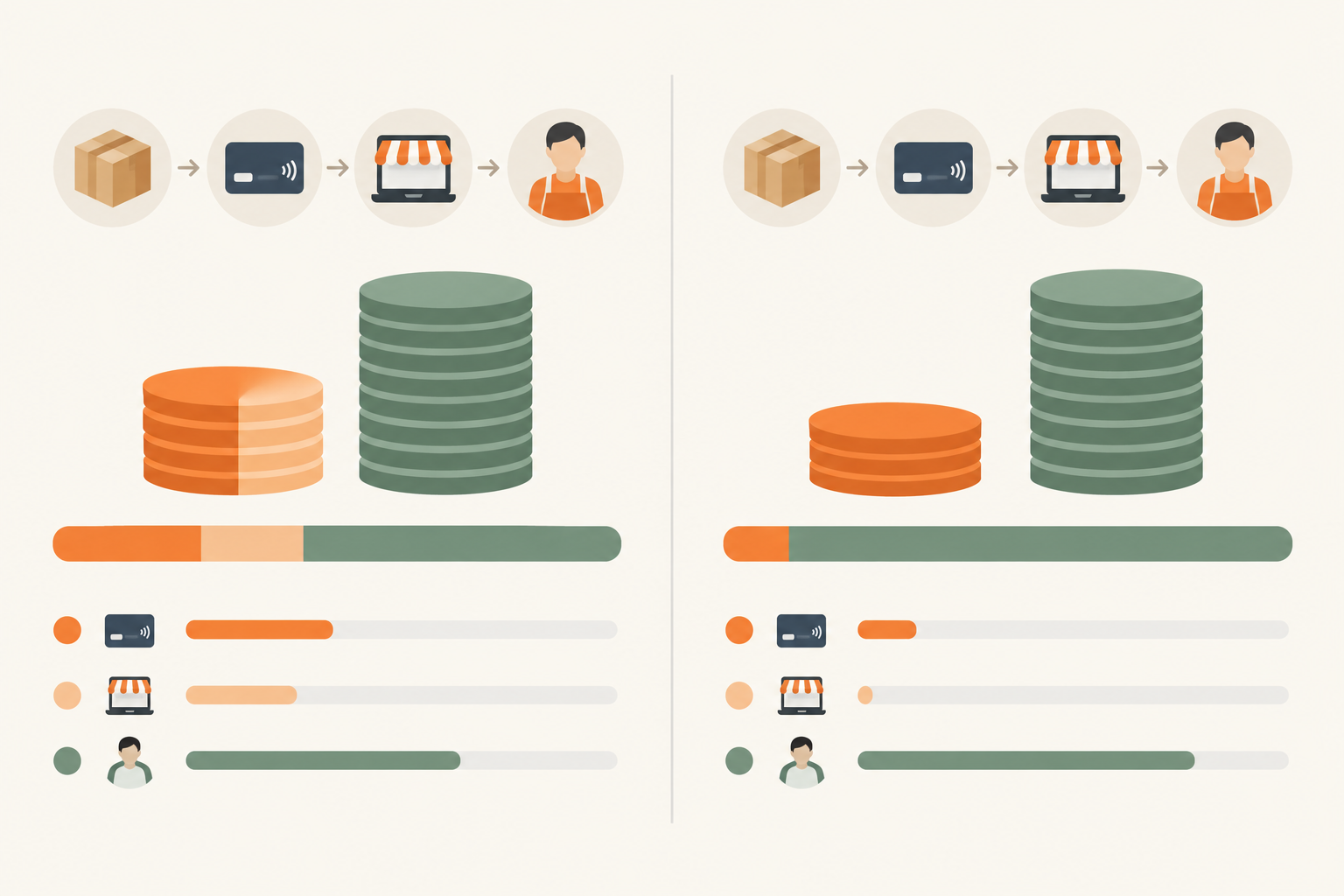
Clear pricing also means knowing what you keep. Here's a worked example on a R500 product, based on Shopstar's plans at the time of writing. Check the current pricing page before you decide, because fees can change.
| Plan | How fees work | Fee on R500 | You keep (before other costs) |
|---|---|---|---|
| Start Free | No monthly fee. 6% all-in per sale (2.9% payment gateway fee + 3.1% Shopstar fee) | R30 | R470 |
| Lower Fees | Monthly fee + 2.9% per sale | R14.50 | R485.50 |
These figures leave out the Lower Fees monthly fee, shipping, refunds and your own product costs, so build those into your price too. The Lower Fees plan tends to make sense once your sales grow.
Clear Pricing Checklist for Online Sellers
- Put a rand price on every item.
- State delivery costs and timelines upfront.
- Add a short returns and refund note.
- Be specific about what's included, especially for services. Does that R450 session include a follow-up? How long is it?
- Say whether prices include VAT, if you're registered.
Mistake 3: Ignoring Mobile Shoppers
The trap: building and testing your store only on a laptop, when many of your customers will find you on Instagram, TikTok or WhatsApp and pay on their phones.
Data costs money and patience is short. Heavy images, tiny buttons and long forms can lose you sales. Google research from 2016 found that 53% of mobile visits were abandoned when a page took longer than three seconds to load. That's old and global, so treat it as a direction rather than a rule. Still, it rings true in South Africa, where lots of customers are on mobile data rather than Wi-Fi, especially during load-shedding. A light page is a kind page.
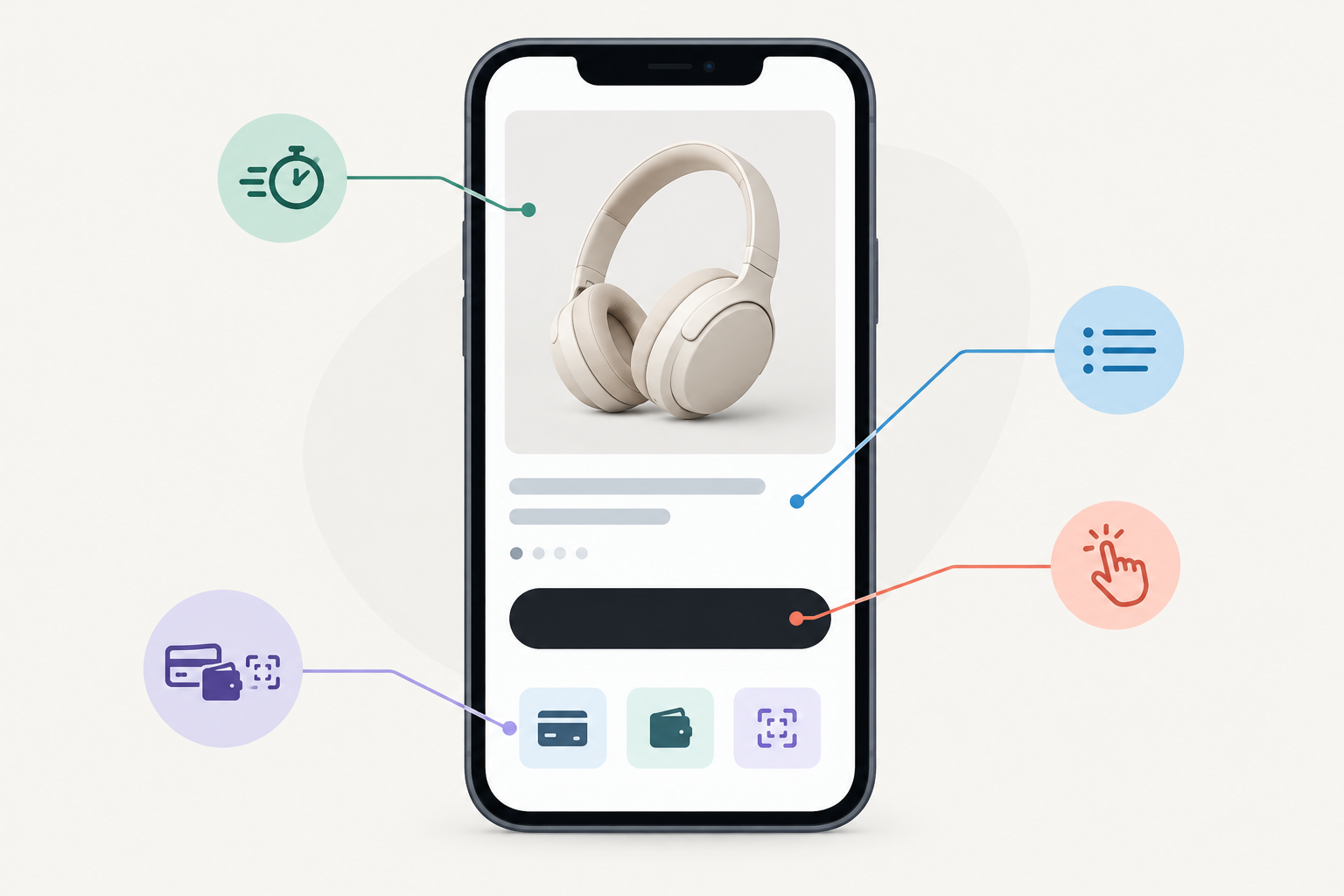
Why a Link-in-Bio Online Store Works Well on Mobile
Your audience arrives straight from their phones. They tap your link, see your offerings and want to pay without hunting around. That's what a link in bio page is built for. Shopstar pages are designed with phones in mind, but whichever platform you use, check it yourself rather than assuming.
Mobile-Friendly Online Store Checklist
- Compress your photos so they load quickly on mobile data.
- Keep product titles short. 'Chocolate Brownie Box (12)' beats a paragraph.
- Use big, clear buy buttons that are easy to tap with a thumb.
- Keep checkout short. Ask only for what you need.
- Offer easy payment options like card, Apple Pay or Scan to Pay.
Then do two tests. Tap through the whole purchase on your own phone, then ask a friend with a different phone to try buying something. Real phones show problems that a laptop preview never will.
Mistake 4: No Follow-Up After an Online Purchase
The trap: treating the sale as the finish line. The customer pays, hears nothing and starts wondering whether the order arrived or the booking went through. Nobody likes being left on read. 👀
Follow-up builds trust, cuts down on 'where is my order?' messages and brings people back. A frequently cited Bain & Company finding, published in Harvard Business Review, linked a 5% increase in customer retention to a 25% to 95% increase in profits. It's cross-industry and no promise for any one store, but it shows why keeping customers matters.
A Simple Customer Follow-Up Flow
- Send an instant order confirmation. Say what they bought, what they paid and what happens next.
- Send a shipping or booking reminder with the date, time or courier details.
- Send a thank-you message. Short and warm is plenty.
- Ask gently for a review, once they've had time to receive and use the product.
- Give a heads-up on new products or events, but only where POPIA allows it (more on that below).
Here's how it looks in real life:
- A Durban baker confirms a birthday cake order, then sends a pick-up reminder the day before.
- A Cape Town yoga teacher reminds members about Thursday's class and shares what to bring.
- A Joburg event organiser sends ticket details and parking info a few days before the show.
Whatever tool you use, keeping orders and customer details in one place beats a tangle of spreadsheets and makes follow-up far less of an evening job.
POPIA: Order Updates vs. Marketing Messages
Under the Protection of Personal Information Act (POPIA), you need to keep customer data safe and use it responsibly. Order updates like confirmations, delivery news and booking reminders are part of fulfilling the purchase. Marketing is different. Section 69 of POPIA generally requires consent for electronic direct marketing. There's a limited exception for existing customers you're promoting similar products to, as long as they could opt out when you collected their details and can opt out in every message. The safest habit is to ask for permission and make unsubscribing easy. The Information Regulator publishes guidance if you need more detail.
Online Purchase Cooling-Off Rights, in Plain Language
ECTA gives online buyers a cooling-off right under section 44. In general, a consumer can cancel certain distance purchases without giving a reason, within a short window of about seven days. For goods the clock starts when they receive the order, and for services it starts when the agreement is concluded. Check the Act for exactly how days are counted. Section 42 lists exceptions, including made-to-order goods, certain bookings for a specific date and some digital products. That isn't a complete list, so check how the rules apply to your type of sale.
Clear after-sales communication helps either way. When customers know the return process and what to expect, you get fewer disputes and fewer awkward messages.
Mistake 5: Trying to Run Your Online Store Alone
The trap: spending hours on forums, YouTube tutorials and trial and error when one real conversation could fix the problem in five minutes.
Non-technical sellers are especially prone to this. You don't want to 'bother' anyone, or look clueless. We get it. But asking for help early saves weeks, and the people who work in support have heard your question before, usually many times.
What to Look for in an Ecommerce Platform
Choose an ecommerce platform that offers hands-on onboarding and ongoing customer support, not just a library of help articles. Before you sign up anywhere, ask these questions:
- Will someone help me set up my first products?
- Are payment processing, fees and payouts explained in plain language?
- Can I reach a real person when something breaks? (It will, occasionally, on every platform.)
- What do recent customer reviews say about support, and are they from real, verifiable users?
No platform is magic, but a team that picks up when you're stuck changes the whole experience. If you want to see how Shopstar stacks up, check its current Google reviews yourself. And if the answer to 'Will a real person help me?' is vague anywhere, keep looking.
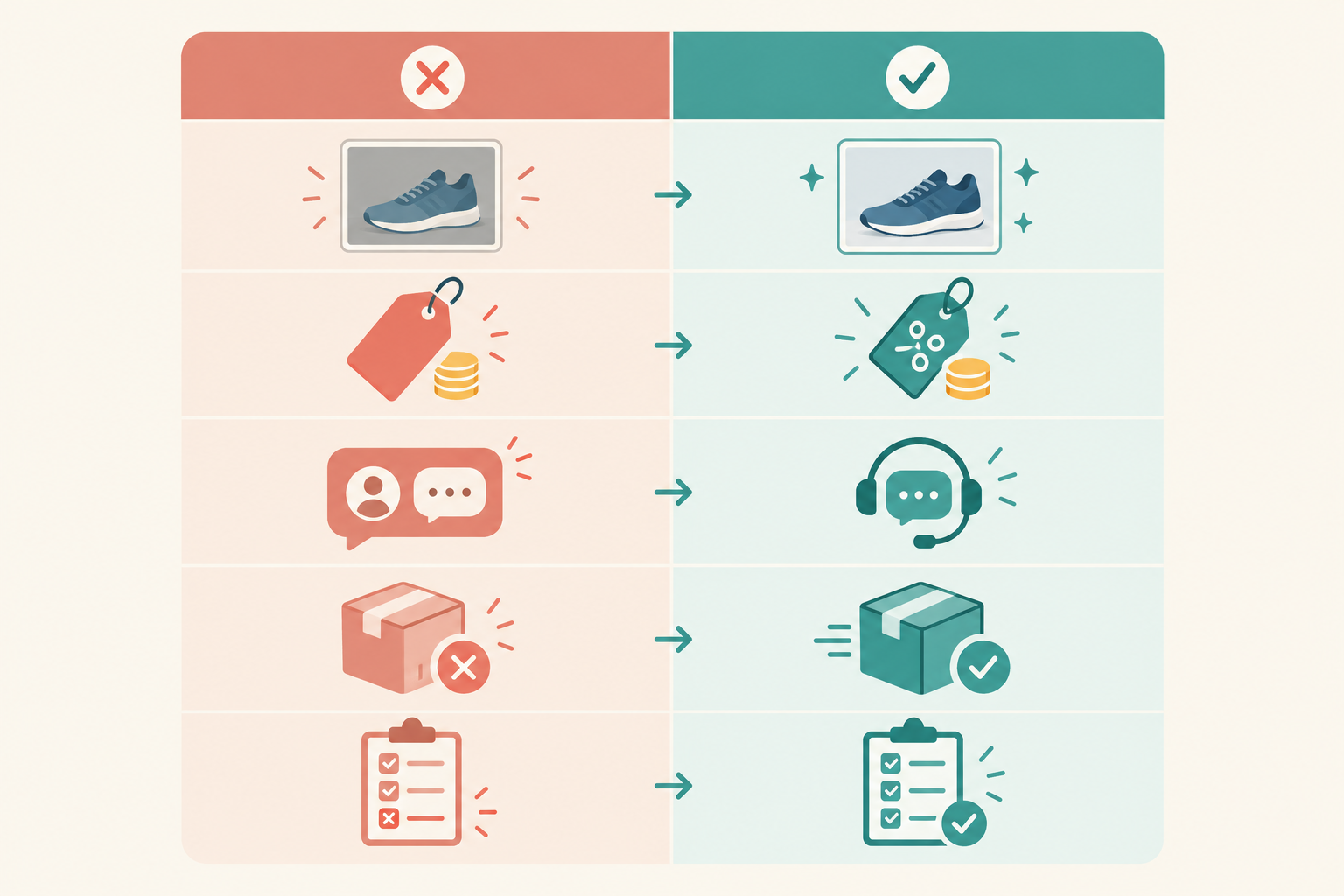
Online Store Mistakes and Fixes at a Glance
| Common mistake | Simple fix |
|---|---|
| Overcomplicating the setup | Launch with 3 to 5 offerings and one simple page |
| Unclear pricing | Show rand prices, delivery costs and VAT clearly |
| Ignoring mobile | Test on your phone and keep pages light |
| No follow-up | Send confirmations, updates and permitted messages |
| Going it alone | Use guided onboarding and ongoing support |
Your Next Step: A 30-Minute Online Store Fix List
You don't need a weekend or a developer. Set a timer and work through this:
- Pick one mistake you recognise in your own store or plans, and fix it today.
- Write down your top three offerings and their final rand prices.
- Open your store on your phone and tap through the whole purchase.
- Draft one thank-you message for new customers.
- Reach out to support if anything is unclear. That's what they're there for.
You're closer than you think. If you'd like to try it, Shopstar's Start Free plan has no monthly fee, so you can set up your page and make your first sale before paying for a subscription. 🚀
Frequently Asked Questions About Selling Online
What's the most common beginner mistake online?
Overcomplicating things. Lots of new sellers try to build a perfect, full website with dozens of products before they've made a single sale. Starting with one simple page and a few strong offerings gets you live faster, and real customer feedback can then guide what you add next.
How do I know if my online store pricing is clear enough?
Show your page to someone who has never seen it and ask what they'd pay in total. If they can't tell you in about 10 seconds, including delivery and VAT where applicable, it isn't clear enough. The CPA and ECTA expect South African sellers to be upfront about prices and key terms, so clarity protects you too.
Is my online store mobile-friendly by default?
Shopstar pages are built with phones in mind, but it's still worth testing on any platform. Check that photos load quickly, buttons are easy to tap and checkout is short, using the two-phone test above.
Should I follow up with customers after they buy?
Yes. Order confirmations, delivery or booking updates and a thank-you message build trust and cut down on 'where's my order?' queries. For promotional messages, follow POPIA's rules on consent and opting out.
How much does it cost to start selling online?
That depends on your plan. See the fee table in Mistake 2 for a worked R500 example, and check Shopstar's current pricing page before you choose.