How to Sell Holiday Event Tickets in South Africa: A Host's Guide
Learn how to sell holiday event tickets in South Africa: set up early, price for demand, cap capacity and manage busy-season bookings with ease.
15 min read

On this page
How to Sell Holiday Event Tickets in South Africa: A Practical Guide for Hosts
Start selling holiday event tickets 6 to 8 weeks before your date. Put them on one simple ticket page with a hard capacity cap, and price from your real costs and demand instead of discounting by default. 🎟️ That's the short version.
Selling holiday event tickets in South Africa has got a lot easier. Guests already pay online for everything from groceries to gig seats, so a workshop or market ticket sold through a link in bio feels completely normal. In this guide I'll walk you through setting up a ticket page, pricing it sensibly, avoiding overselling and staying on the right side of SARS, POPIA, the CPA and ECTA. I'll also cover how to keep attendees in the loop right up to the door. It's written for market hosts, party organisers and workshop facilitators who want simple ticket sales without building a website or hiring a developer.
A quick note: I use Shopstar for the worked examples because it's the platform I know best. Where advice applies to any ticketing tool, I say so, and I've added a short list of what to check before you commit to any platform.
Why holiday events sell out fast in South Africa
From the first week of December, South African calendars fill up. Year-end functions, Christmas markets, pop-up craft fairs, kids' workshops and New Year's gatherings all compete for the same handful of weekends. People book early because they know good things disappear.
Picture a Christmas market in Franschhoek or Stellenbosch, a candle-making workshop in Melville, a beachfront sunset party in Durban or a kids' baking morning in Pretoria. Each one has a fixed capacity, and each one is chasing guests who are also being invited to six other things.
Key festive-season dates for event hosts
Not every busy date is a public holiday, so it helps to separate the two.
Public holidays:
- 16 December (Day of Reconciliation): it feels like a long weekend, and families are looking for something to do.
- 25 December (Christmas Day): most events pause, but gifting experiences and bookings for the days after often sell beforehand.
- 26 December (Day of Goodwill, still called Boxing Day by many): people are out of the house and ready to spend.
High-demand dates that aren't public holidays:
- Christmas Eve: last-minute gatherings and gifting experiences.
- New Year's Eve: the tightest capacity of the whole season.
Buyer behaviour has shifted too. Guests want to pay on their phone, get a ticket instantly and never chase EFT proof of payment on WhatsApp. World Wide Worx's annual online retail research estimated South African online retail sales at R71 billion in 2023, up 29% from R55 billion in 2022. That's retail rather than ticket data, but it tells you people are comfortable paying online, and they'll expect the same ease when they buy a workshop seat. DataReportal's Digital 2025 South Africa report put the country at roughly 50.8 million internet users at the start of 2025. Check the original reports for the latest editions before you quote either figure yourself. That broader growth in South Africa's ecommerce market helps explain why guests expect a quick, phone-friendly ticket checkout too.
A sold-out event isn't luck. It usually comes down to an early, clear and easy ticket page. The Kirstenbosch Summer Sunset Concerts run as a recurring seasonal series, and they show what announcing dates early and making the release timeline obvious can do. You don't need a stadium to copy that thinking.
This is where a link in bio ticket page earns its keep. Someone sees your Instagram post, taps the link in your bio and buys a ticket in under a minute, with no full website needed.
How early should you start selling holiday event tickets?
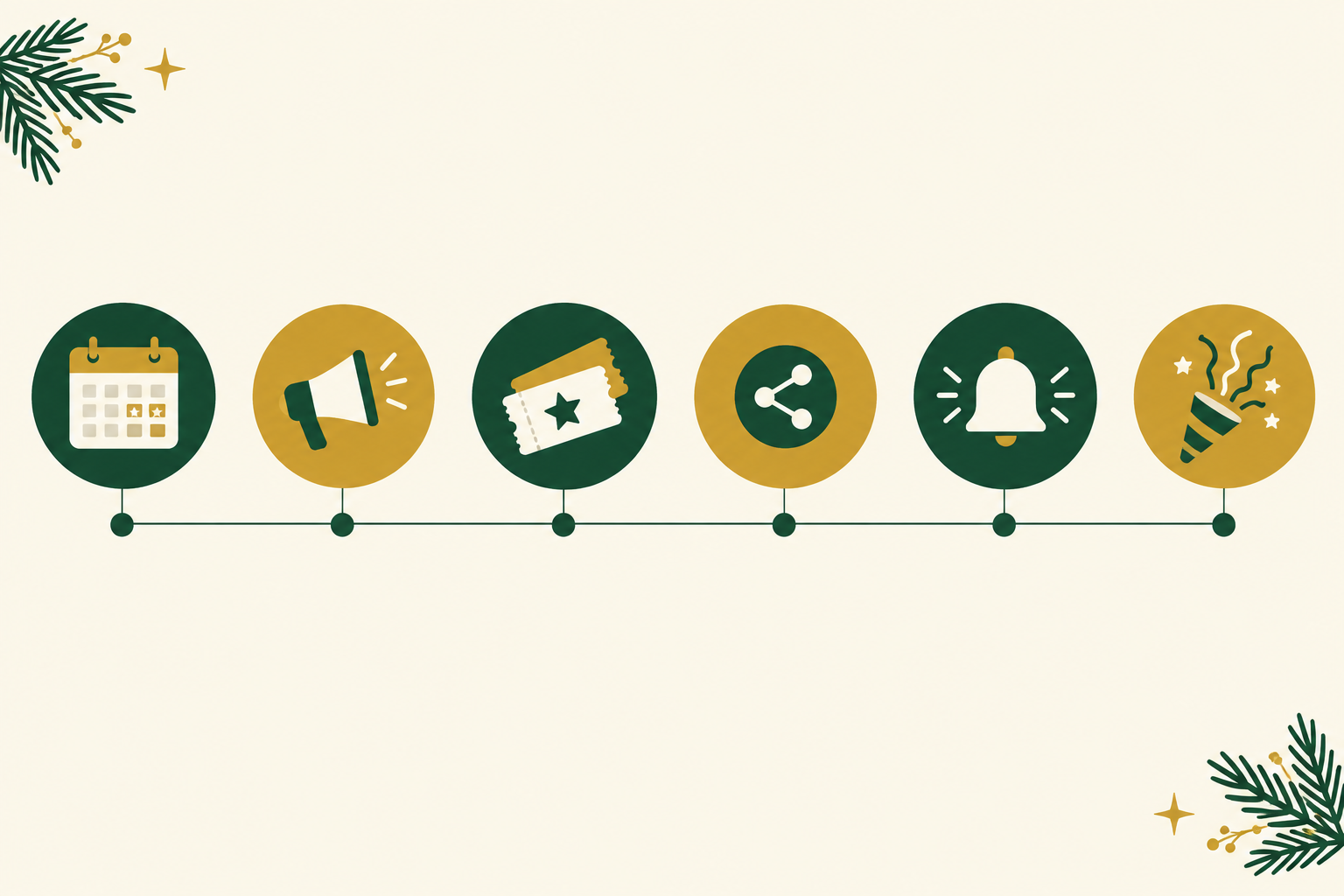
Here's the timeline I'd start with. Treat it as a starting point and adjust after your first week of sales, because timing depends on your event size and audience.
- 8 weeks out: lock your venue, date and capacity, then publish your ticket page with an early-bird tier.
- 6 weeks out: announce to your existing audience first (email list, WhatsApp community, Instagram followers) before going wider. Your warmest people should get first dibs.
- 4 weeks out: switch to standard pricing and share behind-the-scenes content, such as the venue, the makers, the menu or the materials.
- 2 weeks out: push a 'last tickets' message if you still have stock, and confirm supplier headcounts for catering and materials.
- 1 week out: send the attendee info message with parking, arrival time, what to bring and your load shedding backup plan.
- Day before and day of: send a final reminder with the entry process and a contact number for problems.
Workshops with limited seats and physical materials need a longer lead time than a casual market. Attendees plan around kits and prep, and you need time to order supplies. A small pottery or candle-making session might sell well in 3 to 4 weeks, but a big New Year's party close to peak dates may need longer.
Setting up your holiday event ticket page early
The best ticket page is boring in the best way: one link, clear options, quick checkout. Some of these steps apply to any platform, and some are specific to Shopstar, which lets you sell event tickets alongside everything else from a single simple page.
Ticket page setup steps that work on any platform
- Pick one home for ticket sales. One link is easier to remember, share and trust than five different ones.
- Create each ticket type as its own item. General entry, early bird, VIP, group of four and child ticket each get a clear description of what's included.
- Put the essentials upfront: date, start and end time, venue address or suburb, parking, age restrictions, and what's covered (food, materials, drinks). Most 'quick question' messages disappear once this is written down.
- Set capacity per ticket type. The page should stop selling when you hit your venue limit, so you never rely on a mental count.
- Use good photos. Pictures from past events or a clean venue shot make the page feel trustworthy, especially to first-time attendees.
- Share the page everywhere: your Instagram bio, WhatsApp status, community Facebook groups, local market noticeboards and a QR code on posters.
- Do a test purchase before launching. Buy a ticket on your own phone so you see exactly what attendees will see.
How holiday event ticket sales work on Shopstar
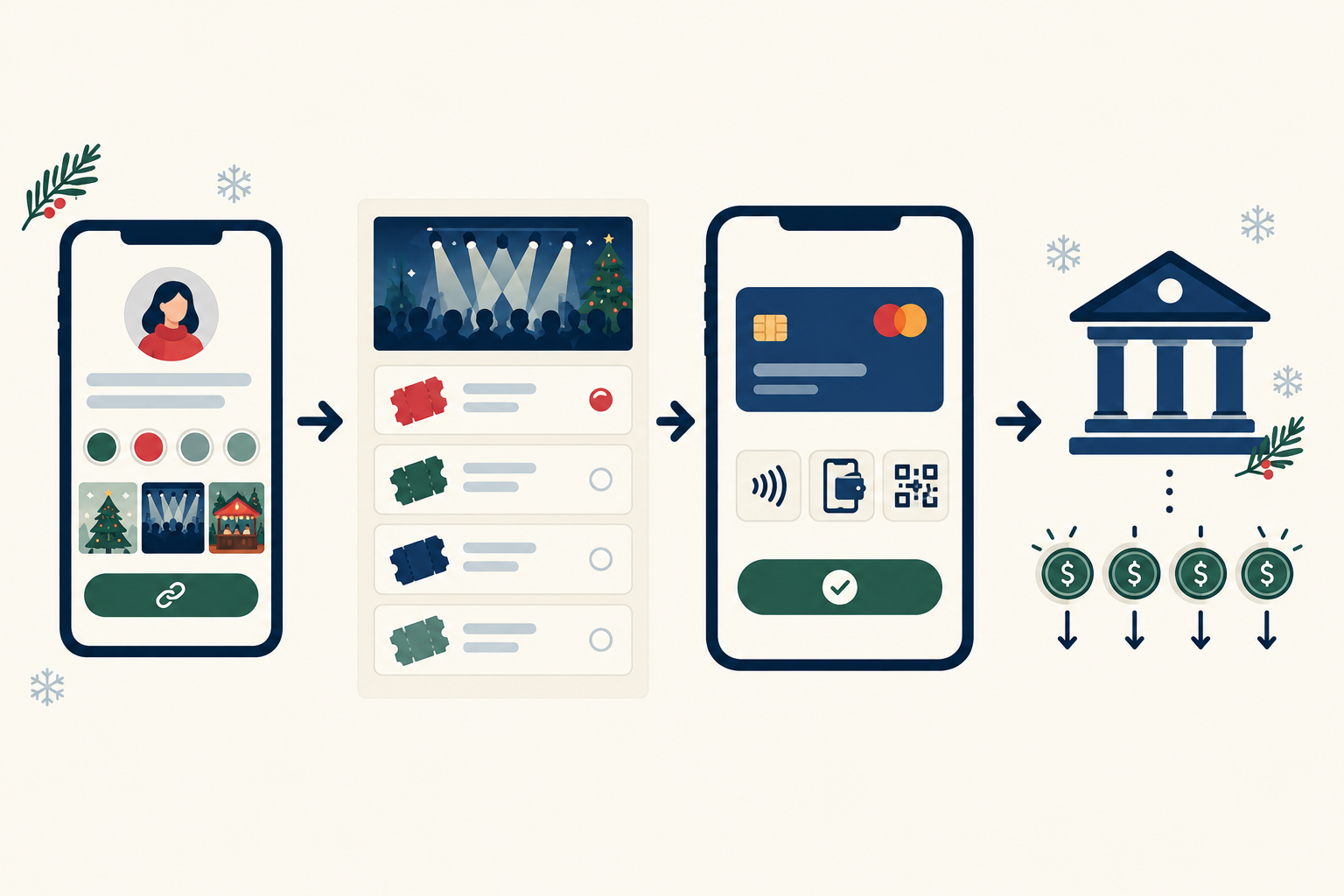
On Shopstar, you build the page on your own shopstar.page URL (or your own domain). If you also sell merchandise, digital downloads like a recipe pack, or gift vouchers, it all goes through the same checkout. A baking workshop that also sells a recipe PDF is a good fit. At the time of writing, Shopstar lists card, Apple Pay and Scan to Pay (via Shopstar Go) as payment options, with automatic daily payouts to a South African bank account. Payment methods, payout timing and fees can change, so confirm them on Shopstar's current pricing and help pages before you publish.
What to check in any ticketing platform
Before you commit, ask these questions:
- Does it stop sales automatically at your capacity?
- Can you set or request a per-order ticket limit?
- Can you export your attendee list, with names and contact details, for offline check-in?
- What's the total fee per sale, including the payment processor's part, and is there a monthly charge?
- How quickly do payouts reach your bank account?
- Are refunds simple to process if you cancel or reschedule?
If you've been hunting for an online store builder that doesn't demand technical skills, this is the kind of job Shopstar is built for. It also works as a booking system and membership site platform, so the same page can later support something like a year-round workshop club.
Pricing holiday event tickets for peak-season demand
Festive demand gives you room to price confidently, but demand alone isn't a reason to push prices up. Your costs, your capacity and what your audience considers fair should set the number. Attendees remember if they felt squeezed, so stick to genuine tiers with clear limits rather than artificial scarcity.
Here's a common structure, using a workshop as the example:
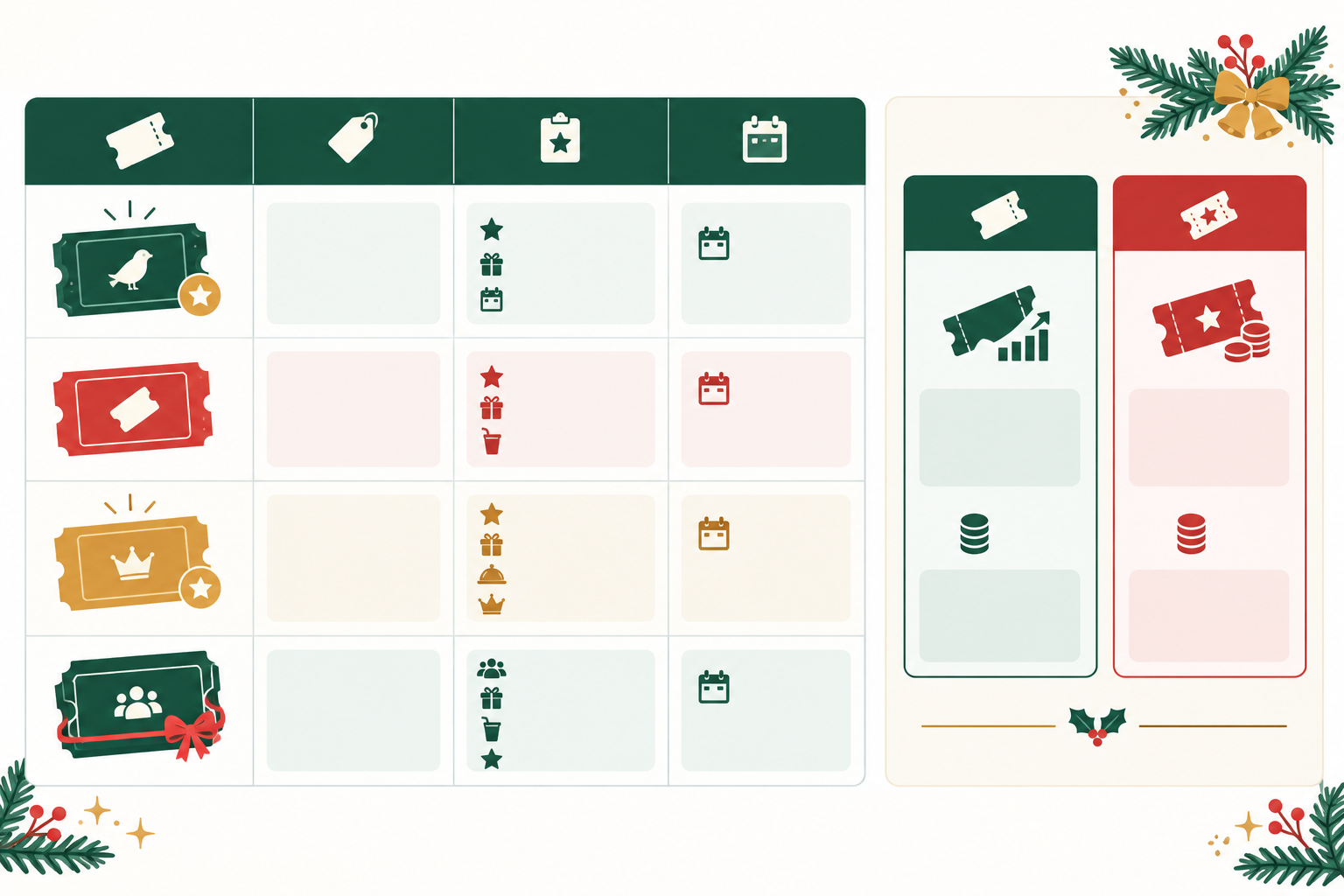
| Tier | Purpose | Example price |
|---|---|---|
| Early bird | Rewards people who commit early; limited number | R180 |
| Standard | Your main price once early birds are gone | R220 |
| Door/late price | Covers last-minute buyers (only if you allow door sales) | R260 |
| VIP | Extra perks such as a take-home kit or front seats | R280 |
| Group of four | Encourages friends to book together | R800 |
Set the number of tickets and the end condition for each tier in advance, and say so on the page. 'First 10 tickets at R180' is much clearer than 'while stocks last'.
Do the break-even maths before setting ticket prices
Let's walk through a candle-making workshop in Melville with 40 seats. This is a made-up example, so swap in your own numbers.
- Fixed costs: venue R1,500, facilitator R1,000, marketing R500. Total: R3,000.
- Per-attendee costs: wax, wicks, jars and a cup of tea come to R70 a head.
- Fees: 6% per sale on the Start Free plan (more on that below).
At the R220 standard price, fees take R13.20 and materials R70, so each attendee contributes R136.80 towards your fixed costs. R3,000 ÷ R136.80 means you break even at about 22 paying attendees.
Now add an early-bird tier. Ten tickets at R180 contribute about R99.20 each (R180 minus R10.80 in fees and R70 in materials), which is R992. If the other 20 seats sell at R220, that's R2,736. Total contribution is R3,728, so after R3,000 in fixed costs you're left with about R728 profit from 30 attendees. Seeing that number helps you decide whether the early-bird discount is worth it. Here it buys you certainty and early cash flow for a modest cost of about R37.60 per early-bird ticket.
Model a conservative, an expected and a high-demand scenario. Don't assume a sell-out.
How to test your event ticket price without upsetting people
- Use a small early-bird allocation as your test. If all 10 early-bird seats go within a day, your standard price probably has room to move for the next event. Don't change prices mid-sale for people who already bought.
- Ask your warmest audience. A quick WhatsApp poll or Instagram question ('would R220 feel fair for a 2-hour workshop with materials?') costs nothing.
- Watch sales by tier. If sales are slow, try a bundle or a targeted promotion before slashing prices.
- Keep the rules public. Tier sizes and cut-off dates on the page stop anyone feeling tricked.
A worked example of ticketing fees
Say you sell 100 tickets at R250. That's R25,000 in sales.
- Start Free plan: 6% all-in per sale (a 2.9% payment gateway fee plus a 3.1% Shopstar fee). That comes to R1,500 in fees, with no monthly fee.
- Lower Fees plan: 2.9% per sale, which is R725 on the same R25,000, plus a monthly fee.
The difference on those sales is R775. So the Lower Fees plan only wins if its monthly fee is less than what it saves you. The break-even formula is simple: monthly fee ÷ 0.031 (the 3.1% difference) gives the monthly sales you need. For illustration only, a R300 monthly fee would break even at roughly R9,677 in ticket sales that month. I haven't quoted Shopstar's actual monthly charge because it can change, so check the current figure on the pricing page and plug it into the formula. The fee rates here were as published when I wrote this, so confirm them again before you decide.
If you run one or two events a year, Start Free keeps things simple. If you host regular markets or workshops, the Lower Fees plan may work out cheaper once you pass your break-even point.
Should you absorb the fees or build them in? Most hosts bake them into the ticket price. If you're ever tempted to add them on separately at checkout, remember the CPA requires clear price display and prohibits misleading representations (see sections 23 and 41), so show the full price payable upfront.
VAT and SARS rules for event tickets
VAT in South Africa is 15%. You only need to register once your taxable turnover passes R1 million in a 12-month period, though you can register voluntarily once you pass R50,000. If you're registered, be clear on whether your displayed price includes VAT. Confirm your own situation with SARS or an accountant.
Event income is taxable, so keep records of ticket sales, supplier invoices and payouts. A simple folder (or spreadsheet) updated weekly will save you a headache come tax season.
Holiday event ticket bundle ideas
- Ticket plus take-home kit (candle-making supplies, a recipe pack or a gift box)
- Two-for-one for friends
- Family pass for kids' workshops
Before you launch a bundle, compare its per-person revenue against fees and variable costs, using the same contribution maths as above.
Managing high ticket sales without overselling
Overselling is the nightmare scenario: too many people, too few chairs, and a very awkward conversation at the door. Here's how to avoid it.
- Set a firm capacity per ticket type and per session. Never rely on a mental count or a spreadsheet you update by hand.
- Think about venue limits, not just seats. Fire safety, municipal event permits and supplier capacity all count (a pottery studio with 12 wheels can only host 12 people, however big the room is). Confirm limits with your venue and the relevant authorities.
- Split popular workshops into sessions. A 10:00 and a 14:00 slot beats squeezing more bodies into one room.
- Be clear about quantity limits per buyer. State a maximum in the ticket description, for example 'maximum 4 tickets per booking'. If you need a hard per-order cap, ask your platform's support team what's possible. Shopstar's team can tell you how to set it up for your page.
- Plan for pressure moments. When you announce on Instagram or send an email, expect a spike within minutes. Post when you can monitor and respond.
- Reconcile your orders. Before the event, export your attendee list and compare it against your payment records. The number of paid tickets should match the number of names, and nobody should be on the list without a confirmed payment.
- Keep a short waiting list. The simplest workflow is a Google Form or WhatsApp Broadcast list that asks for name, cell number and number of seats wanted, plus a tick box consenting to be contacted. If a seat opens up, message people in the order they signed up.
- Have a load shedding backup. Save your check-in list offline, print an attendee list and keep a power bank for your phone.
South African holidays come with their own logistics too. Transport, parking, weather and travel time all affect whether people finish buying and arrive on time, so put those details on your page.
What to do when your holiday event sells out
Celebrate first. Then act quickly.
Update your page so it's obvious tickets are sold out. That saves you from fielding endless 'is there still space?' messages. Next, treat the demand as data. If you sold out in 48 hours, you probably need a second date or session next time, or a bigger venue.
Capture that interest with a waiting list or a 'notify me for the next date' option. It also helps you measure unmet demand before deciding whether a safe extra allocation is feasible.
Be careful about adding extra tickets last-minute. Safety and venue limits come first, always. A cramped, over-full event does more damage to your reputation than a sold-out one.
Then put the sell-out to work. Share a short thank-you post and a photo recap, and reuse your page for the next event instead of starting from scratch, since your audience already knows where to buy.
Sending last-minute reminders to holiday event attendees
Good communication is what stops a sold-out event turning into a no-show problem. Here's a simple routine.
- Send three short reminders: 7 days before, 24 hours before and on the morning of the event. Keep each one useful, not salesy.
- Include the practical details people forget: arrival time, exact address or map pin, parking, what to wear or bring, and a contact number. For outdoor events, say where you'll post weather or schedule updates.
- Set a clear cut-off for late requests. For example, online sales close 24 hours before. Then decide whether you'll offer door sales, and say so on the page. Don't promise a ticket until payment is confirmed in your system, not just a screenshot of a payment notification.
- Handle transfers politely. Allow a name change if a friend takes someone's place, using a simple process such as replying to the confirmation message.
- Be upfront about refunds. Write your policy on the ticket page. The CPA protects consumers against unfair terms, and event terms shouldn't try to override consumer law. ECTA's cooling-off rules generally don't apply to leisure events booked for a specific date, but confirm your own terms with a legal adviser.
- Respect POPIA. Only collect the attendee data you need, tell people how you'll use it and get consent before adding them to marketing lists. Keep operational reminders (entry time, venue change) separate from promotional messages, and include an easy opt-out on anything promotional.
- Follow up the day after. Send a thank-you, a photo link and an early heads-up for your next event.
WhatsApp works well here, especially WhatsApp Business for opted-in attendees. With so many South Africans online, digital reminders reach most people. Still, give a phone number for anyone who doesn't check messages regularly.
Holiday event ticket launch checklist
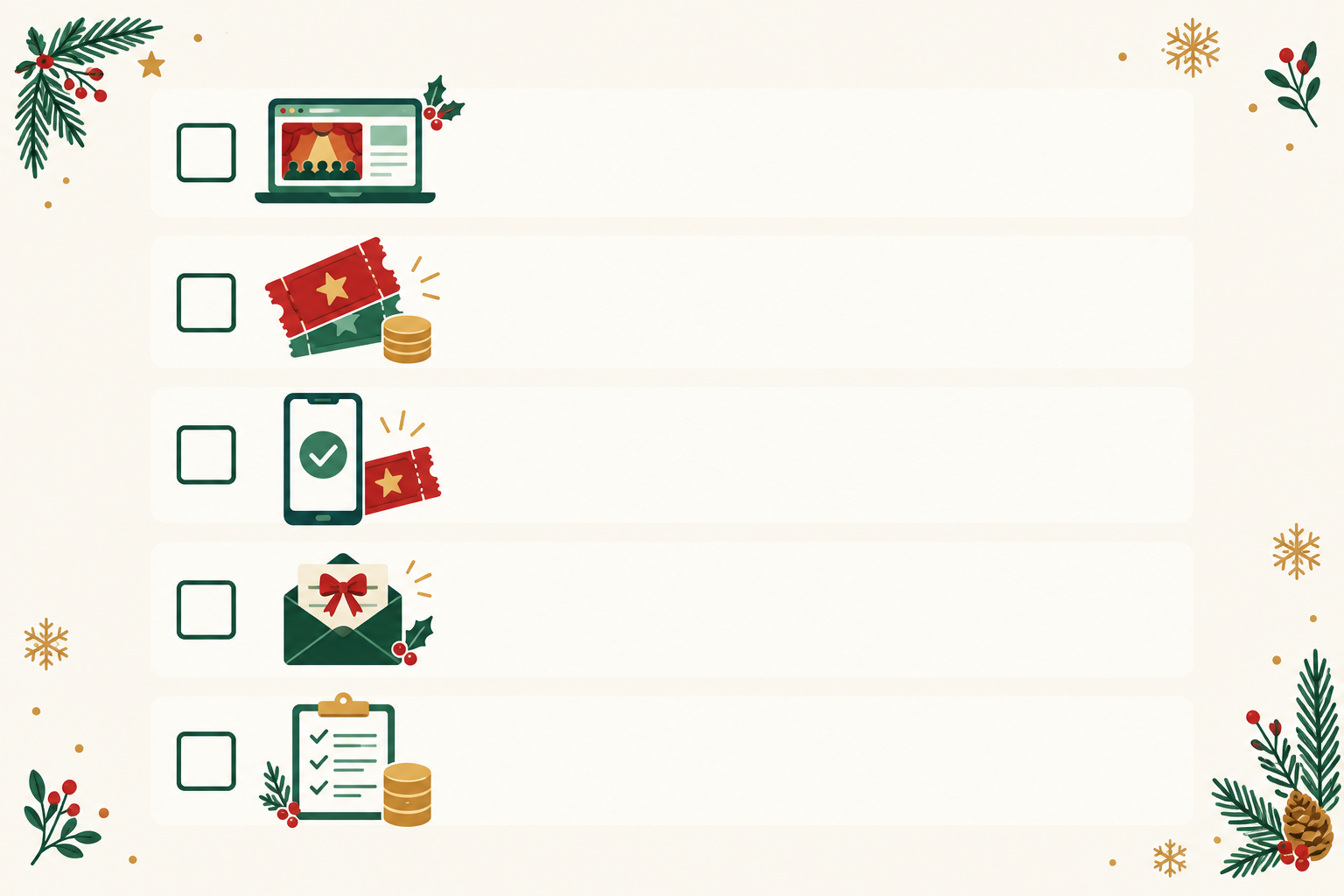
Before you hit publish, run through this list:
- Event date, time, venue and capacity confirmed
- Ticket page live with photos, descriptions and clear policies
- Ticket tiers and prices set in rand, with VAT clarified if you're registered
- Break-even attendance worked out from your own costs
- Test purchase completed on your phone
- Page link added to your link in bio, WhatsApp and posters
- Reminder messages drafted and scheduled
- Offline attendee list and backup power plan ready
- Supplier and venue headcounts confirmed
- Record-keeping system set up for SARS
If you tick every box, you're ahead of most hosts. If you'd like help getting your first page live on Shopstar, the team offers hands-on onboarding, and ticketing is one of the quicker things to set up.
FAQ: Selling holiday event tickets in South Africa
How early should I start selling holiday event tickets?
For most markets, parties and workshops, 6 to 8 weeks before the date works well, with an early-bird tier to reward people who commit. Bigger events, or ones close to peak dates like 16 December or New Year's Eve, may need longer, while small workshops can sometimes sell well in 3 to 4 weeks. Watch your first week of sales and adjust.
Can I limit tickets per person during busy periods?
Yes, and it's smart to. State a maximum per buyer in your ticket description and cap the total number of tickets per type. If you want a hard per-order limit, check with your platform's support team. On Shopstar, ask them how best to set that up for your page.
What if my event sells out before the date?
Mark the page as sold out, offer a waiting list or a 'notify me for the next date' option, and consider adding a second session if your venue and suppliers can handle it. Never exceed your safe venue capacity just to meet demand.
How do I handle last-minute ticket requests?
Set a clear online cut-off and say whether door sales are available. If you allow late purchases, keep a small buffer of tickets in reserve and tell people exactly how to buy. Stay friendly but consistent so nobody feels treated unfairly.
Do I need to charge VAT on my event tickets?
Only if you're registered for VAT with SARS, which is compulsory once your taxable turnover exceeds R1 million in a 12-month period. South Africa's VAT rate is 15%. If you're unsure, speak to an accountant or check SARS guidance before you publish prices.
Can I offer refunds if someone can't attend?
That's up to you, but write your policy clearly on the ticket page. The CPA covers fair terms for consumers, and ECTA's cooling-off rules typically don't apply to leisure events booked for a specific date. For a firm answer on your situation, ask a legal adviser.
Ready to sell out your festive event?
Start early, keep everything on one clear page, cap your capacity, price from your real numbers and keep your guests informed. Set up your page, test it on your phone and share your link. Then enjoy the festive season. 🎄