Booking Page Design That Converts: A Practical Guide for South African Service Providers
Learn how booking page design turns visitors into paying clients. Practical tips on pricing, fewer steps, trust signals and mobile for South African f
13 min read
On this page
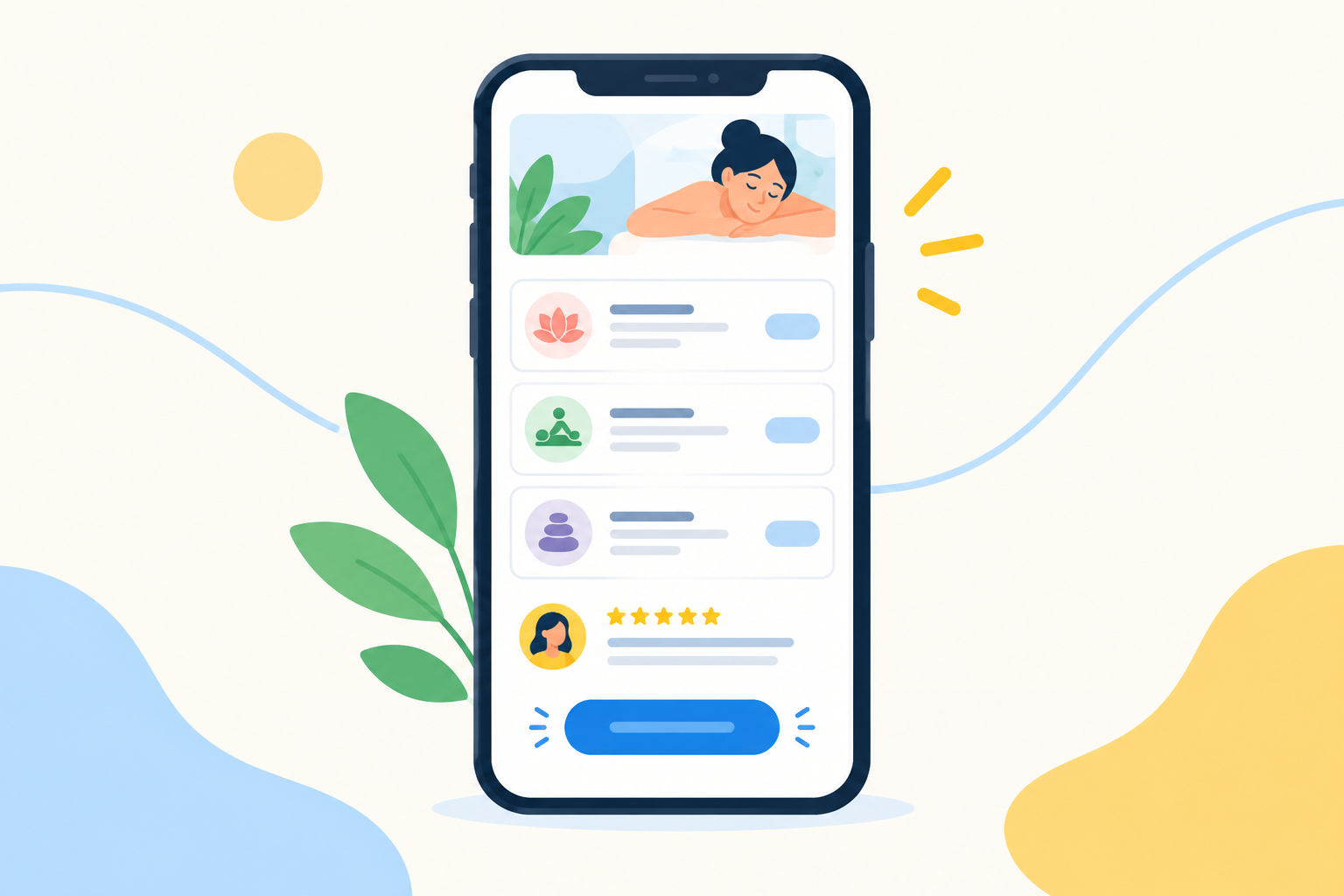
A good booking page lets a visitor see what you offer, what it costs and when you're free, then book and pay in a few taps on their phone. Lead with a clear promise, show your prices, keep the form short and add real proof from past clients. Everything else is polish.
That's the whole game, really. A booking page doesn't need fancy animations or a perfect colour palette. It needs to remove doubt at every step between 'I like this person's work' and 'I've paid and I'm booked'. Below, I'll walk you through how, with examples for South African hairstylists, photographers, personal trainers, tutors, consultants and therapists who get most of their clients from Instagram, WhatsApp and word of mouth.
Why people abandon a booking page (and what it costs you)
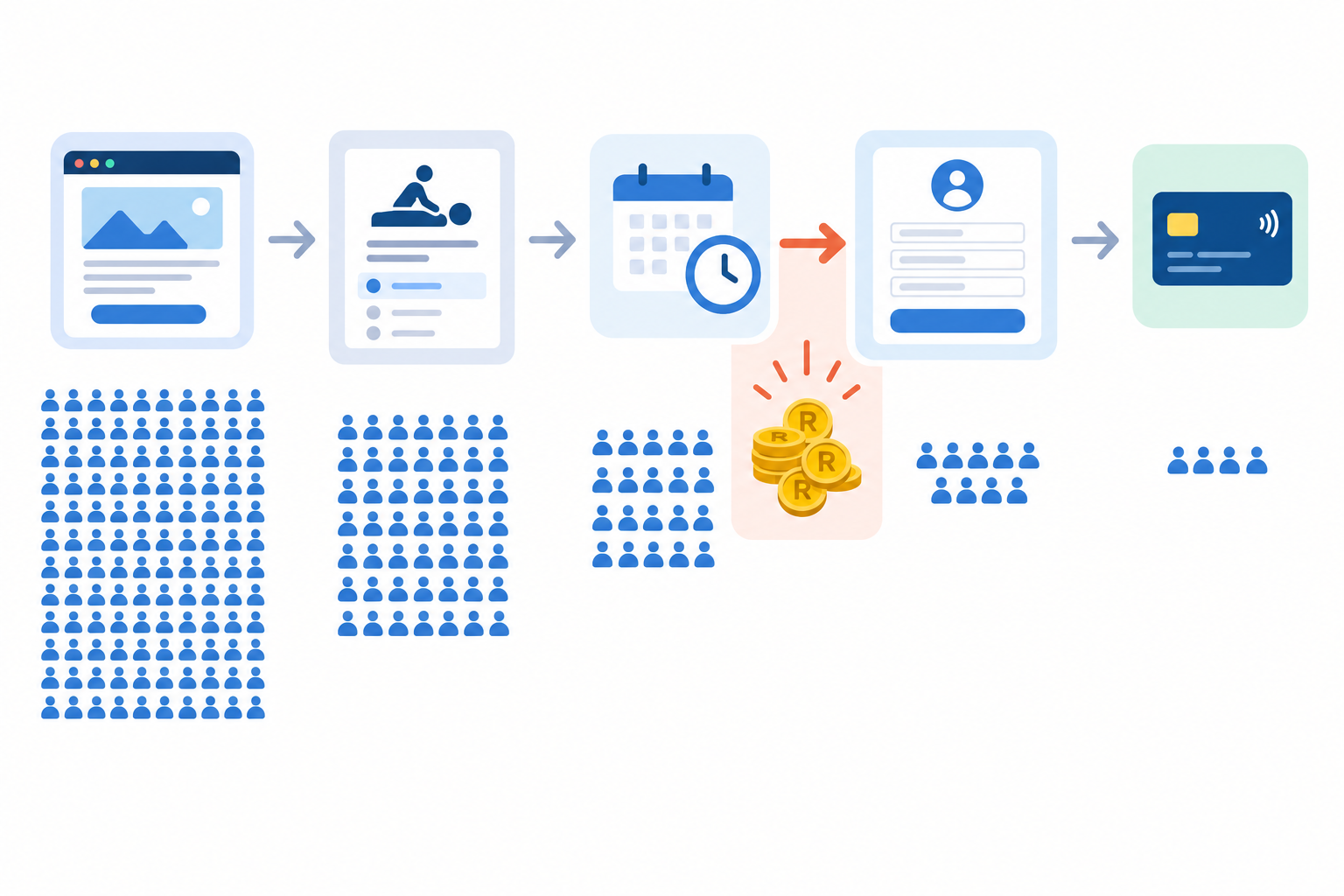
Picture this. You post a lovely set of photos on Instagram, someone replies 'how do I book?', and you send your link on WhatsApp. They tap it. And then... nothing. No booking, no message, no 'sorry, found someone else'. Most of us have lost clients this way without ever knowing why.
The reasons are surprisingly predictable:
- Visitors can't tell what the service is, so they don't know what they'd actually be booking.
- There's no price. They either DM you (and may never come back) or quietly give up.
- The form is too long. Eight fields on a phone screen feels like admin.
- The page loads slowly on mobile data. Google's research found that 53% of mobile visits were abandoned when a page took longer than three seconds to load (published 2016, general mobile traffic rather than bookings).
- Nothing shows you're a real, trustworthy person. No face, no reviews, no contact details.
- The payment step is confusing, and visitors can't tell whether they've booked or only sent an enquiry.
Ecommerce offers a useful benchmark here. The Baymard Institute puts the average online shopping cart abandonment rate at about 70%. That's about shopping carts, not appointments, so please don't read it as your abandonment rate. It simply shows how easily people drop out of any online flow that feels like effort.
Now let's put it in rand. As an illustration, say your average session is R450, and five people a month tap your link and leave. That's R2,250 gone before you've even said hello, or R27,000 over a year. That's a decent laptop, or a very nice trip to the Garden Route. 😬
To estimate your own number, take the visits to your page, work out how many start booking and how many abandon, then multiply the lost bookings by your average booking value. It's an estimate, not gospel, but it tells you where to look first.
Most visitors make up their minds quickly, so booking page design is about removing doubt, not adding decoration. Next up: first impressions, pricing, the booking flow, payments and policies, trust signals, mobile, and a quick checklist to pull it all together.
First impressions: what clients notice first on your booking page
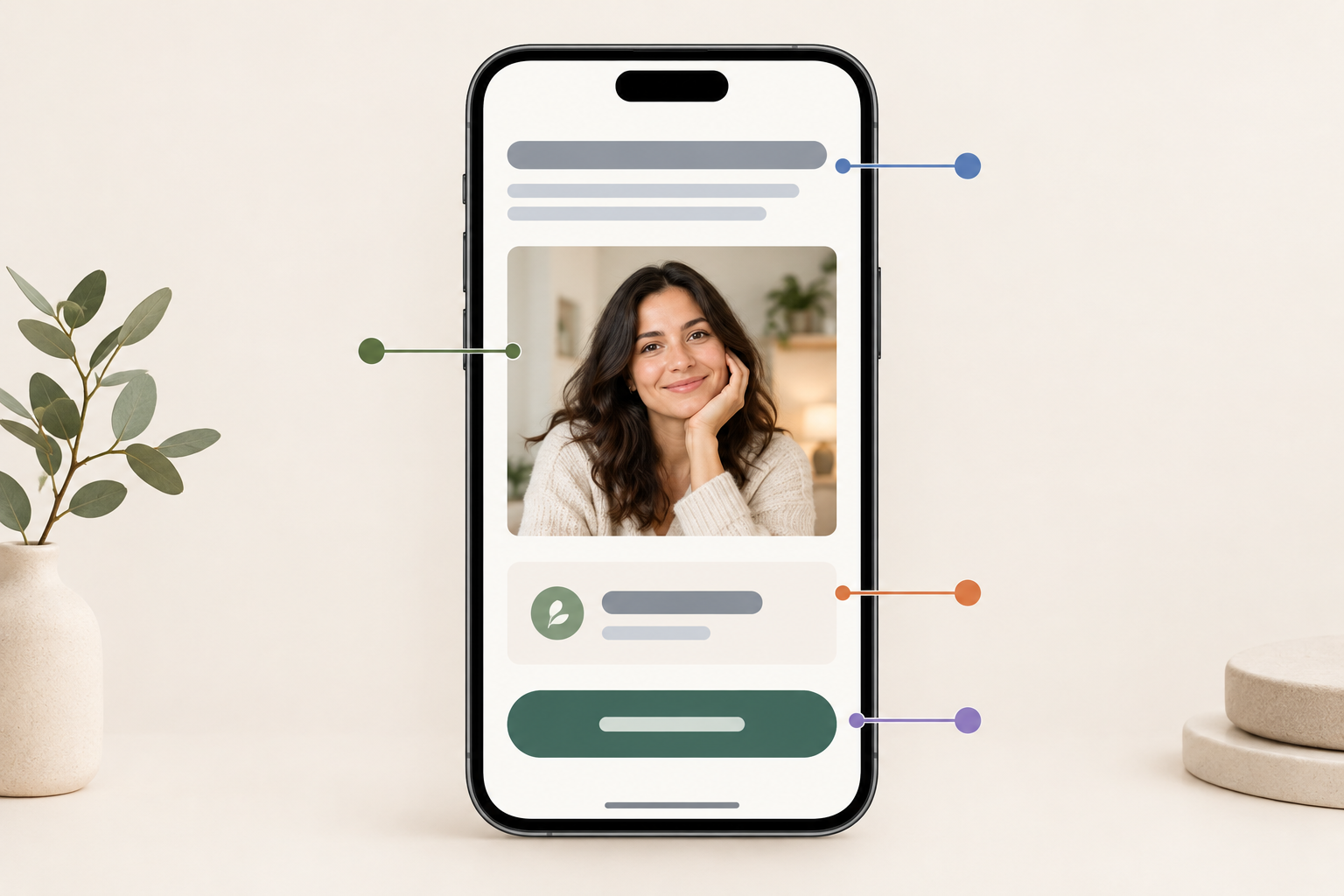
The top of your page has one job: answer 'what is this, who is it for and what do I do next?' in about five seconds. If a visitor has to scroll or think to work that out, you've made them work too hard.
What to put at the top of your booking page
- Use a specific headline. 'Mobile makeup artist in Cape Town Southern Suburbs' beats 'Welcome to my page'. Name the service and the place.
- Show a real photo of you or your work, not a generic stock image. People book people, and a friendly face does more for trust than any template.
- Add one obvious button, something like 'Book a session', that's visible without scrolling on a phone screen.
- Keep your colours and fonts close to your Instagram, so your link in bio feels like a natural next step rather than a jump to a stranger's website.
Common booking page first-impression mistakes
- Autoplay music (please, no)
- A cluttered list of links where booking is one of fourteen options
- Five competing buttons: 'Book', 'Enquire', 'WhatsApp me', 'Shop', 'Read more'
Choose the one action you want and make it the hero. Secondary links can stay, but they should whisper, not shout.
Clear service descriptions and pricing: should you show prices upfront?
Short answer: in most cases, yes. A visible price tends to attract people who are ready to book and cuts down the 'how much?' DMs that eat your evenings. Those who can't afford you will often self-select out, which saves you both time.
The exception is genuinely custom work. Wedding photography, for example, rarely has one fixed price. Even then, don't hide the number. Show 'from R3,500' and say what's included and what moves the price (hours, location, number of edited images). A starting price plus the factors that change it is far better than 'contact for a quote'.
A simple formula for describing each service
For every service, write five things:
- What it is
- Who it's for
- How long it takes
- What's included
- The price
For example: '60-minute personal training session. One-on-one, for beginners or anyone returning after a break. Includes a movement assessment and a take-home plan. R600.'
Salons often do this well. A haircut and a colour treatment are listed separately, each with its own duration and price, plus a note that colour may need a consultation or vary by hair length. The bookable option is clear without pretending a variable service is a fixed quote.
Keep your booking options small
Three is a good starting point. Too many choices can lead to decision paralysis, and a tired visitor on a phone may simply close the tab. A tidy example for a consultant or tutor might be:
- 30-minute consult: R350
- 60-minute session: R600
- Monthly package: R2,000
Be transparent about VAT and extra costs
VAT in South Africa is 15%, and registration becomes compulsory once your taxable turnover exceeds R1 million in any 12-month period. If you're registered, show clearly whether your prices include VAT. If you're not, don't add it. The SARS VAT pages explain the rules, and an accountant can confirm where you stand.
The Consumer Protection Act (CPA) requires honest, clear pricing and prohibits misleading marketing, so avoid surprise extras at checkout. Baymard's research shows why this matters in ecommerce: in its survey of US shoppers who abandoned orders, 39% cited extra costs like fees as too high and 14% said they couldn't see the total upfront. That's shopping, not appointments, but the lesson carries over. If there's a travel fee, a booking fee or a materials charge, say so before the client picks a time.
Should you take a deposit or full payment?
Both have a place.
- Full payment upfront suits shorter, lower-priced sessions, like a R350 consult or a R450 lesson.
- A deposit suits higher-priced or time-intensive work, like a bridal makeup trial or a photoshoot, where the balance is due later.
Whichever you choose, label a deposit as a deposit, show the remaining balance and when it's due, and don't make it look like full payment.
Reducing friction in the booking flow: how many steps should booking take?
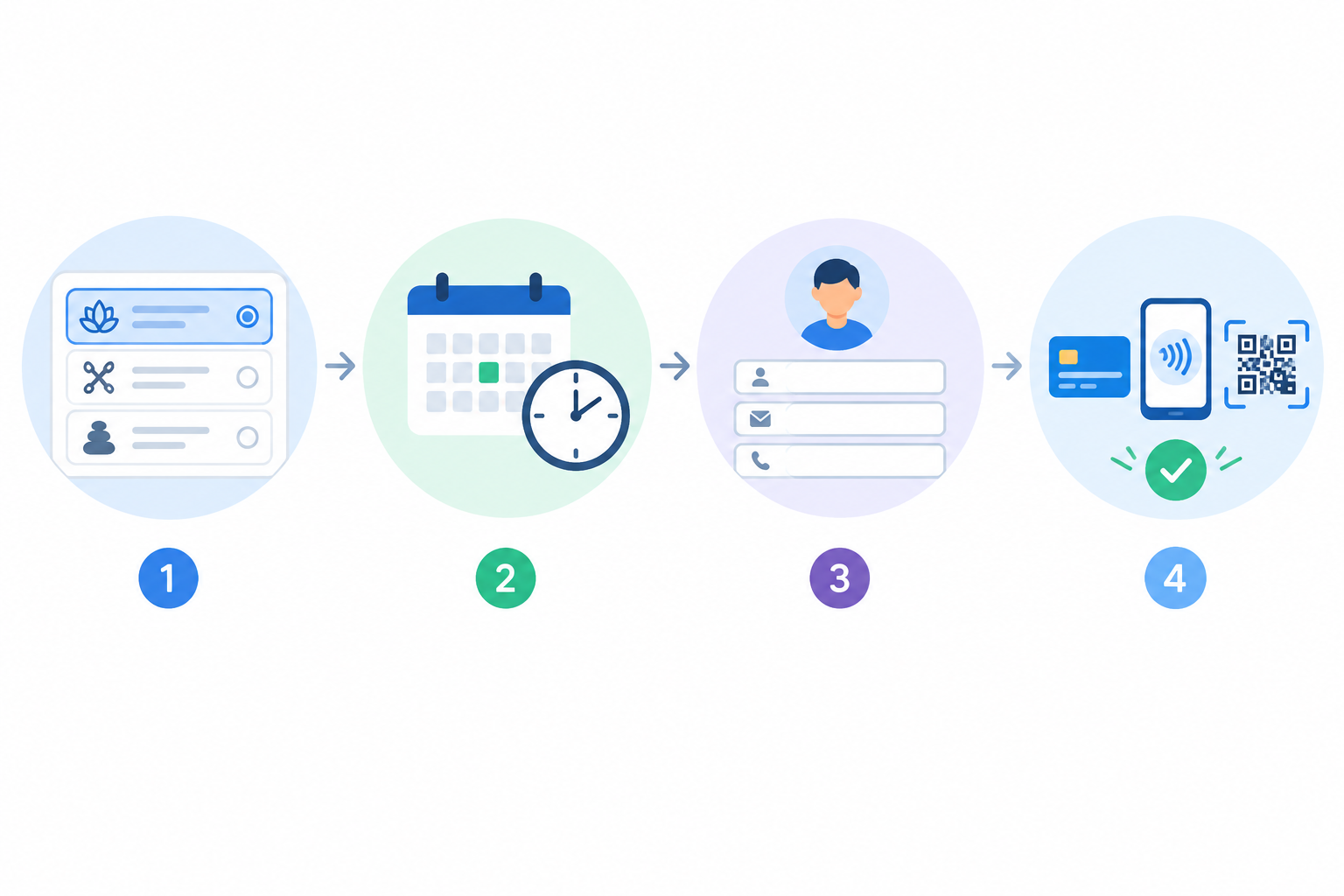
As few as you can reasonably manage. Ideally: pick a service, pick a time, enter details and pay, all in one simple flow. Every extra page or field is another chance for someone to drop out, and you'll never see them leave.
Here's what a smooth booking flow looks like:
- Choose the service. If the client came from a specific link, pre-select it. A 'Book a braiding session' link in your Instagram story should land them right on braiding, not on a menu.
- Pick a date and time. Show only real availability, so there's no back-and-forth about whether Thursday at 3pm works.
- Enter only what you need. Name, cell number, email and one optional notes field is plenty. The Protection of Personal Information Act (POPIA) expects you to collect only the information you need for a clear purpose and to tell people what you'll use it for. The Information Regulator publishes guidance.
- Pay at the same time. A booking that's paid for is confirmed, rather than sitting in 'pending' limbo.
- Get an instant confirmation. Send an email or message with the date, time, location or video link, and your cancellation terms.
Why forced sign-ups hurt booking conversions
Making someone create an account before they can book adds effort at the worst moment. They don't want another password. They want a haircut on Saturday. Guest checkout lets them book and move on.
Payments and policies: make booking feel safe and obvious
Taking payment upfront can help reduce no-shows, because clients who've paid have more reason to turn up. It won't eliminate them, though. Add a reminder message the day before and a clear, fair rescheduling policy, and you'll cover most of the gaps.
Trust at the payment step matters too. Baymard's survey found that 18% of US shoppers who abandoned an order didn't trust the site with their card details. Again, that's ecommerce, but a recognisable, secure payment step helps wherever people hand over money. A reputable payment provider means you aren't handling card numbers yourself, but POPIA still applies to the rest of the personal information you collect and store.
Put your booking policies in plain words
Write your cancellation and rescheduling policy where clients can see it, ideally right next to the pay button, with a link to the full version. Something like: 'Free rescheduling with 24 hours' notice. Cancellations within 24 hours forfeit 50% of the session fee.'
A few South African points worth knowing (this is a simplified summary, not legal advice):
- Section 17 of the CPA lets consumers cancel an advance booking, and allows suppliers to charge a reasonable cancellation fee. What's reasonable depends on things like how much notice was given and how likely you are to refill the slot. So think twice about blanket wording like 'all deposits are non-refundable'. The National Consumer Commission is the place to check.
- The Electronic Communications and Transactions Act (ECTA) expects suppliers selling online to share certain details about themselves and the transaction, so include your business name and contact details.
- SARS expects you to declare your income. Clean payout records make tax season far easier, and an accountant can tell you what applies to your situation.
Requirements can differ by industry (health practitioners, for example, may have extra professional rules), so double-check the specifics for yours.
Trust signals: do reviews really affect booking decisions?
Very likely, though the evidence we have is general rather than specific to South African appointments. BrightLocal's survey found that most consumers read online reviews for local businesses at least occasionally, and Northwestern University's Spiegel Research Center found that displaying reviews was associated with a large lift in purchase likelihood in online retail. Treat both as directional. They point the same way as common sense: when you can't try a service beforehand, people look for reassurance.
Make your booking page reviews specific
'Great service!' tells a new client nothing. 'Thandi did my matric farewell hair in Pretoria and it lasted all night' tells them everything. Add a first name, a suburb or city, and ideally a photo.
Ask for permission first. Publishing a client's name, photo or story involves their personal information under POPIA, so get clear consent, explain where it'll appear and be ready to remove it if they ask.
Other trust signals worth adding
- Before-and-after photos
- Qualifications or professional memberships
- Years of experience
- A clear business name and contact details
- A secure, recognisable checkout
Practical tips for using reviews
- Ask for a review right after a session, while the glow is fresh.
- Put your best three on the booking page.
- Ask for honest feedback only. Google's review policies prohibit incentivised reviews, so don't offer a discount in exchange for five stars.
- Reply to negative reviews calmly, without revealing anyone's personal or appointment details.
- Place your trust elements near the button, not buried at the bottom.
Mobile-friendly booking page design matters most
Most of your clients will land on your page from a phone, usually from Instagram, TikTok or WhatsApp. DataReportal's Digital 2024: South Africa report counted around 112.7 million cellular mobile connections at the start of 2024. That includes multiple SIMs per person, so it isn't 112 million unique users, but it makes the point: mobile is the main way people reach you.
So design for thumbs first.
- Keep the page light. Patchy signal and pricey mobile data are real, and so are load shedding evenings, when people switch from Wi-Fi to mobile data. Heavy images and videos can make a page crawl.
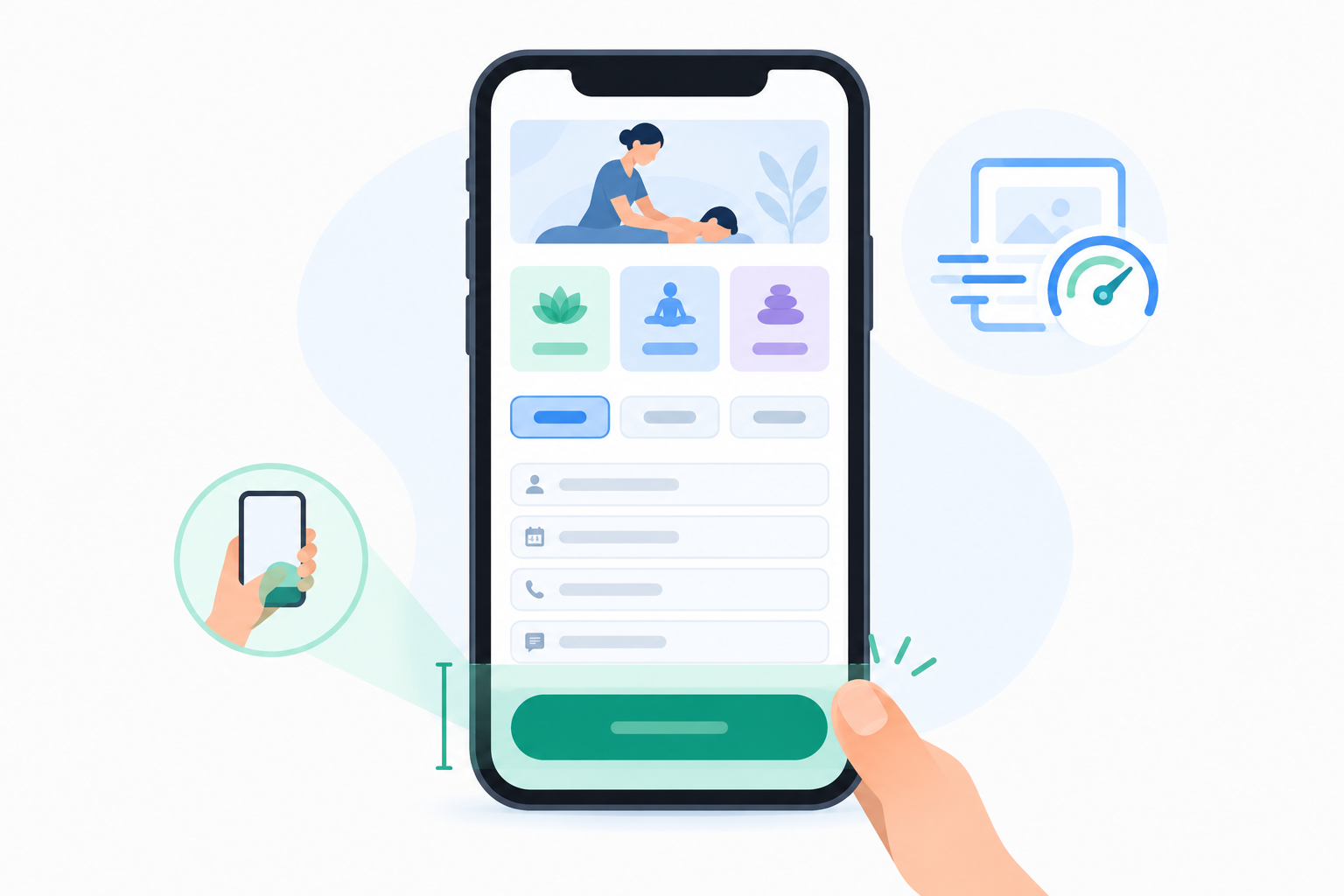
- Use big tap targets and a sticky 'Book now' button that stays visible as people scroll.
- Keep forms short, with autofill-friendly fields and the right keyboard (a number pad for the cell number).
- Offer quick payment options like Apple Pay or Scan to Pay, so nobody has to hunt for their card.
- Test it yourself. Ask a friend with an older Android phone to book, and watch where they hesitate. Those pauses are your to-do list.
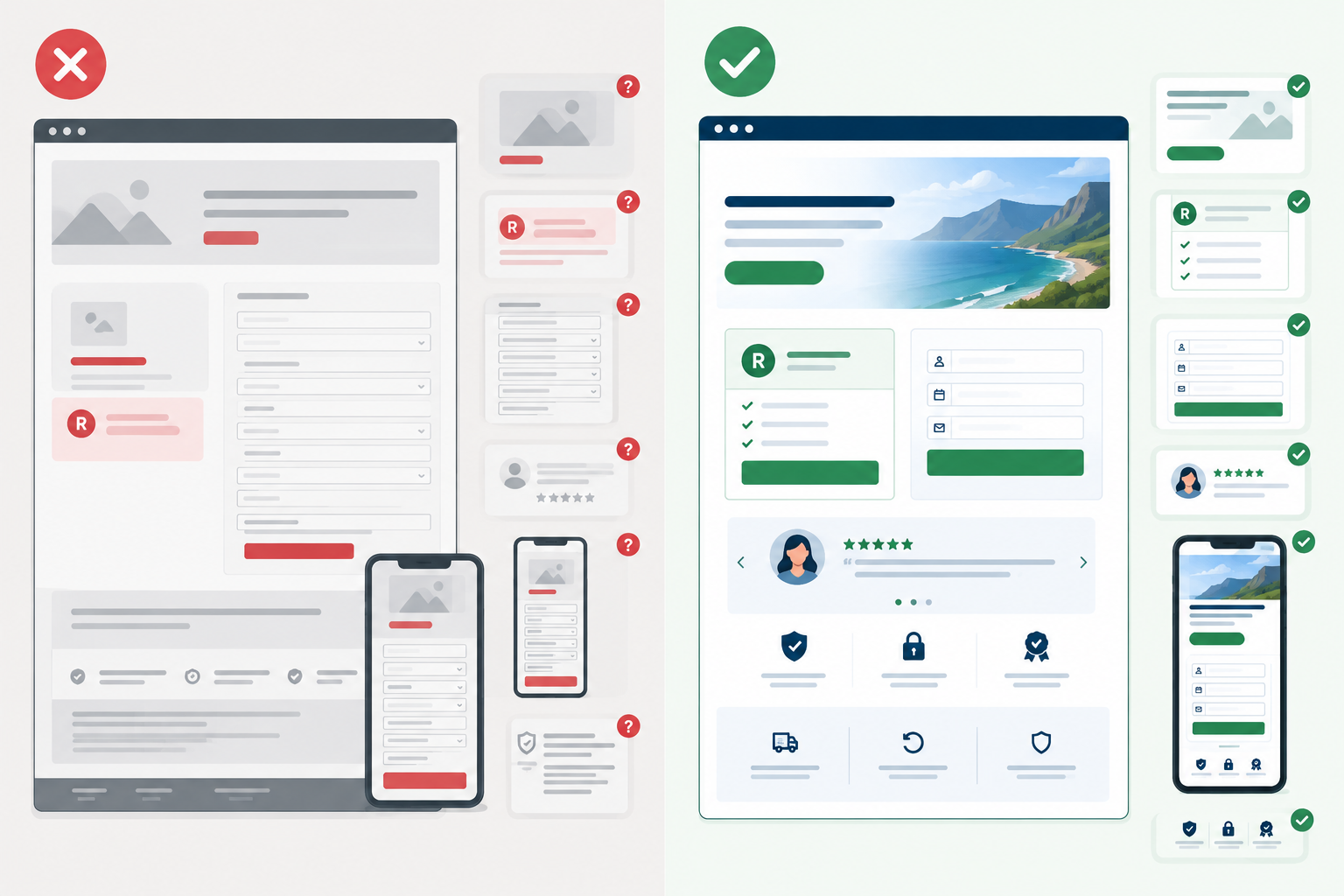
Booking page design comparison: what loses clients versus what books them
Here's the whole guide on one screen:
| Page that loses clients | Page that books clients | |
|---|---|---|
| Headline | Vague welcome message | Specific service and location |
| Pricing | 'DM for rates' | Clear rand prices and what's included |
| Booking | Email-only enquiry | Choose a time and pay in one flow |
| Form | Eight fields | Name, number, email, one note |
| Proof | None | Three specific reviews near the button |
| Mobile | Tiny text and a long scroll | Big buttons and fast loading |
| Policies | Hidden | Plain-language cancellation terms |
Setting up your booking page with Shopstar
Everything above applies on any platform. If you'd like one place to handle it, here's how it works on Shopstar, the platform I work with. With one link in bio, you point your Instagram, TikTok and WhatsApp Business profiles to a single page that holds your services, bookings and extras (like a digital download such as a meal plan or study guide) in one checkout, without building a full website. You can use a custom shopstar.page URL or connect your own domain. Shopstar Go supports card, Apple Pay and Scan to Pay, and payouts go to your South African bank account. Check Shopstar's pricing page for current payout timing and plan details, as these can change.
On social proof: Shopstar sellers have processed over R250 million in paid orders and the platform holds a 4.9-star Google rating from 120+ reviews (figures as at the time of writing).
What the fees look like
Shopstar has two plans.
- Start Free has no monthly fee and charges 6% all-in per sale (a 2.9% payment gateway fee plus a 3.1% Shopstar fee). On a R500 booking, that's R30.
- Lower Fees has a monthly fee and charges 2.9% per sale. On the same R500 booking, that's R14.50.
The difference between the plans is 3.1% of your sales. To find your break-even point, divide the Lower Fees monthly price (see the current figure on Shopstar's pricing page) by 0.031. Purely as an illustration, a R310 monthly fee would break even at R10,000 in monthly sales. Below that, Start Free costs you less. Above it, Lower Fees does. If you're just starting out or your bookings are irregular, Start Free means you pay nothing until someone books.
Booking page design quick-start checklist
How long this takes depends on how much you've already set up, so treat it as a first-draft pass rather than a stopwatch challenge. Here's the order I'd tackle it in:
- Write one sentence that says what you do, for whom and where.
- List your top three services with duration, inclusions and rand prices.
- Set real availability and add buffer time between clients, so you're not sprinting between appointments.
- Add your best photo, three reviews (with permission) and your cancellation policy.
- Decide on a deposit or full payment, and pick the plan that suits your volume.
- Put your link in your Instagram bio and WhatsApp Business profile.
- Make a test booking on your phone, then ask one friend to do it too.
- Review after two weeks. Where are people dropping off? What questions keep coming up? Adjust one thing at a time so you know what worked.
If you're not technical, Shopstar offers hands-on onboarding support, and the same store can later hold digital downloads, a membership site or event ticketing, so you won't have to start over.
One last thought. A booking page is never really finished. Treat it like your front door: keep it tidy, keep it welcoming, and fix the squeaky hinge when someone mentions it.
Booking page design FAQ
What makes visitors abandon a booking page?
Usually uncertainty: unclear prices, unclear inclusions, doubts about availability or whether it's safe to pay. Long forms, forced sign-ups, slow loading on mobile data and surprise extras make it worse. Fix clarity first, then friction.
Should I show prices upfront?
In most cases, yes. If your work is custom, show a 'from' price and explain what affects the final quote. If you're VAT-registered, say whether prices include 15% VAT.
How many steps should booking take?
As few as possible. A good target is choosing the service, picking a time, entering basic details and paying in one smooth flow, asking only for what you truly need.
Do reviews really affect booking decisions?
The research we have is mostly general or retail-focused, but it suggests reviews matter, especially for services you can't judge beforehand. Use specific, recent reviews near your button, and get permission before publishing client details, in line with POPIA.
Do I need a full website to take bookings?
No. A single, well-designed page with your services, availability, reviews and payment can do the job, and you can share it as your link in bio.
Should I take a deposit or full payment?
It depends on the service. Deposits suit higher-priced or time-intensive work, while full payment suits shorter, lower-priced sessions. Either way, state your cancellation and refund terms clearly.