Daily Payouts Explained: A Guide to Managing Cash Flow as a Small Seller in South Africa
Learn how daily payouts can improve cash flow for small sellers in South Africa, with simple weekly routines for tracking income, setting aside tax and costs, and planning reinvestment.
12 min read
On this page
Daily Payouts Explained: Managing Cash Flow as a Small Seller in South Africa
Daily payouts mean the money from your card payments goes to your South African bank account automatically each day, so you don't have to request a withdrawal. That shortens the gap between doing the work and having the cash. It only really helps if you pair it with a few simple habits: a weekly money check-in, a tax set-aside and a small buffer. I'll walk you through all three, with rand examples you can copy.
This guide is for hairstylists, photographers, tutors, coaches, trainers and consultants who want an easy booking and payment page without a complicated finance setup.
Why waiting for payouts hurts small businesses
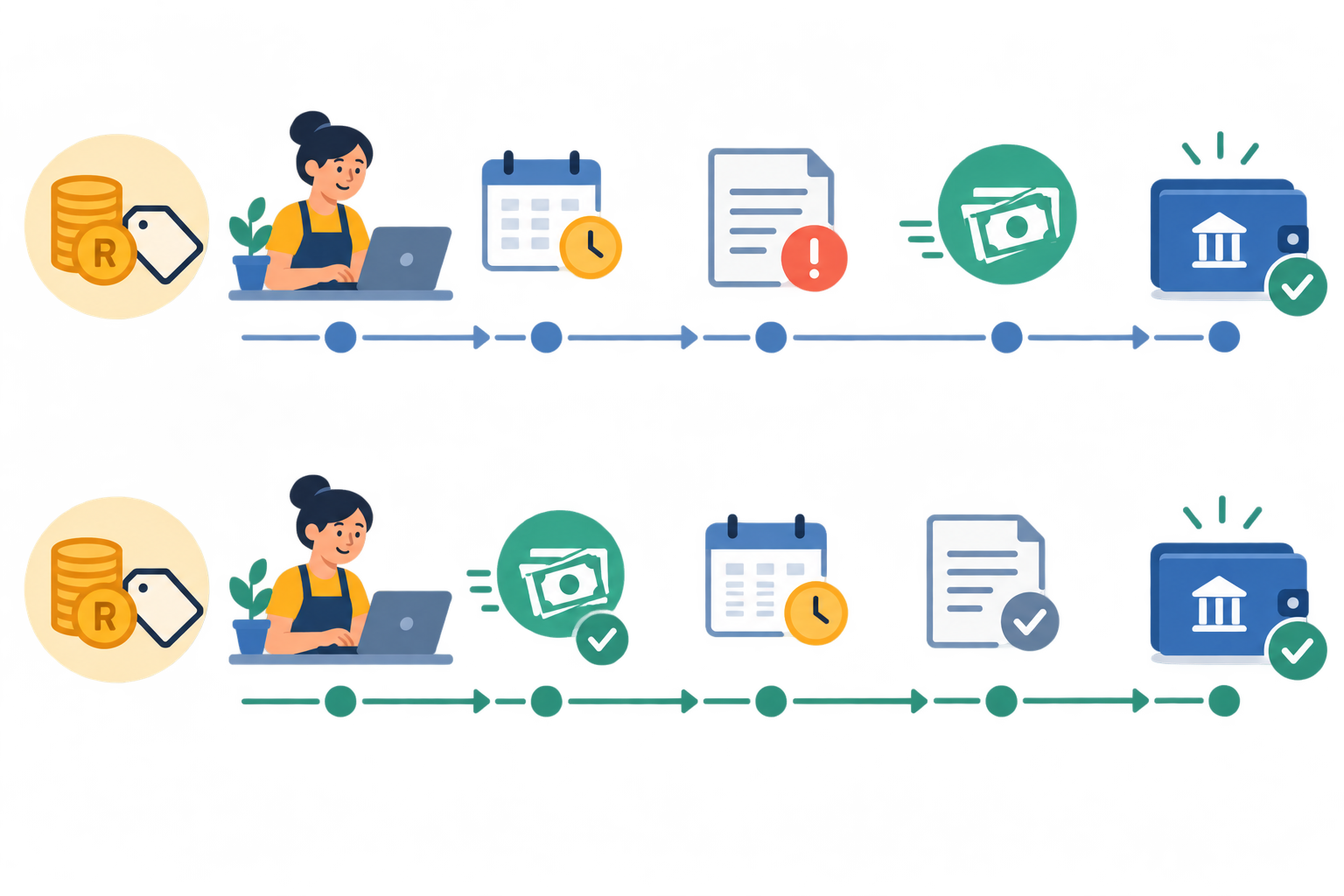
Picture a Joburg hairstylist. She did a full day of clients on Monday. By Wednesday her data bundle is running low, her colour supplier wants payment, and the taxi fares are adding up. The money for Monday's work exists somewhere, but it isn't in her account yet.
We've heard versions of this story from sellers many times, and it's rarely because the business is unprofitable. It's a cash flow gap. Profit on paper isn't the same as money in the bank, and late-arriving income is what trips up most solo providers.
Here's what it looks like in rand. Say you charge R450 a session and do ten sessions a week. That's R4,500 of work done, but if the money is sitting somewhere else while rent and data are due, you feel broke even though you're busy.
Slow payouts push people into awkward choices:
- Paying suppliers from personal savings
- Delaying restocking until the money lands
- Chasing clients for EFTs and proof-of-payment screenshots
- Saying yes to every booking out of anxiety, instead of picking the right ones
That chasing point deserves a mention. When clients pay by card at checkout, you stop playing detective with screenshots and 'I paid this morning, please check' messages. It's a small thing, but it takes a surprising amount of stress off your plate 😌
How daily payouts work in practice
Here's the simple version. When a client books and pays through your Shopstar page, the payment is processed through Shopstar Go and the money is paid out automatically to your South African bank account each day. We currently support card, Apple Pay and Scan to Pay at checkout, but check your dashboard for the current list. There are no manual withdrawals to remember.
What does "daily payout" mean, and how long can it take?
I want to be upfront, because this is where people get caught out. 'Daily' describes how often payouts happen. It doesn't promise that a sale made at 4pm shows in your bank at 4:05pm.
Cut-off times, weekends, public holidays and your own bank's processing can all change when funds appear. PayShap is a real-time payment service in South Africa, but that doesn't make every merchant payout instant. A payment provider can also hold or review some payments in certain circumstances. Confirm the current payout timing, cut-offs and any holds with Shopstar support, and don't assume 'daily' includes weekends or public holidays.
So what do daily payouts solve, and what don't they? They solve the long, unpredictable wait and the manual chasing. They don't solve slow weeks, untracked fees, or a tax bill you haven't planned for. That's what the rest of this guide is for.
How a booking and payment payout works
- A client opens your link in bio page and picks a time slot.
- They pay at checkout.
- Shopstar Go processes the payment, and the booking lands in your order records.
- The fees are deducted and the net amount goes into your next automatic payout.
- The payout is paid into your South African bank account, subject to cut-off and bank processing times.
Daily payout fees: a worked example
Shopstar has two plans, and the fee maths is easy to do yourself. These are the fees as I write this, so check the pricing page for the current figures before you decide.
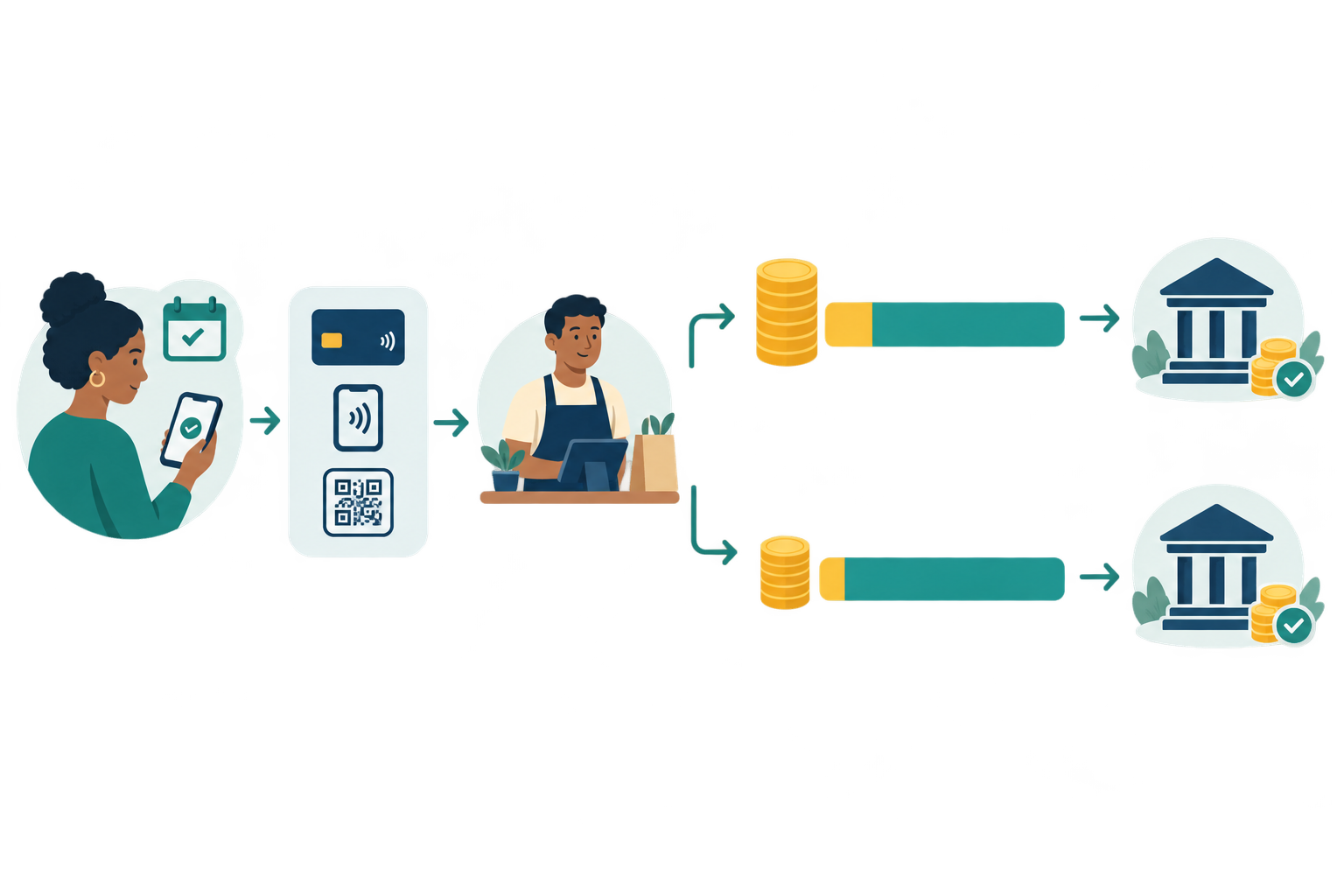
- Start Free has no monthly fee and charges 6% all-in per sale. That's a 2.9% payment gateway fee plus a 3.1% Shopstar fee. On a R500 booking, R30 goes in fees and R470 reaches you.
- Lower Fees has a monthly fee and charges 2.9% per sale. On the same R500 booking, R14.50 goes in fees and R485.50 reaches you. That figure excludes the monthly fee.
How do you know when the monthly fee pays for itself? Lower Fees saves you 3.1% of every sale, so divide the monthly fee by 0.031 to find your break-even sales. As a purely illustrative example, if the monthly fee were R300, break-even would be about R9,677 in sales a month (R300 ÷ 0.031). Below that, Start Free costs you less. Above it, Lower Fees does. Plug in the real monthly fee and your typical month.
One more practical point: the same checkout handles service bookings, digital downloads, memberships and event tickets. Income from a haircut, a prep guide and a workshop ticket lands in one payout stream instead of being scattered across four tools.
How to track your payouts and payments
A payout is not the same as a day's sales. Providers may combine transactions, subtract refunds or fees, and pay out on a schedule that doesn't line up with the day of the sale. So the bank deposit alone isn't a reliable measure of your income. Here's a light-touch way to keep track:
- Match each payout to the bookings behind it. Use your Shopstar order records to see which sessions made up the deposit.
- Check the bank statement against your order records. Note the fee that was deducted, so a deposit lower than gross sales is explainable and not a mystery.
- Keep one simple log. A spreadsheet or notes app tab with date, client, service, gross, fee and net is plenty.
- Save monthly exports. You'll thank yourself when you need clean records for SARS, your accountant or a bank loan application. SARS generally expects business records to be kept for five years, so check their guidance for your situation.
- Flag refunds, cancellations and no-shows. Mark them clearly so they don't distort your numbers.
Here's a quick illustration. If you record R10,000 in transactions, R500 in refunds and R250 in fees, you'd expect a net payout of R9,250. If the bank shows something different, you know there's something to investigate.
Tip: Shopstar also has AI-powered tools for managing orders and customer data. Features change, so check your dashboard for what's currently available.
A quick POPIA note: client names and contact details in your records are personal information under POPIA. Store your spreadsheets securely, protect them with a password, and don't share them casually.
A simple weekly cash flow routine for small sellers
Forget the accounting course. Think of this as a 20-minute Friday money date with yourself, ideally with a coffee ☕ Daily payouts make it easier, because most of the week's money will already have landed and you're working with real numbers, not hopes.
I say 'most' on purpose. Weekend and cut-off timing means some of the week's sales may still be processing on Friday. Work with what has actually cleared, and carry anything still pending into next week's check-in.
- Total the payouts that have cleared. Add up what has reached your bank account and note any bookings still processing.
- Move your tax set-aside. Transfer it into a separate savings account straight away, before it can be spent.
- Cover next week's fixed costs. Data, studio rent, software, transport.
- Top up your buffer. Keep going until it covers at least a month of essentials.
- Pay yourself a set amount. Make it the same each week, so your personal spending stops tracking the ups and downs of bookings.
- Peek at next week's diary. Spot slow days you could fill with a promo or a new slot.
Example one: a Durban tutor
A tutor teaches 12 lessons a week at R350 each, which is R4,200 gross. On Start Free at 6% all-in, the fee is R252, leaving R3,948 paid out. Here's one way she might split it. This is a cash-allocation illustration, not a tax estimate. The 25% is calculated on her payout after payment fees but before her business costs, which is a cautious placeholder. Her actual tax depends on her taxable profit and circumstances.
| Pot | Amount | Notes |
|---|---|---|
| Tax | R987 | 25% of the payout after fees, as a cautious placeholder |
| Costs | R700 | Data, resources, transport, software |
| Buffer | R400 | Building toward one month of essentials |
| Pay yourself | R1,861 | Her fixed weekly pay |

Example two: a Pretoria photographer
A photographer's weeks are lumpy. One week she might shoot a wedding and bring in R8,000. The next might be R1,500. If she pays herself whatever comes in, she's living feast or famine. So she sets a fixed weekly pay of, say, R3,000 and lets the buffer absorb the swings. Busy weeks top it up, quiet weeks draw it down. With a bigger buffer, a quiet fortnight in July is an annoyance and not a crisis.
Setting money aside for tax and business costs
Let me be upfront: I'm not an accountant, and everyone's situation differs. Treat the numbers below as examples and confirm yours with a registered tax practitioner. Thresholds and rules change, so check sars.gov.za for the current position.
Tax, VAT and record-keeping basics for South African sellers
- Income tax: freelancers and sole proprietors in South Africa are generally taxed on taxable profit (income minus allowable business expenses), not turnover. Many need to register as provisional taxpayers with SARS, which means paying tax during the year on income that isn't subject to PAYE. Check the current provisional tax periods and tax thresholds on the SARS website.
- Payout versus profit: your payout is after payment fees but before your business costs, and neither is the same as taxable profit. That's why a set-aside based on your payout, like the tutor's 25%, is a rough cash-planning tool and not a tax calculation.
- A starting rule of thumb: many freelancers begin by setting aside 25-30% of profit, or a similar cautious share of payouts while they're still working out their costs. Adjust it with your practitioner, because one percentage won't fit everyone.
- VAT: South Africa's VAT rate is 15%. Registration is compulsory if your taxable supplies (broadly, your turnover from VAT-able goods and services) exceed R1 million in any consecutive 12-month period, and you can register voluntarily once they exceed R50,000. These were the thresholds when I wrote this, so verify them with SARS. If you're registered, the VAT you charge isn't yours to spend. Keep it separate.
- Fees and gross income: keep records of the gross amount as well as the net payout, so your income and expenses are reported correctly.
- Turnover tax: this is a simplified regime for qualifying micro businesses. It isn't automatically best for everyone, so compare the current SARS rules with your own numbers.
Other business costs and savings to set aside
- Equipment replacement (that camera won't last forever)
- Insurance
- Retirement contributions
- Professional memberships
The four-jar cash flow system
Keep it simple with four pots: Tax, Costs, Buffer and Me. Tax is untouchable until SARS gets paid. Costs covers what the business needs to run. Buffer is your safety net. Me is your regular pay. These can be separate savings accounts or just labelled pots in your banking app.

There's a bonus, too. Clean, regular records make tax season far less painful, and SARS record-keeping rules are easier to meet when your log is already tidy.
Using fast payouts to restock or reinvest
Quicker access to cash means you can act on small opportunities instead of waiting. Some examples:
- A R1,200 ring light that helps a photographer or beauty professional land higher-paying clients
- R800 of colour products ahead of a busy weekend
- Topping up data before a week of online coaching calls
- A workshop booking that upskills you and justifies a higher rate
The same checkout also lets you add new income streams to your page. You could sell a digital download like a prep guide or template, offer a membership for regular clients, or sell tickets to a small workshop. All of it sits alongside your booking system, and you don't need a full website.
A reinvestment rule of thumb
Spend only from the Me and Costs pots, after tax and buffer have been set aside. And never spend today's payout on tomorrow's tax. It's tempting when a big payout lands, but SARS doesn't accept 'I bought a lens' as a payment plan.
Once you've reinvested, promote the new offer straight away. Share one link on Instagram or WhatsApp, and clients can see, book and pay in one go.
Questions to ask a payment provider about daily payouts
Whether you stay with Shopstar or compare options, ask these before you commit. 'Daily payouts' can describe how often a payout is initiated, not when cleared funds reach your bank, so get the details in writing.
- How often are payouts made, and are they automatic or do I have to request them?
- What is the total fee per sale? Is it one all-in number or several charges?
- Are there extra fees for payouts, chargebacks, refunds or a monthly minimum?
- Can money be held or delayed, and under what circumstances?
- Is the payout in rand, into a South African bank account?
- What daily cut-off time applies, and are weekends and public holidays excluded?
- What reports can I download for tax time?
- How do refunds and cancellations work? Think about how this fits with the Consumer Protection Act (CPA) and the cooling-off provisions of ECTA for online sales. How these apply to services booked for a specific date can be nuanced, so verify your own situation.
- How is my clients' personal information handled in line with POPIA?
- What support do I get if something goes wrong, and can I speak to a human?
A practical tip: test any provider with a small transaction first and see when the money actually lands, ideally across a weekend. And keep a buffer for refunds, disputes and delays, whoever you use.
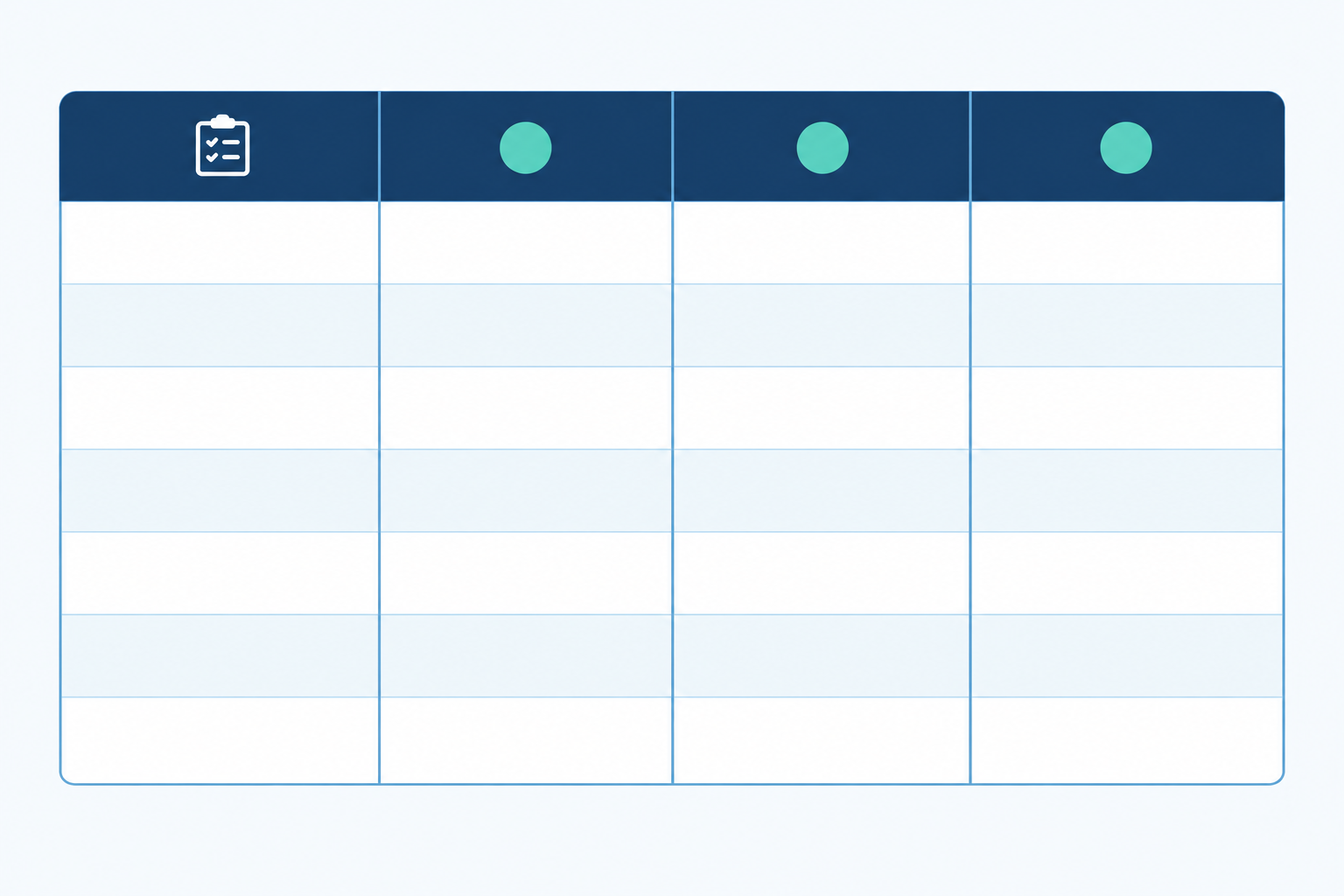
Here's a template to fill in when comparing:
| Question | Provider A | Provider B | Provider C |
|---|---|---|---|
| Payout frequency | |||
| Total fee per sale | |||
| Extra fees (payout, refund, chargeback, monthly) | |||
| Cut-off time and weekends | |||
| Reports for tax time | |||
| Refund handling | |||
| POPIA data handling | |||
| Support (can I speak to a human?) |
Getting started with Shopstar daily payouts
If you'd like to try Shopstar, pick Start Free (no monthly fee) if you're just starting or your volume is modest, or Lower Fees if your sales are above your break-even point. You can claim a shopstar.page URL or connect your own domain. If you're not technical, we also offer hands-on onboarding and customer support.
At the time of writing, Shopstar stores have processed over R250 million in paid orders and we hold a 4.9-star Google rating from 120+ reviews. Those figures change, so check the current numbers before relying on them.
My suggestion: set up your page, take your first few bookings, then run your first Friday money check-in and see how it feels. The routine matters as much as the payout speed.
Frequently asked questions about daily payouts
How long do daily payouts usually take?
With Shopstar Go, payouts are automatic and daily to your South African bank account, but 'daily' doesn't mean same-day cleared funds. Cut-offs, weekends, public holidays and your bank's processing all affect when the money shows. Confirm the current details with Shopstar support.
How do I track what I've been paid?
Match each payout to the orders behind it, record the gross amount, fee and net amount, and keep a monthly export.
How much should I set aside for tax?
It depends on your taxable profit and your SARS circumstances. Many freelancers start with 25-30% as a cautious placeholder and adjust with a tax practitioner. If you're VAT registered, the 15% VAT you collect isn't yours to spend.
Can I plan around daily payouts?
Yes. Run a weekly routine with the payouts that have cleared: move your tax set-aside, cover next week's costs, top up your buffer and pay yourself a fixed amount.
Do I pay more on the Start Free plan?
Per sale, yes: 6% all-in versus 2.9% on Lower Fees. But Start Free has no monthly fee. Divide the Lower Fees monthly fee by 0.031 to find the monthly sales at which Lower Fees becomes cheaper.