What to Put in Your Link in Bio to Get More Sales Online (A South African Seller's Guide)
Explore link in bio ideas for South African businesses: put bestsellers first, add clear offers and make it easy to sell from your Instagram bio link.
14 min read
On this page
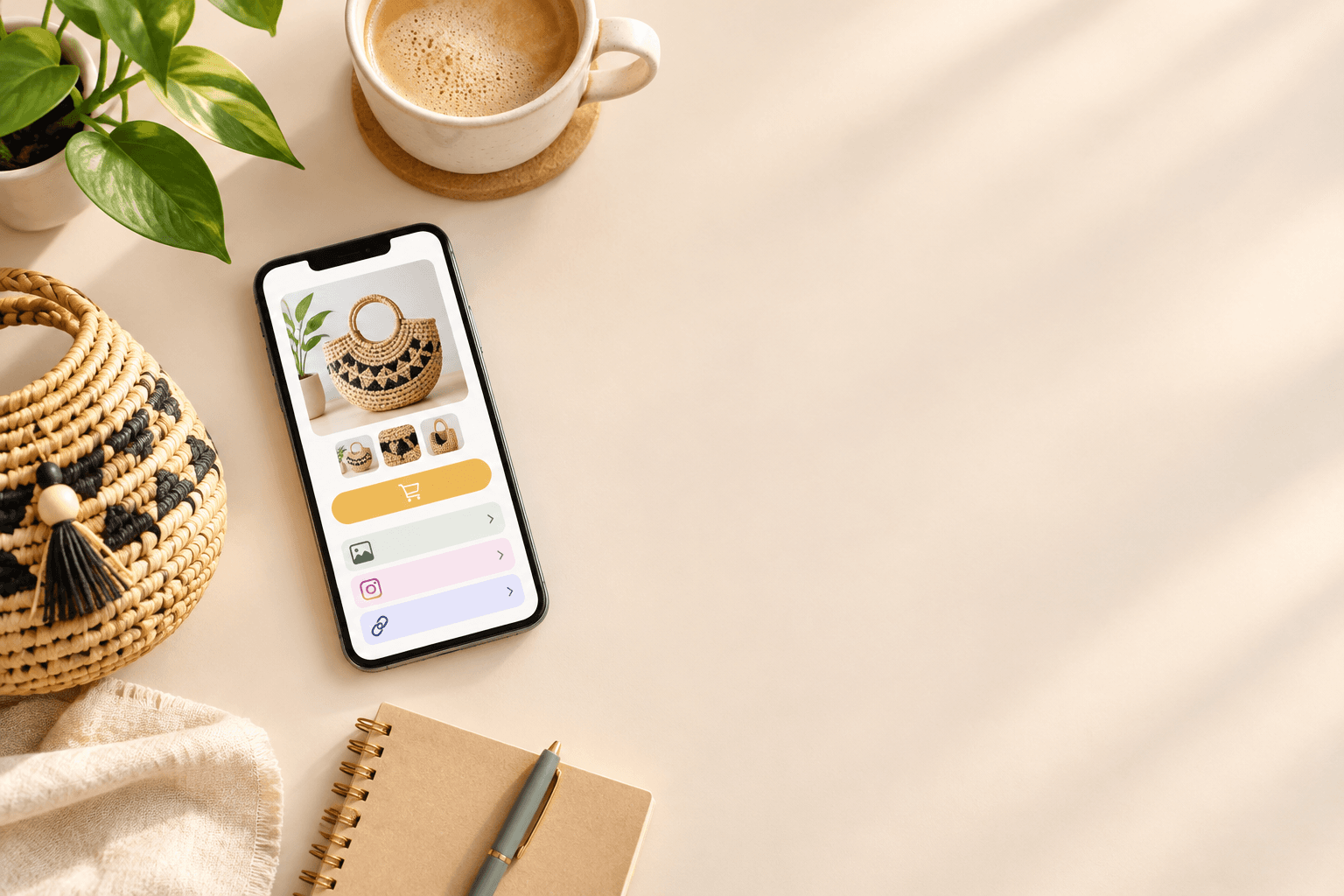
The best link in bio for a business isn't a list of social links. It's a short, mobile-friendly selling page: your best seller at the top, one clear offer per section, and a checkout that works inside the app. Start with the one thing most people come to you for, keep it to 3 to 6 options, and refresh it monthly based on what's actually selling.
That's the whole idea. The rest of this guide covers practical link in bio ideas for South African sellers, whether you're selling candles in Joburg, photo sessions in Cape Town or cupcake boxes in Durban. No developer needed. 😊
Why a list of links isn't enough for your business
Say a follower watches your reel, loves your product, taps your Instagram bio link and lands on ten identical buttons: Shop, About, TikTok, Facebook, Blog, Price list (PDF), Contact... and so on. They squint, don't know where to start, and go back to scrolling. 😬
That's the difference between a directory of links and a selling page. A directory makes people choose. A selling page guides them. When someone is on their phone, maybe on mobile data, maybe standing in a queue, they won't hunt for your product. You have to hand it to them.
These are the mistakes I see most often:
- Linking only to the homepage. The shopper then has to search again for the thing they just saw in your reel.
- Burying the product under social icons. Your followers are already on social media. They want to buy, not follow you somewhere else.
- Sending people to a page that needs a login, or to a PDF price list. Both add steps before payment.
- Relying on WhatsApp back-and-forth. It feels personal, but every 'What's the price?' and 'Do you have it in size M?' is another chance to lose the sale.
The hidden cost of friction when people buy from your bio link
Every extra tap, form or message is a moment when a buyer can drop off. Baymard Institute's research puts the average online shopping cart abandonment rate at about 70%. That's a broad ecommerce benchmark, not a figure for Instagram bio links or South African sellers, but it shows how easily people walk away when buying feels like work.
Two more findings, both from US shoppers, are worth knowing. Baymard's survey found that 48% of people who abandoned an order cited extra costs such as shipping, taxes or fees. And 26% said they left because they were forced to create an account. We can't say those exact numbers apply here, but the lesson travels well: show your full price early, and don't make people jump through hoops.
Speed matters too. Google has reported that 53% of mobile visits were abandoned when a page took longer than 3 seconds to load. That's older data, but it's a good reason to keep your page light.
You don't need a full website to fix any of this. You need a simple page built for selling, a mini shop window for your link in bio.
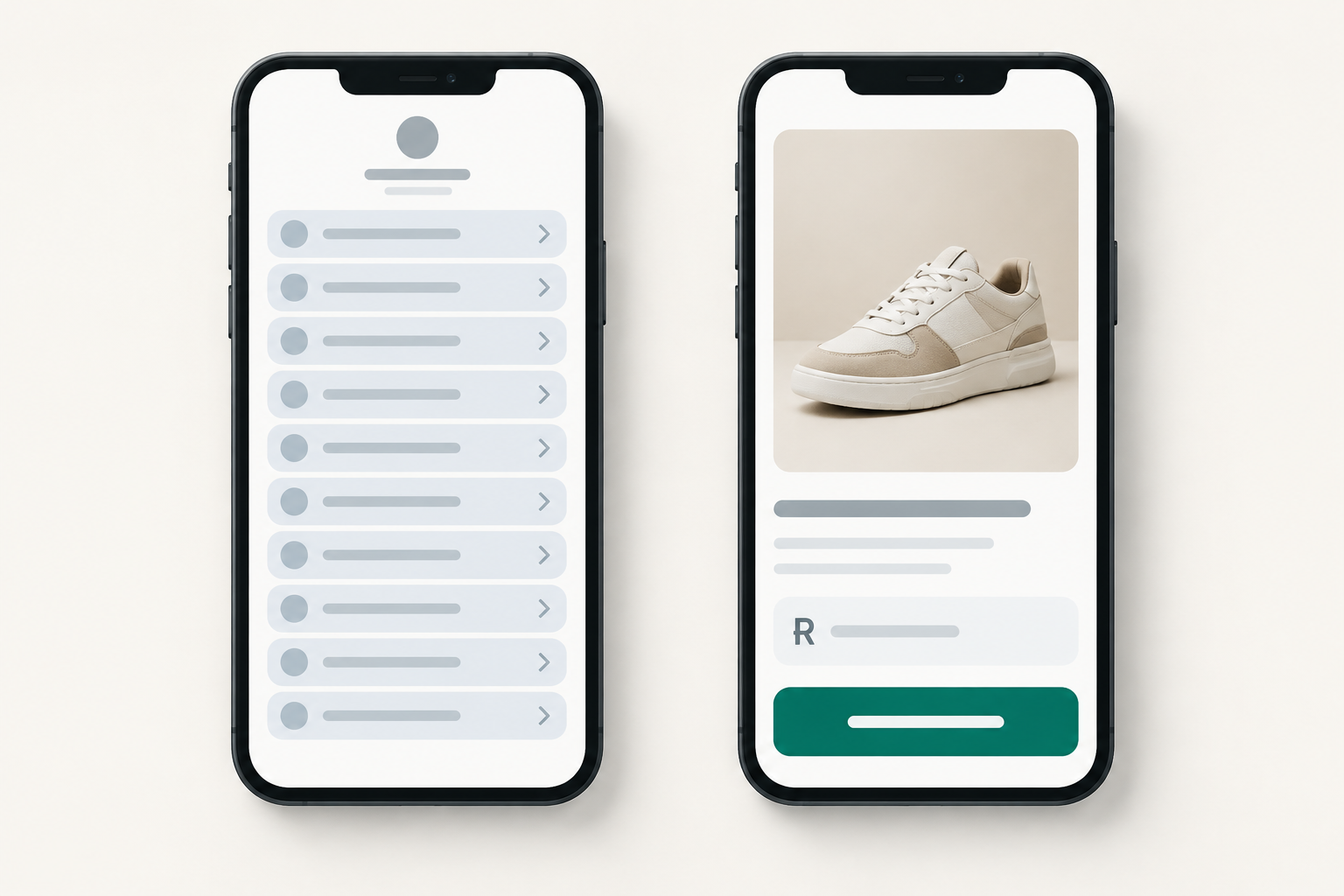
What should your first link be? Put your best seller first
What should my first link be? The thing most people already ask you about in your DMs. That's it. If three people a week message 'How much is the soy candle?', that candle goes first.
How to find your best seller
Not sure which item that is? Check three places from the last 30 days:
- Your orders, to see what's actually been paid for.
- Your Instagram DMs and comments.
- Your WhatsApp enquiries.
The pattern usually jumps out within ten minutes. Trust it over your gut, because the product you're proudest of isn't always the one customers want.
Link in bio ideas for South African small businesses
- A Joburg candle maker leads with her bestselling R180 soy candle, not her whole range.
- A Cape Town photographer leads with a R1,500 mini-session booking, not a link to her portfolio.
- A Durban baker leads with this Saturday's cupcake box, with a cut-off time for orders.
Each top link needs four things: a clear product image, a plain-language name, the price in rand, and one button, such as Buy now or Book a spot. Skip the clever names. 'Lemon Drizzle Cupcake Box (6) – R150' beats 'Sunshine Joy Box' every time.
When should something else take the top spot?
A seasonal or time-sensitive offer can temporarily jump to number one, but only when it's genuinely your strongest. Think Mother's Day hampers in early May or a limited market-day drop. Once it's over, move it off so you're not sending people to something expired.
One more tip: match your first link to whatever you're posting that week. If your reel is about the new lavender candle, the first thing people see after tapping should be the lavender candle. The journey feels smooth, and that's when people buy.
What to put in your link in bio: one clear offer per section
The principle is simple: one section, one job, one call to action. When a section tries to do three things, visitors do none of them.
Here are some offer ideas for your page. You won't need all of them, so pick the ones that fit your business:
- A bestseller: the item people already want.
- A starter bundle or entry-level product: a low-risk way for first-time buyers to try you, such as a R95 sample set.
- A limited-time offer, like a weekend special or a limited drop.
- A booking or consultation, such as a 30-minute call or a fitting slot.
- A free download in exchange for an email: a care guide, a recipe or a checklist.
- A bigger premium item, like a gift hamper, a full package or a VIP session for people who want to spend more.
Call-to-action wording that works
Make the button say exactly what happens next: Order today, Book your slot, Get the guide, Join the membership, Grab a ticket. Avoid vague options like 'Click here' or 'Learn more'.
Keep each description to a line or two. Include the price, what's included, and any delivery or lead time. For example: 'Soy candle, 300 ml, hand-poured. R180. Ships nationwide in 2 to 3 working days.'
A good link in bio layout versus a cluttered one
Here's a page that works:
- Vanilla Bean Soy Candle, R180, Buy now
- Candle Sampler Set (3 minis), R95, Try the set
- Gift Hamper, R650, Order a hamper
- Free Candle Care Guide, Get the guide
And here's one that doesn't: three versions of the same vanilla candle at slightly different sizes, fifteen products at the same level, a 'Sale!' banner and no clear starting point. The first page guides. The second makes people do the sorting. Don't offer the same thing three ways, and if you have lots of items, group them under a single shop section.
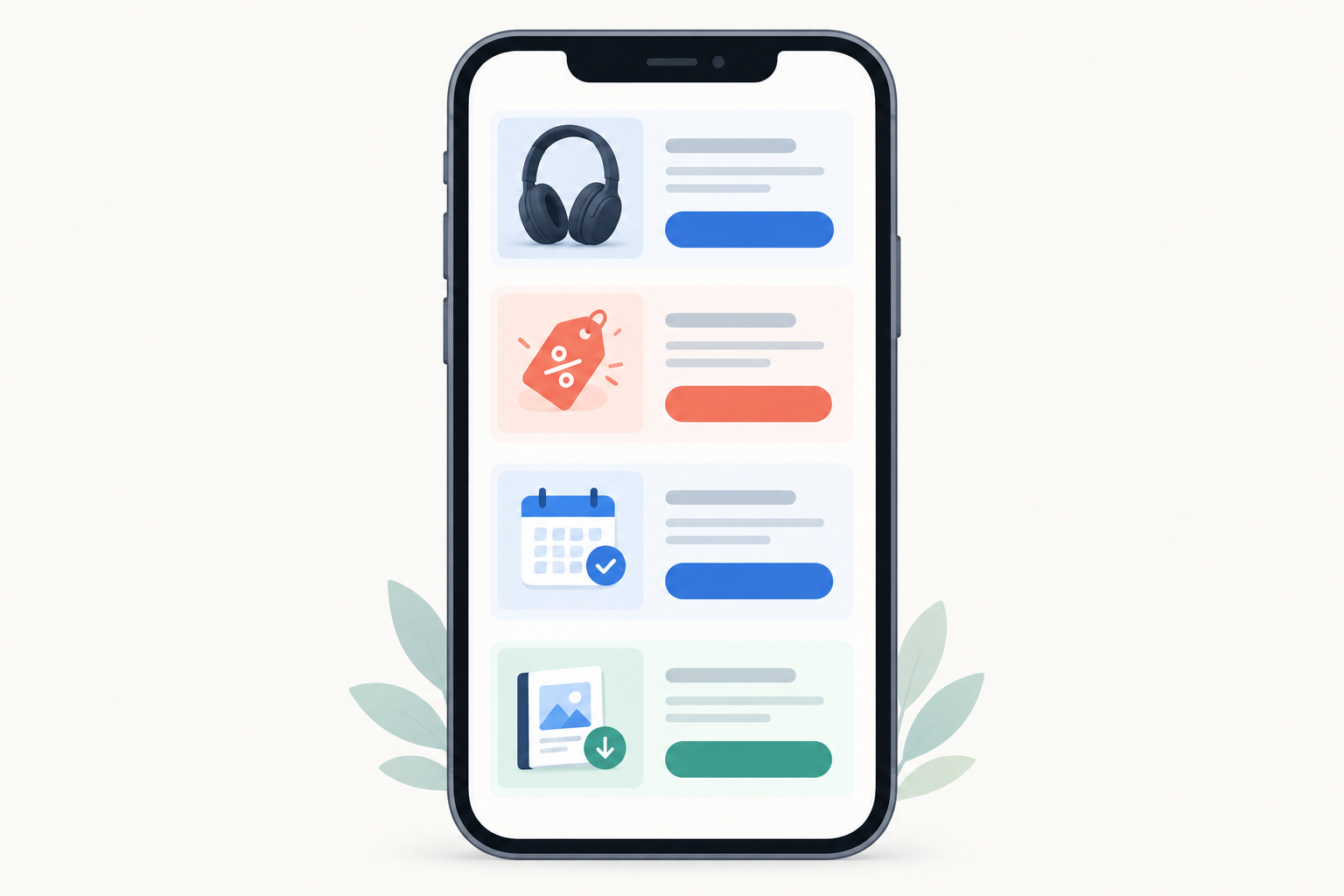
Sell bookings, tickets and downloads from one link in bio
This is where a selling page really earns its keep. Many South African small businesses don't sell just one kind of thing. A hairstylist sells appointments and hair products. A coach sells sessions and a workbook. A market organiser sells tickets and merch.
With one page, you can show all of it, as long as each offer is clearly labelled and gets its own section. Shopstar is built for exactly this: physical products, service bookings, event tickets, digital downloads and memberships all run through one checkout.
| Business type | What to put in your link in bio | Suggested call to action | What the buyer gets |
|---|---|---|---|
| Product seller (skincare, clothing) | Your top items, with the delivery cost shown upfront | Order today | Items delivered or ready for collection |
| Hairstylist, tutor, photographer, coach | A booking system with available slots | Book your slot | A confirmed time, no back-and-forth |
| Market, workshop or pop-up host | Event ticketing with date, venue and price | Grab a ticket | A ticket in a few taps |
| Course creator or recipe/template seller | Digital downloads | Get the guide | Instant delivery after payment |
| Community or monthly box owner | A membership site or subscription option | Join the membership | Ongoing access or a recurring delivery |
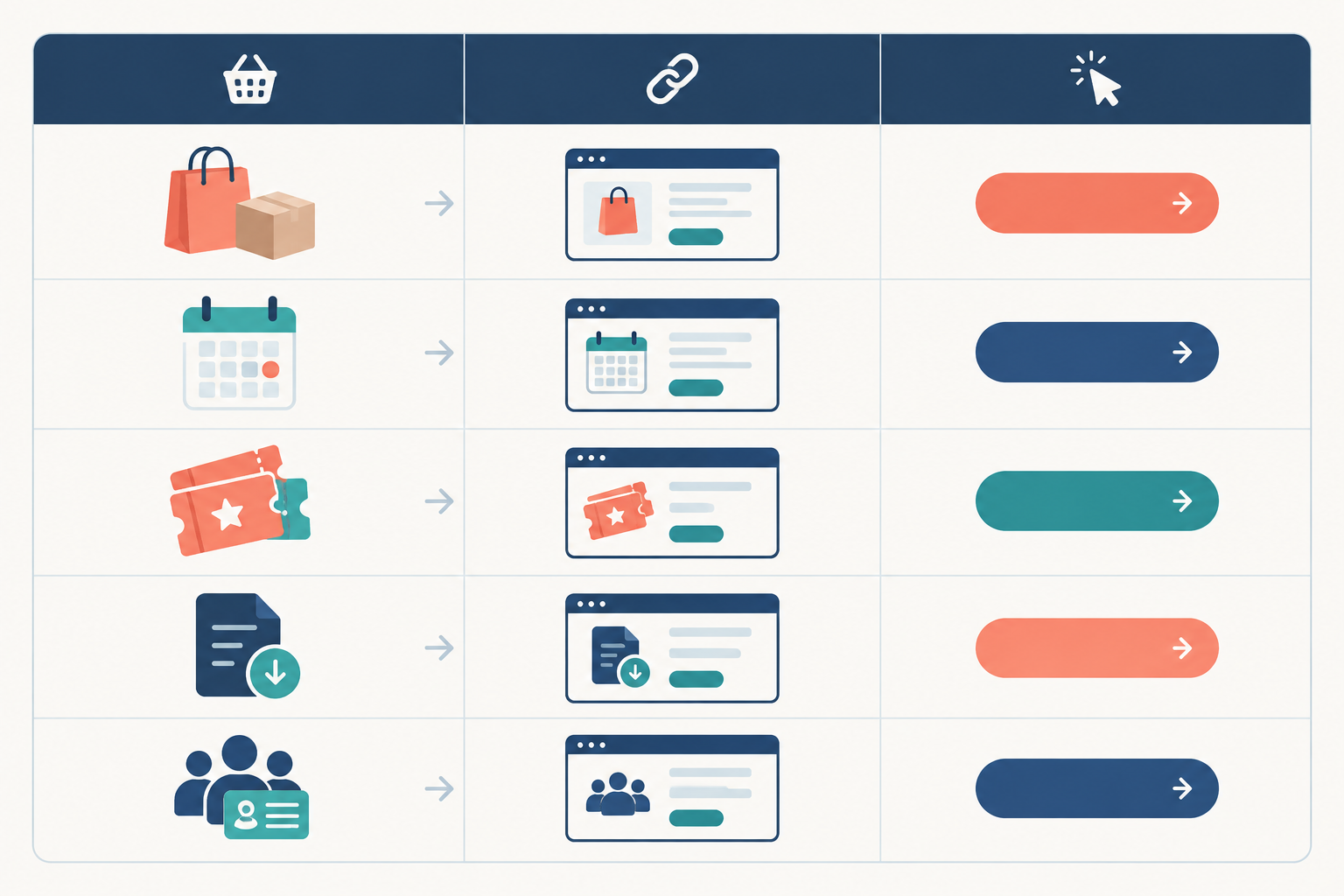
Why one checkout matters
When everything runs through a unified checkout, your customer pays once, in one familiar flow, whatever they're buying. You're not sending one person to a ticketing site, another to a booking app and a third to a download store. Payment processing is built in, so you're not stitching tools together.
Whichever offer you list, spell out the details buyers care about. Show prices in rand, the date and venue for events, the file format for downloads, how often a membership bills, and your cancellation terms. People buy faster when they know exactly what they're getting.
Should you link to your website or sell directly from your bio link?
Here's my honest answer. If you already have a website that loads fast on a phone and converts well, link to a specific product page, not your homepage. A shopper who saw your reel about the linen dress should land on the linen dress.
If you don't have a website, or yours is slow or fiddly on mobile, selling directly from your link in bio is quicker and cheaper to set up. It's also far less to maintain.
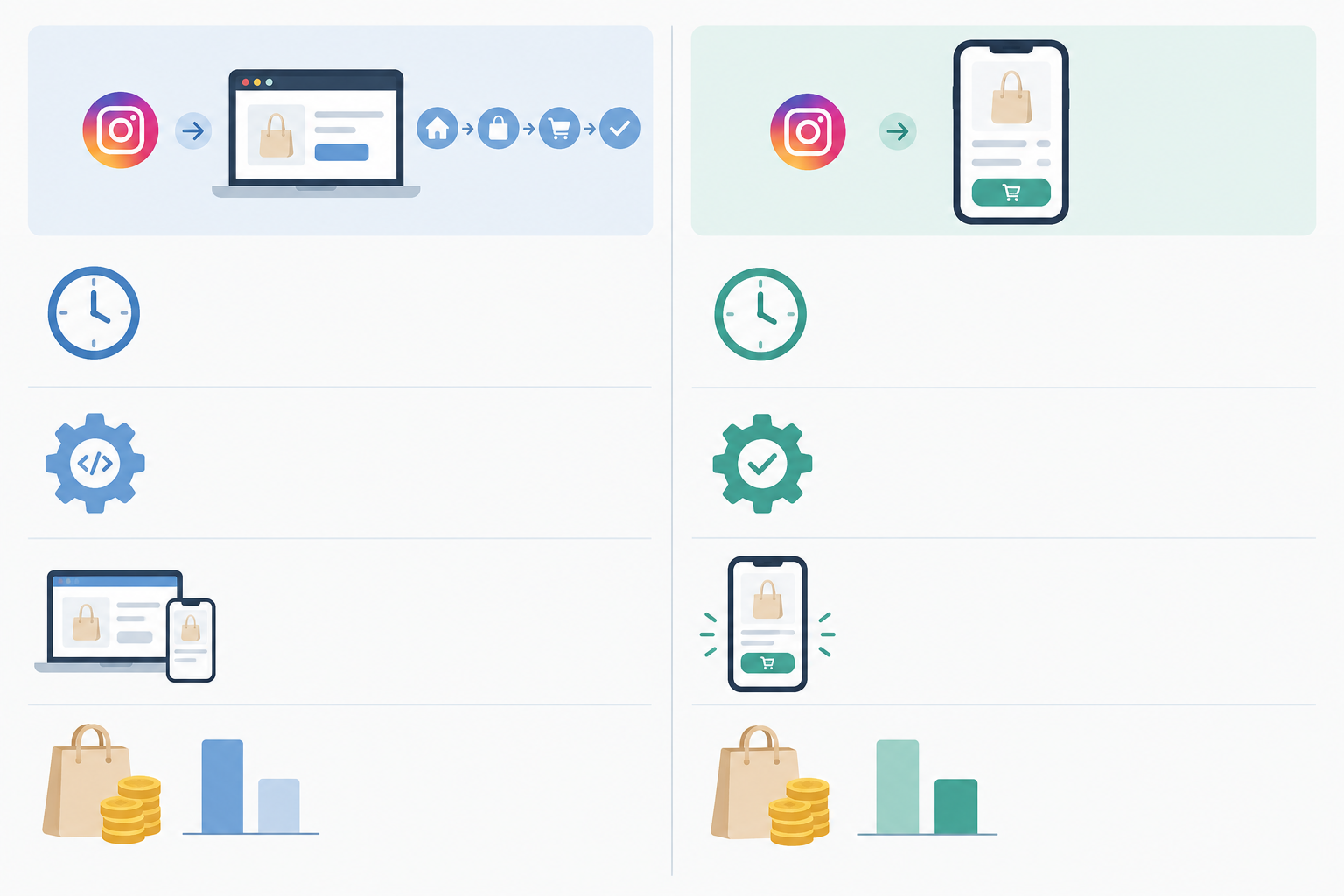
| Linking to your website | Selling directly from your bio link | |
|---|---|---|
| Setup time | Days to weeks, if you're building from scratch | Often an afternoon |
| Technical skill needed | Moderate to high | Low |
| Mobile experience | Depends on your site's design and speed | Built for phones from the start |
| Cost | Hosting, design and upkeep | No monthly fee on Shopstar's Start Free plan |
| Best suited to | Established shops with a mobile-friendly site | Solopreneurs, creators and small businesses starting out |
What it costs with Shopstar
Shopstar has two plans, and I'd rather explain them plainly than hide them:
- Start Free has no monthly fee, and costs 6% all-in per sale. That's a 2.9% payment gateway fee plus a 3.1% Shopstar fee.
- Lower Fees has a monthly fee, and costs 2.9% per sale.
Here's a worked example on a R500 order. On Start Free, the total fees are R30, so you keep R470. On Lower Fees at 2.9%, the per-sale fee is R14.50, so you keep R485.50 before the monthly fee. Which is better depends on your monthly volume. If you're just starting out or sales are unpredictable, Start Free keeps your risk at zero. As your orders grow, the lower per-sale rate can start to outweigh the monthly fee.
You can claim a custom shopstar.page URL or connect your own domain, and payouts land in your South African bank account daily. 🙌
A simple link in bio layout to start with
If you want a starting blueprint, this is the layout I'd use for most small businesses:
- A short headline and photo or logo. Say who you are and what you sell in one line, like 'Hand-poured soy candles from Joburg'.
- Your best seller with a single clear button. This is the star of the page.
- Your starter offer. An entry-level product for first-time buyers who aren't ready for your top-priced item.
- A booking, event ticket or membership option, if you offer one.
- A free download or email sign-up. This captures people who aren't ready to buy yet, so you can reach them later.
- Social proof. A customer review or your Google rating works best close to the buying options, where people are making the decision.
- Contact and policy details at the bottom: delivery, returns, and your WhatsApp or email.
That adds up to 3 to 6 sections, which answers how many links should I have? It's enough to cover your best seller, a starter offer and one extra option without overwhelming anyone.
And if most of your audience asks about bookings rather than products, flip the order: put the booking at the top and your products second. The layout should work for your customers, not the other way around.
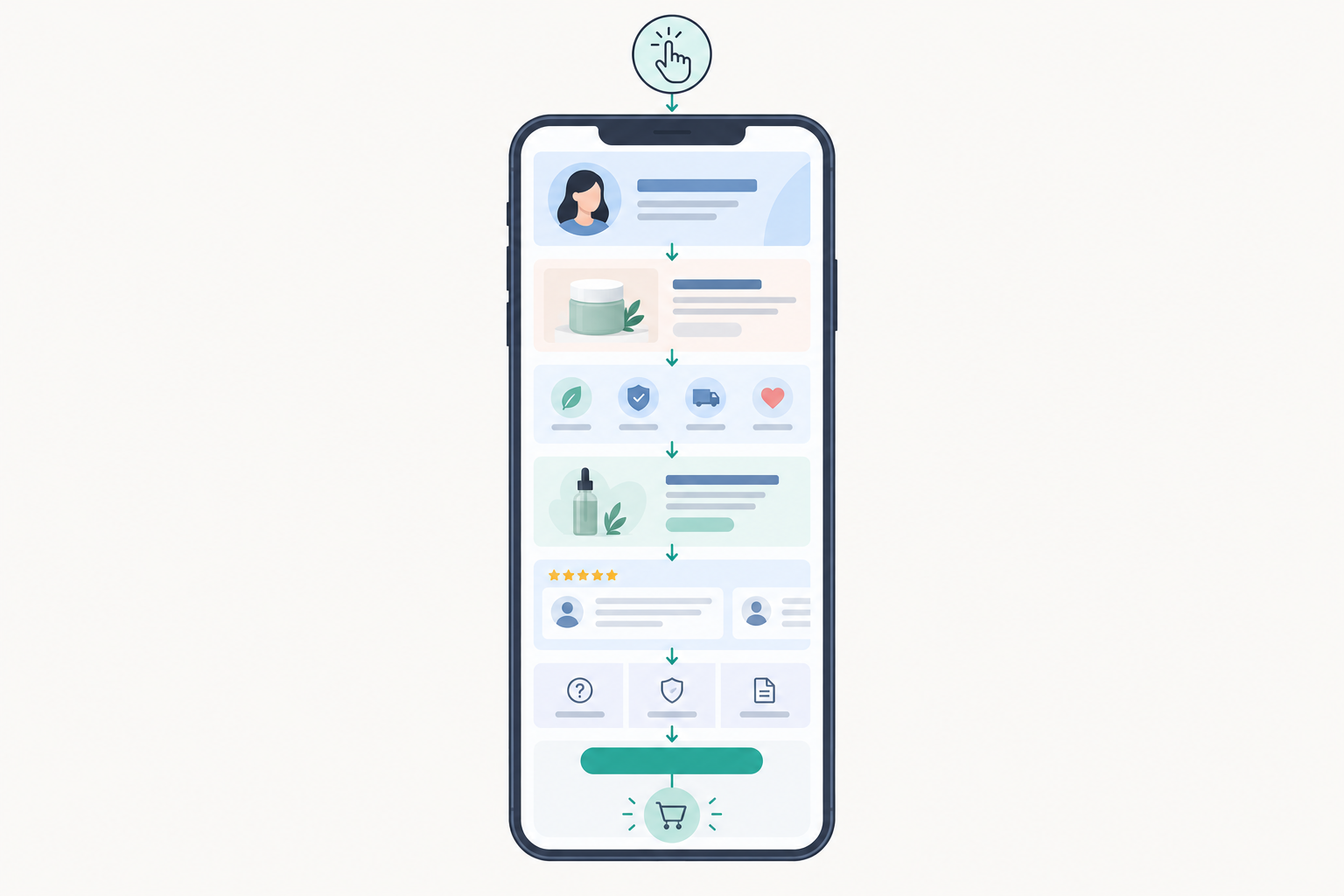
Keep your Instagram bio link simple and mobile-friendly
Almost everyone taps through from a phone, often on mobile data, so speed and simplicity matter more than clever design. A few things to get right:
- Use sharp but lightweight images. Big, unoptimised photos load slowly on a typical South African mobile connection, so compress them before uploading.
- Write short descriptions and big buttons. If it's hard to tap with a thumb, it's too small.
- Stay on brand. Use your usual colours and fonts so the page feels like an extension of your Instagram.
- Skip text-heavy blocks, pop-ups and a mess of fonts. Every extra element competes with your buy button.
- Make paying easy. Card, Apple Pay and Scan to Pay through Shopstar Go mean buyers can use whatever they're comfortable with.
Test your link in bio like a customer
Open your page on your own phone, preferably in a private browser window so you see what a stranger sees. Then ask a friend to buy something while you watch quietly. Where do they hesitate? That's the spot to fix. Five minutes of watching will teach you more than an hour of tweaking.
Build trust and follow South African rules when you sell online
People are naturally cautious about paying a small seller they've only seen on Instagram. Clear information is your best trust-builder, and it also keeps you on the right side of South African consumer and privacy law.
- Be upfront about prices and delivery. The Consumer Protection Act (CPA) addresses misleading representations and price display. Show the full amount payable, including delivery costs. If you're VAT registered, your prices should include VAT, which is 15% in South Africa.
- Share your business details. The Electronic Communications and Transactions Act (ECTA) expects covered online suppliers to provide information such as their identity and contact details, a description of the goods or services, the total price, payment arrangements, delivery terms and return or cancellation information.
- Know your cooling-off rules. ECTA provides a seven-day cooling-off right for many distance sales, with statutory exceptions. The CPA's five-business-day cooling-off applies to agreements resulting from direct marketing, and it isn't a general return period for all online purchases. State your own policy clearly, along with any exceptions.
- Handle personal information responsibly. If your page collects emails or phone numbers, POPIA expects you to say why you're collecting them, collect only what you need, and keep the data secure. Get consent before sending marketing messages, make the tick-box optional and unticked by default, and give people an easy way to unsubscribe.
- Keep records from day one. SARS expects you to declare your income regardless of size. VAT registration becomes compulsory once your taxable turnover passes R1 million in a 12-month period, so good records will make your life far easier.
- Add a plain-language returns and delivery policy, plus an easy way to reach you.
If you're partnering with creators to promote your link, make sure any paid or gifted relationship is clearly disclosed in the post or story itself, in line with the Advertising Regulatory Board's guidance.
This is general guidance, not legal or tax advice. Chat to an accountant or legal professional about what applies to your business.
What to update on your link in bio each month
How often should I change my link in bio? Do a quick check monthly, and make changes only when something actually changes. An outdated link costs you sales, but constant tinkering isn't necessary. Here's my monthly routine, and it takes about 20 minutes:
- Review the numbers. What sold, what got views, and what got ignored?
- Move your current best performer to the top. It may not be the same item as last month.
- Retire sold-out, expired or seasonal offers. Nothing frustrates a buyer more than a dead end.
- Refresh photos, prices and descriptions, and check that your delivery times are still accurate.
- Add one new thing to test, like a bundle, a new time slot or a limited drop. Just one at a time, so you can see what works.
- Plan for South African dates. Valentine's Day, Mother's Day, Black Friday, back-to-school and the festive season all deserve a spot on your calendar, ideally a couple of weeks ahead.
- Check every button and your payout details. Click everything, then confirm your bank details are up to date.

Set up your link in bio without the tech headaches
If all of this sounds like a lot, take a breath. You don't need a developer, a designer or a free weekend to get it done.
Shopstar is an online store builder and ecommerce platform made for small businesses, with tools non-technical people can actually use. You build a single page, add your products, bookings, tickets, downloads or memberships, and start sharing it. You're not left on your own either. Hands-on onboarding and ongoing customer support mean there's a real person to help when you get stuck.
We're proud of the track record, too. Shopstar stores have processed over R250 million in paid orders, and we hold a 4.9-star Google rating from 120+ reviews, plus 160+ verified five-star reviews. There are also AI-powered tools to help you manage orders, products and customer data, so the admin side stays light.
My suggestion? Start on the free plan, add your best seller first, and build from there. One product, one button, one clear price. You can add the rest as you go.
Frequently asked questions about link in bio ideas
How many links should I have in my bio?
Aim for 3 to 6 clear options. That's enough to cover your best seller, a starter offer and one extra option like a booking or download without overwhelming people. If you sell lots of items, group them under a single shop section rather than listing everything separately.
What should my first link be?
Your best seller, or the thing people ask about most in your DMs. Add a clear photo, the price in rand and one button, so a follower can go from curious to paid in a few taps.
Should I link to my website or sell directly from my link in bio?
If your website is fast on mobile and already converts, link to a specific product page. If you don't have a website, or checkout is clunky, selling directly from your link in bio is simpler and quicker to launch. Either way, don't send people to a generic homepage.
How often should I change my link in bio?
Do a quick review once a month, and update straight away when you launch, sell out or end an offer. You don't need to tinker constantly, but an outdated link costs you sales.
Do I need to charge VAT on what I sell from my link in bio?
Only if you're registered for VAT with SARS. Registration becomes compulsory once your taxable turnover goes over R1 million in 12 months, and you can register voluntarily from R50,000. VAT in South Africa is 15%, and if you're registered your displayed prices should include it. An accountant can confirm what applies to you.
Can I sell services and event tickets from the same link in bio as physical products?
Yes. With a platform that supports physical products, service bookings, event ticketing, digital downloads and memberships through one checkout, you can offer all of them on a single page. Just keep each offer in its own clear section.