How to Sell Canva Templates Online in South Africa: A Practical Step-by-Step Guide
Learn how to sell Canva templates in South Africa: choose a niche, create persuasive previews, share template links and deliver automatically after payment.
13 min read
On this page
To sell Canva templates in South Africa, pick a clear niche, build an editable design, share it as a Canva template link and make preview images that persuade. Then list it on a page that takes payment and delivers the link automatically. With Shopstar you can do all of that from one link in bio page, with card payments, instant delivery and daily payouts to your South African bank account. No website needed.
That's the short version. Below is the full workflow, from choosing a niche to making your first test purchase, with rand prices, South African rules and the small details that help buyers trust you.
Why Canva templates sell well as digital products 🎨
Is there really a market here? I think so, and the reason is simple. Salon owners, coaches, estate agents, wedding planners, tutors, school admin teams and side-hustlers all need good-looking designs fast. Many of them can't justify paying a designer R3,000 or more per project, and they'd rather edit something in an app they already know.
The economics are friendly too. You design once and sell repeatedly, with no stock, courier fees or storage. That suits anyone starting small, because your main costs are your time and a bit of marketing. Canva is also massive (well over 170 million people use it every month), so most of your buyers already know the tool. A big platform isn't proof that your niche will sell, though. You still have to validate demand.
Let me be honest: selling Canva templates is a business, not magic. Results depend on your niche, your quality and how consistently you promote. The sellers who do best, in our experience, treat this like a real shop. They keep their listings tidy, answer questions quickly and update their products.
South Africans are comfortable buying online, which helps. Shopstar stores have processed over R250 million in paid orders, and digital downloads suit that kind of buying. DataReportal's Digital 2025 report says about 50.8 million South Africans (78.9% of the population) are online. That's your potential audience, not a guarantee of sales.
Can you legally sell Canva templates in South Africa?
Yes, as long as you do it properly. This isn't legal advice, so treat the list below as a checklist to run through before you list anything.
- Know what you're selling. You're selling your own template design, shared through a template link. You are not reselling Canva's photos, graphics or videos as standalone files. Read Canva's current Content License Agreement and Terms of Use, because they spell out how Canva content may be used in templates you sell, including the requirement that buyers are directed back to Canva to use the template. Rules change, so check them again from time to time.
- Watch Pro-only and Education assets. Check the licence on every photo, font, illustration and element. Pro content may not work for free users, and Canva for Education content has commercial-use limits. When in doubt, use original work or assets you know are cleared.
- Keep records. A simple spreadsheet noting where each element came from and what licence applies will save you headaches later. The Copyright Act 98 of 1978 protects your original work, but it doesn't give you rights over other people's material.
- Don't copy. Never lift another creator's template, and steer clear of brand logos or trademarked characters.
- Be clear with buyers (ECTA and the CPA). The Electronic Communications and Transactions Act expects clear seller information on your page, and the Consumer Protection Act expects fair, honest sales and marketing. Say plainly what's included, whether Canva access is required and what your refund policy is. Refunds are trickier for digital goods, so write your policy in plain language instead of burying it.
- Respect POPIA. You'll collect buyer names and emails, so only collect what you need, keep it safe and say how you use it.
- Sort out tax. Income from template sales is taxable and should be declared to SARS. VAT registration is compulsory once your taxable turnover passes R1 million in 12 months, and voluntary from R50,000. VAT in South Africa is 15%. Chat to an accountant about your situation.
How to choose a Canva template niche with demand
The biggest mistake I see is starting with what looks pretty instead of who you can help. Here's a better order of operations.
- Start with people, not pixels. Look at who's around you: salon owners, tutors, NPO founders, property agents, church admin teams, spaza and small-shop owners. Which design tasks do they repeat every week?
- Check demand. Browse Canva's template search, Pinterest, Etsy and Instagram. Note what's popular, then note what's missing for South African buyers: rand pricing, local holidays, VAT-ready invoices, local social media sizes, load-shedding schedules, or Afrikaans and other local languages. Treat competitor listings and reviews as signals, not proof of sales.
- Go narrow. 'Invoice and quote templates for South African freelancers' beats 'business templates' every time. A narrow niche is easier to describe, easier to find and easier to market.
- Validate before you build a range. Share a mock-up in a Facebook group or on WhatsApp Status, or run a quick poll. Then count the enquiries, saves and replies.
- Borrow ideas with a local angle. A few niches worth testing:
- Wedding stationery for local ceremonies
- CV templates for matric leavers and graduates
- Instagram carousels for local coaches
- Menu designs for restaurants and coffee shops
- School and creche newsletters
- Price lists for hair and beauty businesses
- Start small. Plan 3-5 templates or one bundle before you expand, then double down on whatever people respond to.

How to create and share a Canva template link
Now for the fun part. Here's how to build something buyers can edit without frustration.
- Design for editing. Use consistent brand colours, editable text boxes, clearly named pages and sensible layers. Picture a buyer who has never used Canva before.
- Choose fonts and elements carefully. Pro-only elements may not work for free users, so either stick to free assets or state your requirements clearly on the product page. Original graphics mean less friction and fewer licensing worries.
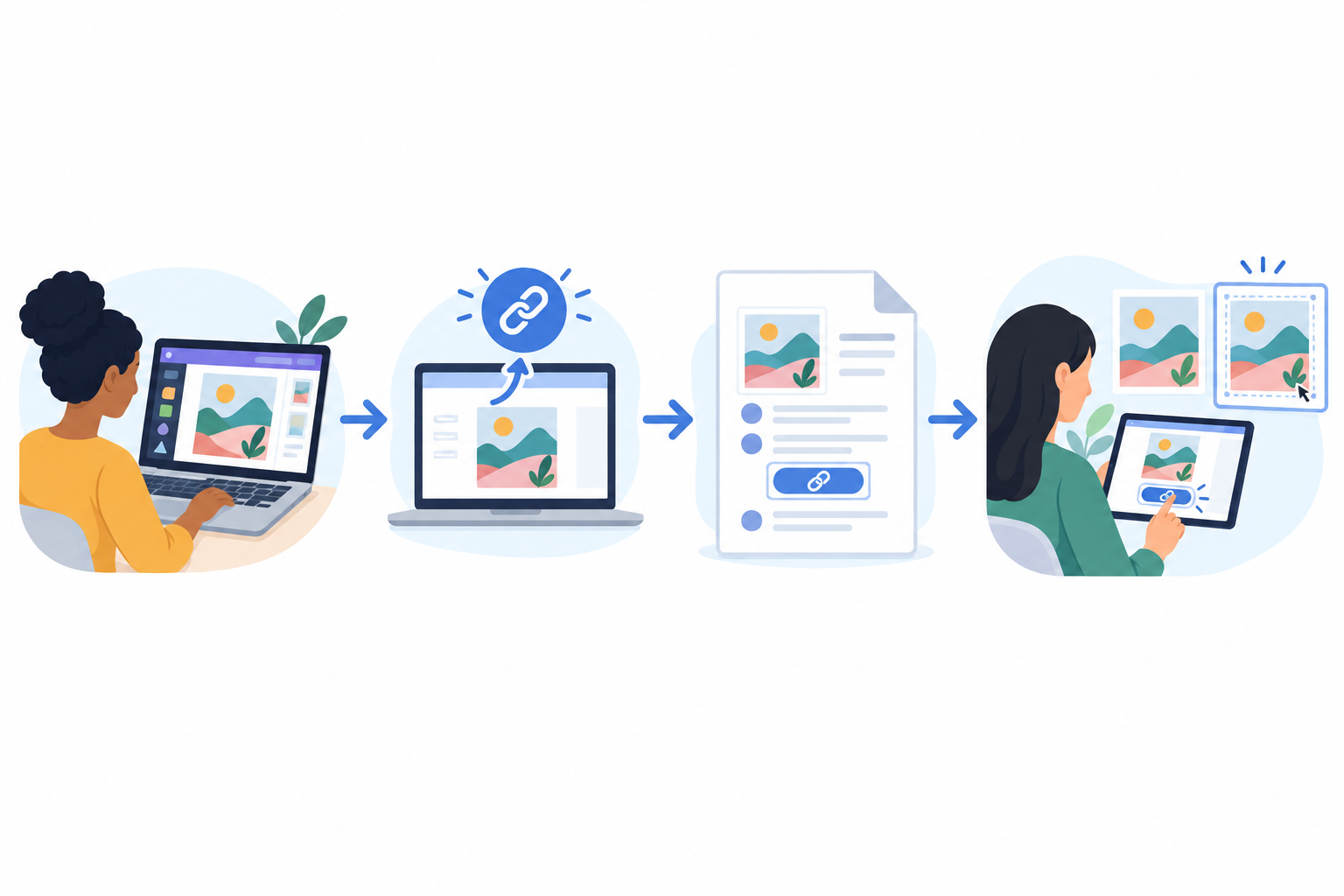
- Generate the template link. In Canva, go to Share > Template link. This lets buyers make their own copy rather than editing your original. Never send an ordinary edit link.
- Test it. Open the link in an incognito window or on a second account. It should prompt you to 'use template', and the copy should have the right pages, editable text and working elements. Test on a phone too, since many South African buyers will open it there.
- Write a one-page 'How to use' PDF. Put in the link, a few editing tips, your licence terms and a support email. This is what the buyer actually receives, so make it look branded and friendly.
- Spell out the licence. Is it personal or commercial use? Say that buyers can't resell the template or redistribute it as their own.
- Plan for updates. Name and organise your files so you can improve a template later without breaking links, and tell buyers how updates will reach them.
How to create Canva template preview images that persuade buyers
Buyers can't open your template before paying, so your previews do all the selling. Here's what works.
- Show real-world context. A phone mock-up of an Instagram post or a printed invoice on a desk helps buyers picture themselves using it.
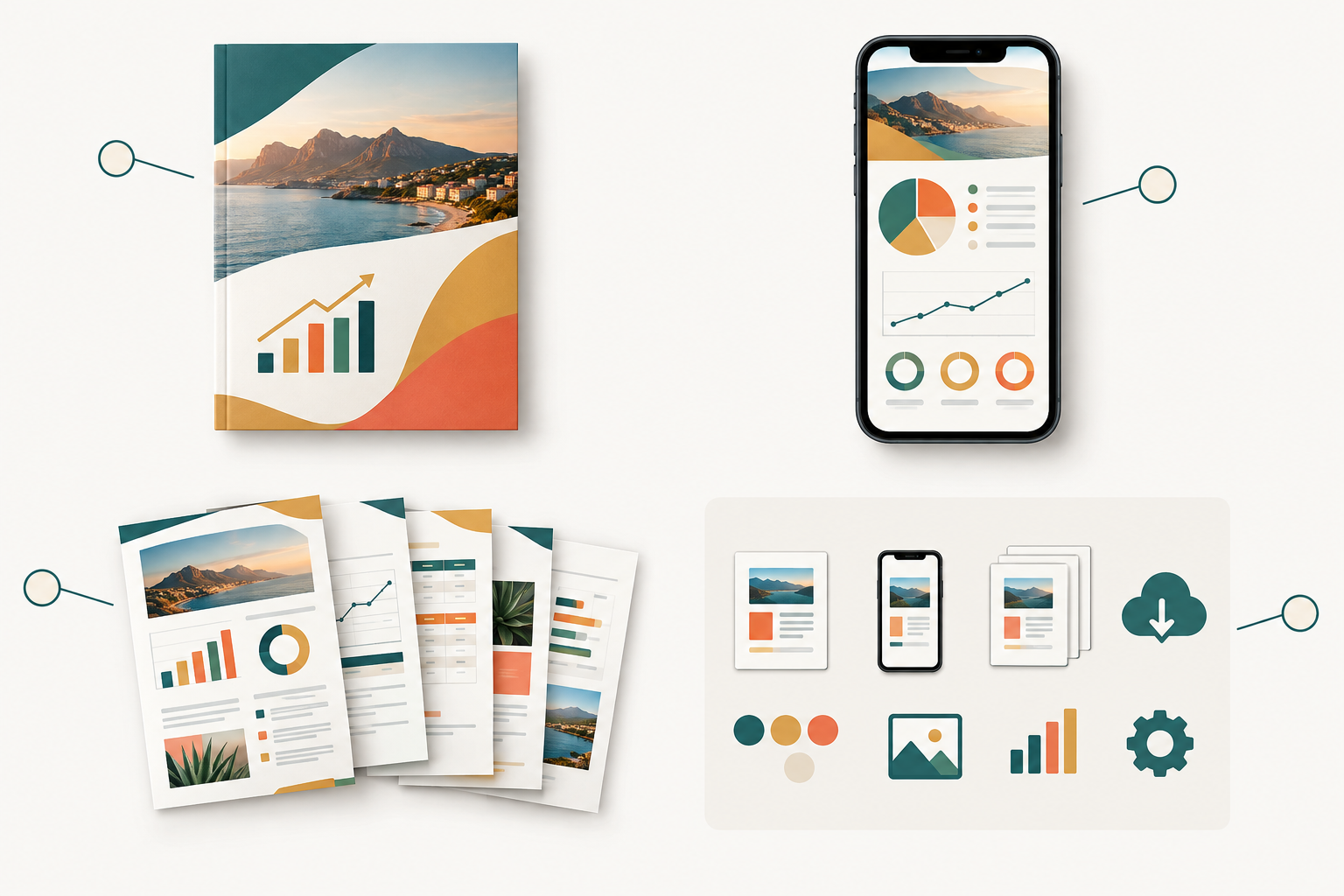
- Build a proper gallery. Use one cover image, 3-5 images showing different pages, and one 'what's included' image covering page count, formats and whether it's editable in Canva Free or Pro.
- Keep text minimal. Most South African shoppers browse on their phones, so if it isn't legible on a small screen, it isn't doing its job.
- Stay consistent. Matching colours, fonts and layouts across listings make your page look like a proper shop.
- Add a short video. A 20-second screen recording of the editing process answers questions before they're asked.
- Protect your design. Watermarks or lower-resolution previews stop people lifting your design straight from the image.
- Sell the benefit. 'Send professional quotes in 5 minutes' beats '10-page invoice pack' every time.
How much should you charge for Canva templates in rand?
These bands are starting points to test, not rules. Check comparable listings in your niche and adjust.
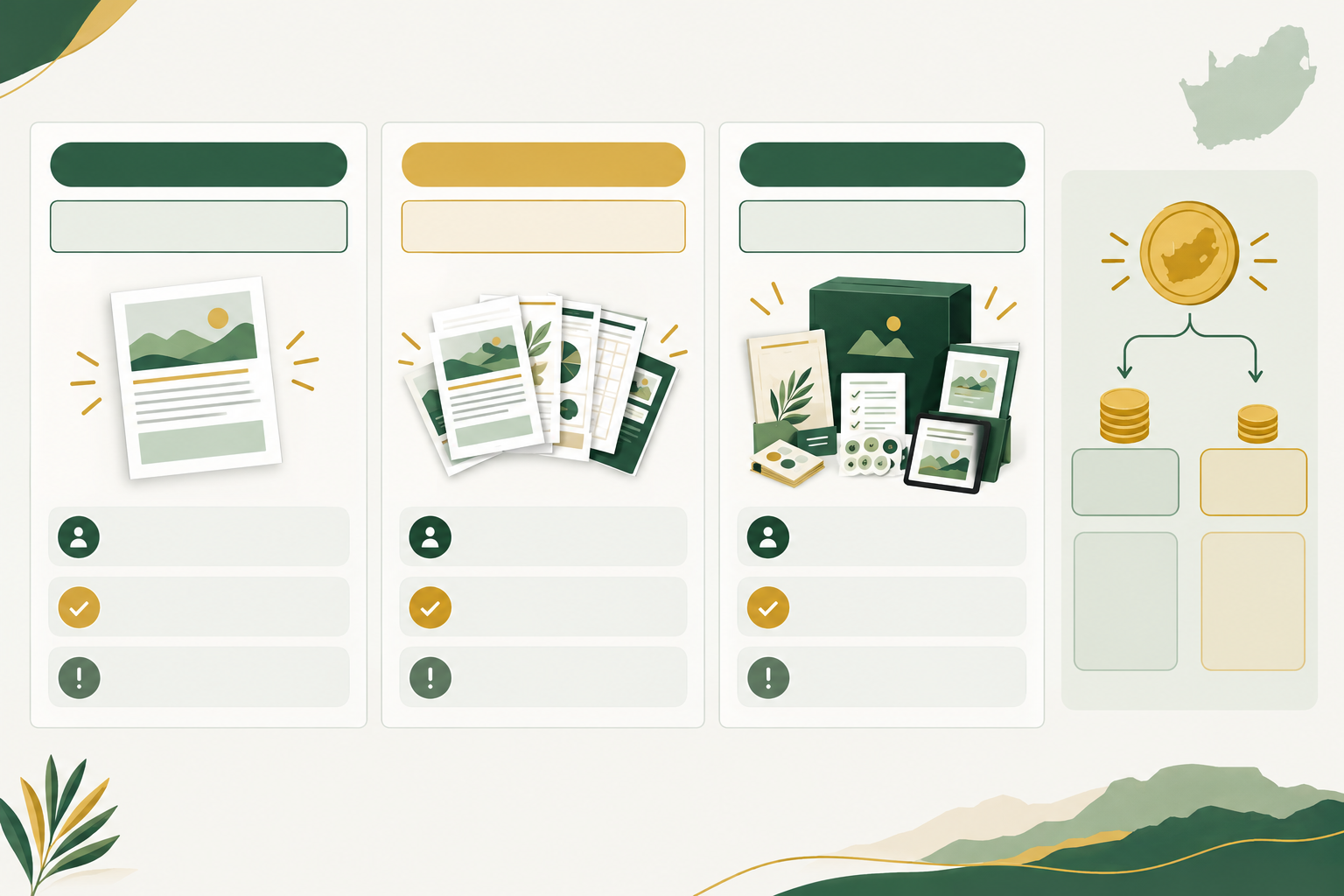
| Approach | Typical price | Best for | Pros | Cons |
|---|---|---|---|---|
| Low-price single template | R49-R149 | New sellers, impulse buys | Easy yes for buyers, quick feedback | Needs volume, low margin |
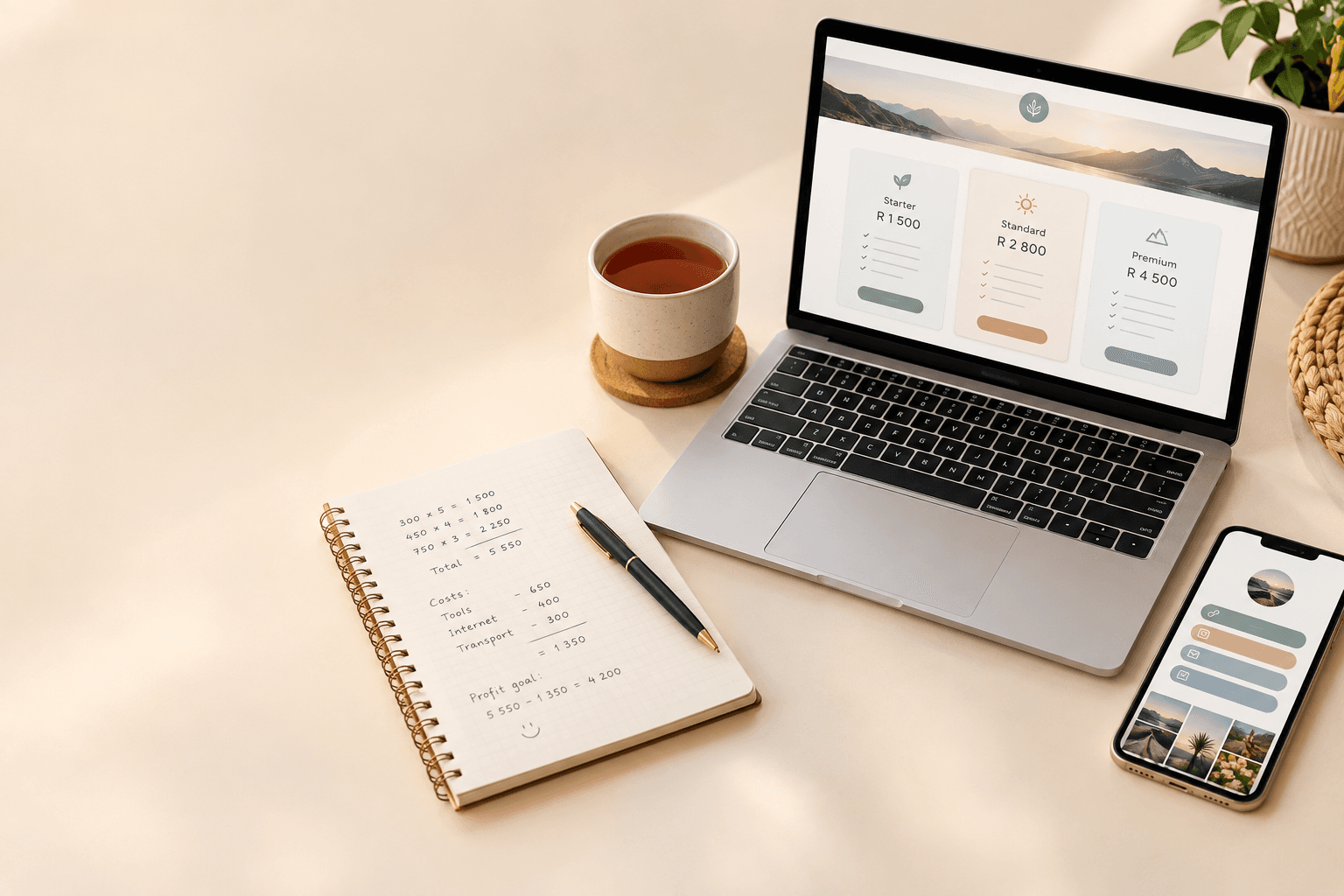
| Bundle of 5-10 | R199-R499 | Cohesive themes (e.g. salon social kit) | Higher order value, strong perceived value | More design time |
| Tiered licence (personal vs commercial) | Personal at base price, commercial higher | Freelancers, agencies, teams | Captures more value from heavier users | Needs clear licence wording |
| Premium niche kit with support | R399-R999 | Complete systems for a specific business | Highest price, loyal buyers | Requires support and updates |
Price your templates against alternatives
Ask yourself what a small business would pay a freelance designer in South Africa. Even a modest job can cost R500 to R3,000, so a R149 template that saves hours is a bargain. It's also worth checking what a similar US template costs in dollars once you convert it to rand. Buyers notice, and local pricing with local relevance is your advantage.
Work out your selling fees
Shopstar has two plans. The Start Free plan has no monthly fee and charges 6% all-in per sale (a 2.9% payment gateway fee plus a 3.1% Shopstar fee). The Lower Fees plan has a monthly fee and charges 2.9% per sale. On a R149 template that works out to:
- Start Free: about R8.94 per sale
- Lower Fees: about R4.32 per sale
That's a saving of roughly R4.62 per sale on the Lower Fees plan. To find your break-even point, divide the monthly fee by that saving. Purely as an illustration, if the monthly fee were R100, you'd need around 22 sales of a R149 template a month before the Lower Fees plan comes out ahead. Check Shopstar's current pricing for the real figure. Just starting out? The free plan lets you test without any monthly commitment.
Don't forget VAT when selling digital products
If you're VAT-registered, remember the 15% and show prices consistently, either all VAT-inclusive or all exclusive. Then experiment with launch pricing, bundle discounts and limited-time offers, but don't keep undercutting yourself. Compare net revenue, not just sales volume.
How to set up automatic Canva template delivery on Shopstar
This is where it all comes together. Shopstar is an ecommerce platform and online store builder that lets you sell from one simple page, so there's no website to build.
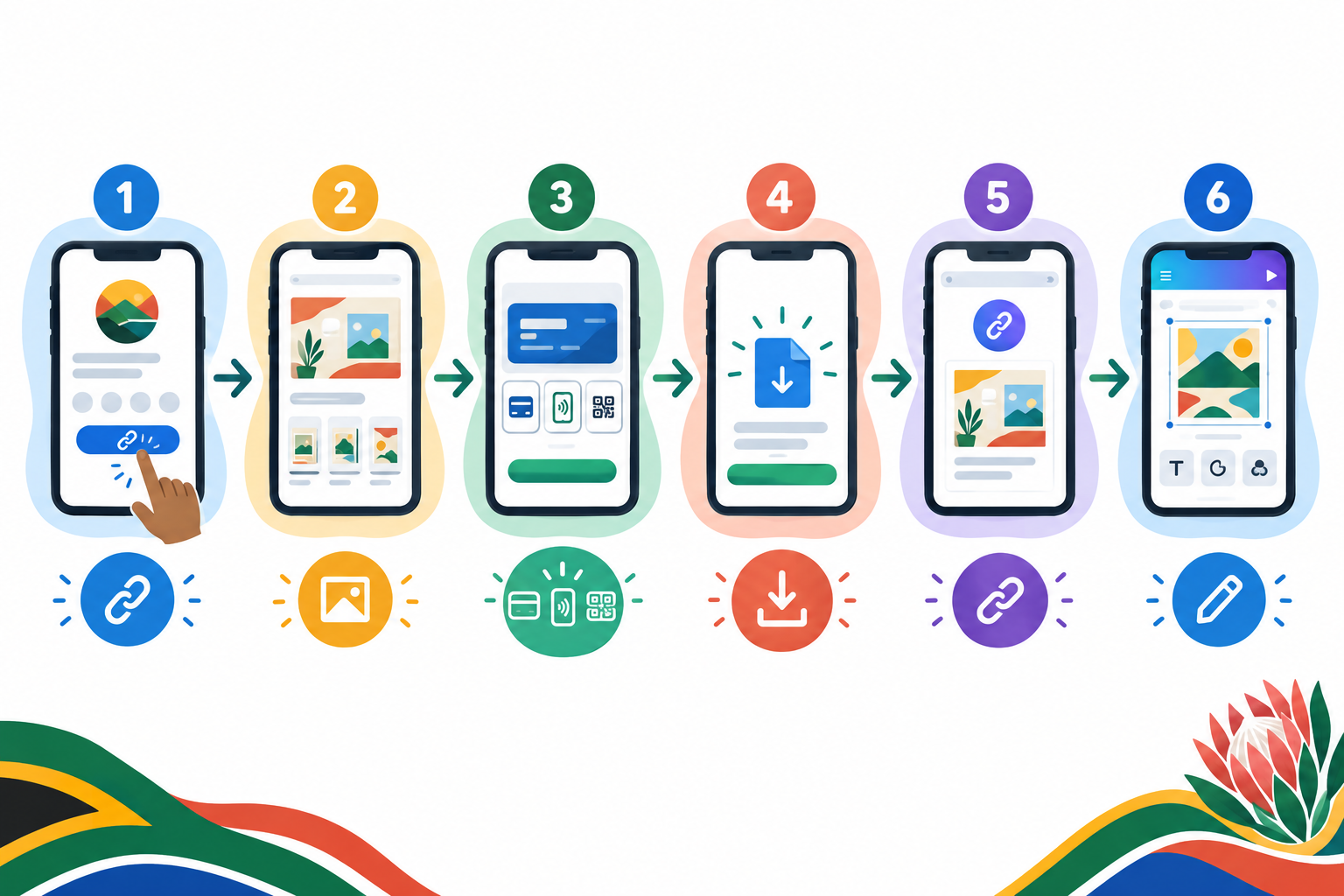
- Claim your page. Pick a custom shopstar.page URL or connect your own domain, then add it to your Instagram, TikTok and WhatsApp bios as your link in bio.
- Add your template as a digital download. Give it a title, a price in rand, a clear description, your preview images and the PDF that contains your Canva template link. Say plainly that it's a digital Canva template and what the buyer receives.
- Let delivery run itself. After payment, the buyer gets the file automatically, so there's no manual emailing at 11pm. (Check Shopstar's current product settings for the latest options.)
- Know the buyer's journey. They browse on their phone, pay with card, Apple Pay or Scan to Pay through Shopstar Go, get instant access, then open the link and tap 'use template' in Canva.
- Enjoy daily payouts. Payment processing is built in, and your money lands in your South African bank account with automatic daily payouts.
- Grow later. One unified checkout can eventually handle more than downloads. You could add a membership site for monthly template drops, a booking system for custom design calls, or event ticketing for a design workshop.
- Use the support. Shopstar offers hands-on onboarding for non-technical sellers, plus AI tools to help manage products, orders and customer data. Those small business tools save a lot of admin.
- Run a test purchase. Buy your own template with a separate email address, and check the payment, the delivery, the PDF and the link on your phone before you announce anything.
How to stop people sharing your Canva template
Let's be upfront: no digital product is 100% shareable-proof, and a template link can be forwarded. The goal is to make fair use easy and casual sharing unlikely. Here's how:
- State your licence clearly on the product page and inside the delivery PDF: single user, no resale, no redistribution. Under the Copyright Act, clear terms give you a basis to act if someone misuses your work.
- Deliver the link inside a branded PDF, not on a public page or in a social post.
- Never show the raw link in previews, captions or public posts.
- Keep your master design private. Buyers should only ever receive a template link, never edit access.
- Add your name, contact details and a copyright notice to the template or instruction file. A discreet order reference in the PDF can also put off casual sharing.
- Offer tiered licences so agencies and teams pay more for broader use.
- Check for copies now and then. Search your template names and send polite takedown requests to marketplaces or platforms where you find reuploads. If a link is badly misused, check Canva's current controls to see whether you can replace it, then send a new link to your legitimate customers.
- Compete on service. Good support, regular updates and a friendly seller are what make people buy from you instead of hunting for a free copy.
How to promote Canva templates on social media 📱
A great template with no audience is a hidden gem nobody finds. Here's how to get yours seen.
- Make your link in bio the hub. Every post points to one page where buyers can see all your templates and pay.
- Show, don't tell. A 15-second Reel or TikTok of you editing an invoice persuades better than a static image.
- Give a little away. Post free tips and mini-templates to build trust, then offer the full pack for sale.
- Go where South African buyers hang out. WhatsApp Status and Channels, Facebook groups for small businesses and local hashtags all work well.
- Collaborate. Partner with micro-creators and local business communities, and share customer results only with their permission (POPIA-friendly).
- Collect reviews. Ask happy buyers for feedback and add it to your page. Social proof matters a lot for first-time buyers.
- Keep a weekly rhythm. Two educational posts, one showcase and one offer is plenty. Track which posts drive sales and do more of those.
Your first-week Canva template launch checklist
- Pick your niche and write one sentence describing who the templates are for.
- Create 3 templates or one starter bundle, and test every template link.
- Design your cover and gallery preview images.
- Write your licence terms and a simple refund policy in line with the CPA and ECTA.
- Set up your Shopstar page, add your products and run a test purchase.
- Announce on your socials with a launch offer, then gather feedback and refine.
You don't need to be perfect on day one. You need to be live, listening and improving. If you'd like to start without a monthly fee, the Start Free plan is a low-risk way to put your first template in front of real buyers.
Frequently asked questions about selling Canva templates
Can I sell Canva templates legally in South Africa?
Yes, as long as you're selling your own original design and following Canva's Content License Agreement and Terms of Use, including the rules on Pro content, fonts and third-party elements. You should also be clear about your terms and refund policy (ECTA and the CPA), handle buyer data responsibly (POPIA) and declare your income to SARS. This is general guidance, so check the latest Canva terms and speak to a professional if you're unsure.
How do customers receive a Canva template after buying?
After payment, the buyer automatically receives a download, usually a PDF containing your Canva template link and instructions. They click the link, choose 'Use template' and edit their own copy in Canva. With Shopstar, this delivery happens straight after checkout.
What should I charge for Canva templates in rand?
Single templates commonly sit between about R49 and R149, bundles between R199 and R499, and specialist business kits can go higher. Start with a price that reflects the time your template saves a buyer, then test. Remember to account for payment fees, and for VAT (15%) if you're registered.
How do I stop people sharing my Canva template file?
You can't stop it completely, but you can cut it down. Use clear licence terms, deliver the link inside a branded PDF, never post the link publicly, offer tiered licences for teams and watch for unauthorised copies. Great support and updates also give buyers a reason to buy from you.
Do I need a website to sell Canva templates?
No. A single Shopstar page that you share as your link in bio is enough to list templates, accept payments and deliver downloads automatically. You can connect your own domain later if you want.
Do I need to register for VAT?
VAT registration is compulsory once your taxable turnover exceeds R1 million in any 12-month period, and voluntary from R50,000. VAT in South Africa is 15%. Many new template sellers fall below the threshold, but an accountant or SARS can confirm what applies to you.
How much does it cost to sell on Shopstar?
The Start Free plan has no monthly fee and charges 6% all-in per sale, made up of a 2.9% payment gateway fee and a 3.1% Shopstar fee. The Lower Fees plan has a monthly fee and charges 2.9% per sale. On a R149 template, that's roughly R8.94 versus R4.32 per sale, so the right plan depends on how many templates you sell each month.